Introducing Slack Code
Now building is a team sport
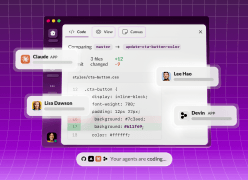
Slack Code brings you, your teammates and AI agents together to build in the open. Just mention an agent to create a code channel, pull in your team and watch the work come to life. Watch the demo now.

Session#bug-button-darkmode
Comparing
master → update-cta-button-color1commit
3 fileschanged
+12−9
styles/cta-button.css
12.cta-button {13 display: inline-block;14 font-weight: 700;15 padding: 12px 22px;16 background: #7c3aed;17 background: #611f69;18 color: #ffffff;19 border-radius: 8px;20}21 22.cta-button:hover {23 background: #8b52f0;24 background: #7c3085;25}BuyNowButton.tsx

#bug-buy-now documentation
Overview
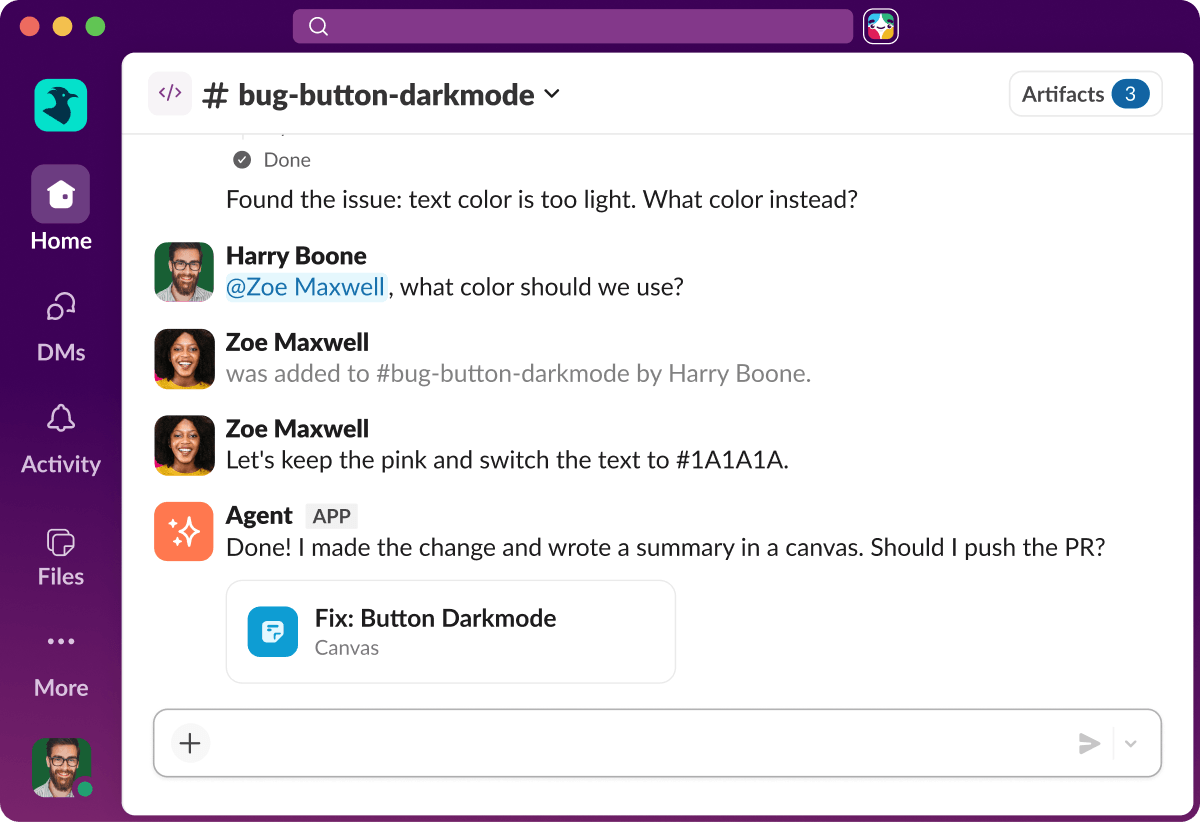
The ‘Buy now’ button label is difficult to read in dark mode. Support flagged reports of the text nearly disappearing against the button’s pink background on some devices.
Root cause
The button’s label colour was set to a light grey value intended for dark-mode surfaces, but it was mistakenly applied to the button text as well. Against the yellow background, this produced a contrast ratio well below accepted accessibility thresholds. The button's background colour is not affected by theme switching.
Agent
I found the issue: the text color is too light. What color should we use instead?

Zoe Maxwell
Let's swap the background to #611f69 and the hover state to #7c3085.
Agent
Complete! Check out the updates we made:
Fix: Button DarkmodeCanvas