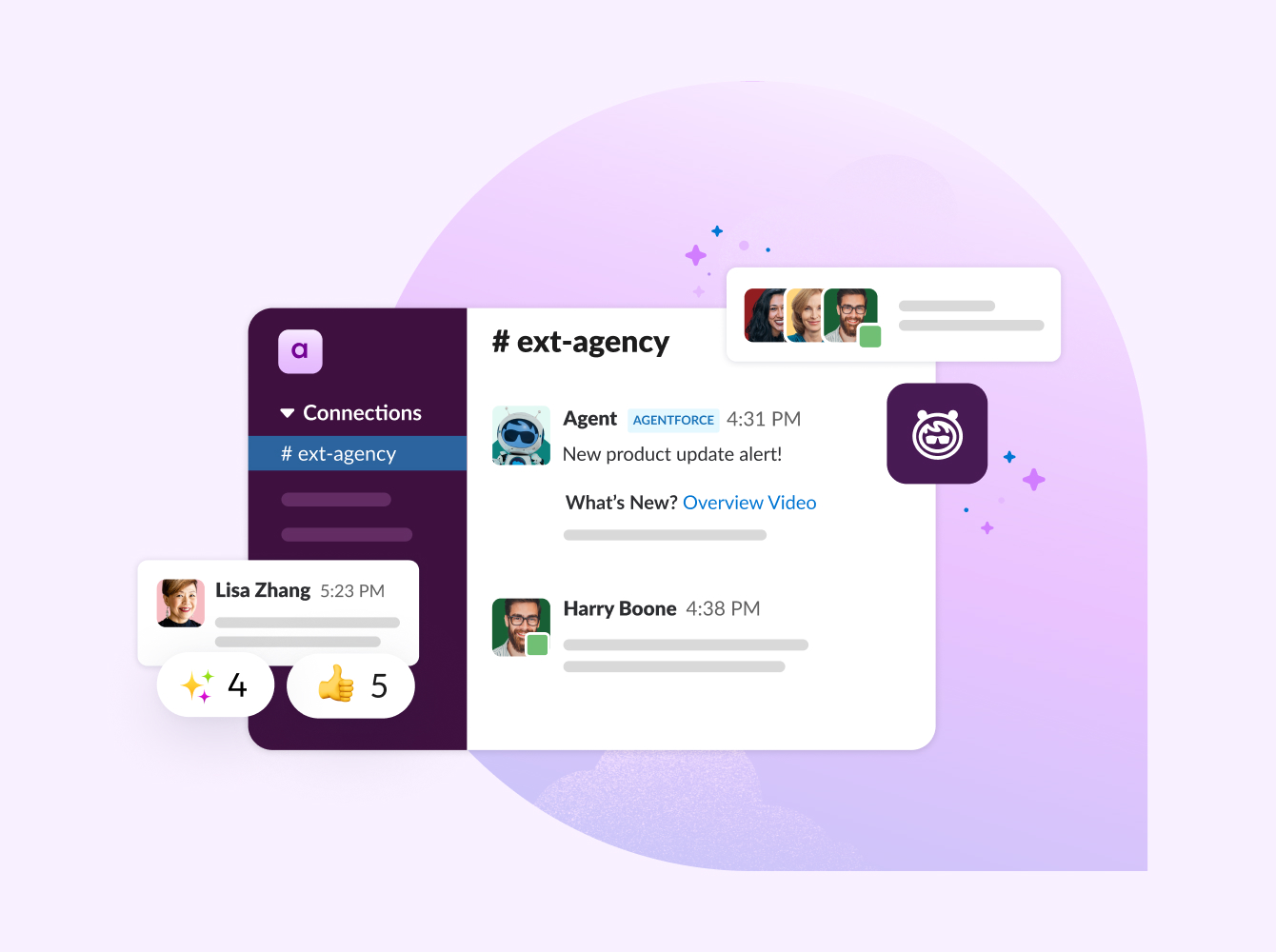
Slackbot is Slack’s built-in AI agent for personal productivity, helping you find information, prepare for meetings, and organize work directly in Slack.
It plays a key role in Slack’s agentic operating system, where people can leverage AI and automation tools while collaborating with each other easily using shared conversations, files, and data. Slack centralizes your apps and enterprise knowledge into one place — and Slackbot helps you navigate, plan, and act on it. With Slackbot, you can find information quickly, stay up to date, and take actions without switching tools.
Slackbot works by adapting to the context of your workspace. With natural-language interactions, it recognizes your patterns and preferences to provide you with fast, personalized support, making your workload lighter.
What is Slackbot?
Slackbot is your personal AI agent for work, built natively in Slack. You can talk to it the same way you’d ask a coworker a question in a chat. It can help you find what you need anywhere within your Slack workspace and figure out what to do next — whether it’s preparing for a meeting, analyzing documents, or building content.
It can look through the permissioned messages, files, and connected data you have access to via Slack integrations and pull the relevant parts together for you. Instead of hunting through channels, calendars, meeting recordings, and internal notes to remember where a piece of information was mentioned, you can ask Slackbot and get a plain-language answer and a link to the context.
You can also ask it to take on tasks in your everyday workflow that help you get things done faster — like pulling key takeaways from a document or generating a list of next steps after a discussion. Slackbot can help you stay on top of project deadlines, prep for and recap meetings, analyze and summarize information, and keep your to-dos organized.
Slackbot vs. other bots
Slackbot is your personal AI agent that’s been built to partner with you so you can get work done easier and faster in your existing workspace.
Here are some of the things that make Slackbot different from other chatbots:
- Personalized: Slackbot knows you and adapts to your professional tone, your style, and the kinds of tasks you usually handle. Its hyper-intelligent responses and suggestions are relevant to how you work and provide consistent, quality output.
- Context-aware: Slackbot starts with your work context from day one. It caters to your role on a team, using the permissioned messages, files, and connected apps you can access to help understand your work priorities. This built-in context is more accurate, relevant, and useful in taking action because it instantly understands you and your work.
- Slack-native: Slackbot lives in the heart of the workspace and operating system you already use, so you don’t have to shuffle between programs. Slackbot will tap into the automated workflows, integrated apps, and project management tools you already have set up in Slack. There is nothing to install, nothing to learn, and nothing new to manage. You simply start a conversation with Slackbot, and it understands what you’re asking and the context behind it.
- Secure: Slackbot operates under the same security and compliance standards that apply to Slack. As your personal AI agent, it factors in your role in the workspace, ensuring that it only taps into information you have permission to access.
How to use Slackbot
Slackbot is designed to be a convenient, personal AI agent that helps you find answers and run projects as you work within Slack. You don’t need to learn new commands — you interact with Slackbot through simple conversation using the same Slack features you already use.
Where you’ll find Slackbot in Slack
Slackbot is ready wherever you’re working:
- In the sidebar: Slackbot has a space in your sidebar where you can start a private conversation. This is useful for asking questions, checking priorities, or working through more-complex requests without distracting others.
- Inside channels: When you’re in a channel, Slackbot can help you catch up or understand what’s been discussed. It can summarize missed messages or surface key context so you can quickly get oriented and join the conversation.
- In canvases: Slackbot works alongside you in canvases, helping you create and refine project briefs, meeting agendas, recaps, or plans. You can ask it to pull context from conversations and turn it into something structured and shareable, all in the same view.
- In your message composer: As you’re writing a message, Slackbot can help by drafting responses, explaining unfamiliar terms, or suggesting clear wording so you don’t lose momentum while communicating.
- Across your tools: Slackbot can draw on information from files and integrated apps connected to Slack, such as Google Drive or Salesforce. This lets you ask questions and get answers that span tools without leaving Slack or switching tabs.
What Slackbot can do: five key features and tools
Slackbot has updated capabilities that help you become even more productive at work. These are just some of the valuable ways teams use Slackbot, along with example prompts you can try right away.
1. Search and synthesize work across Slack
Slackbot can scan the conversations, files, and canvases you have access to and pull together the most valuable information. It helps turn scattered updates into a clear picture you can act on.
Try asking:
- “What’s happening with my team today?”
- “Summarize recent discussions about our API integration.”
- “Catch me up on this channel from the past three days.”
2. Make sense of complex documents
When information lives inside long decks, reports, or threads, Slackbot helps surface the key points. It can highlight risks, decisions, and next steps without requiring you to manually review the content.
Try asking:
- “Summarize the key risks in this pipeline forecast.”
- “What are the main takeaways from yesterday’s all-hands deck?”
- “Find action items from discussions I’ve been involved in.”
3. Draft briefs, updates, and plans
Slackbot can generate polished drafts using the tone and context of your workspace. Teams use it to prepare project briefs, meeting agendas, and executive summaries that reflect existing conversations and decisions.
Try asking:
- “Draft a project brief from these meeting notes.”
- “Create a launch plan based on recent product discussions.”
- “Write an update for my manager about what I worked on last week.”
4. Prepare for meetings and daily priorities
By pulling from messages, files, and calendars, Slackbot helps you organize your day and come to meetings prepared. It can assemble briefings that combine context from multiple sources into one view.
Try asking:
- “What are my priorities today?”
- “Help me prepare for my 1:1 with my manager.”
- “Summarize this account history into a canvas for my next meeting.”
5. Create and update canvases
When information needs to be shared or worked on collaboratively, Slackbot can turn request responses into canvases. These are living documents within Slack that teams can edit, comment on, and refine together.
Try asking:
- “Create a recap canvas from this channel.”
- “Turn this discussion into a planning document.”
- “Update the project canvas with the latest decisions.”
Slackbot benefits: how it can help your team
Slackbot helps teams work more productively by reducing the time spent searching for information, building context, and preparing for ongoing tasks like meetings and project handoffs.
Instead of work slowing down as conversations spread across channels and tools, Slackbot pulls the right context together so teams can stay focused on what matters next.
Across roles, Slackbot supports faster, better-informed decisions by turning ongoing conversations into usable insights. Marketing teams use Slackbot’s capabilities to understand brand sentiment across customer channels. Sales teams rely on it to review pipeline risks and prepare summaries for leadership. Service, engineering, and IT teams tap Slackbot for analyzing patterns, surfacing issues, and preparing action plans using the comprehensive history already captured in Slack.
Slackbot also supports productivity at the individual level. It can pull together meeting context, highlight priorities, and summarize recent work so you spend less time getting ready and get working faster.
More ways Slackbot helps you move through your workday
Slackbot can be used in several specific ways to help you be more productive, informed, and prepared. Here’s how people are incorporating Slackbot every day for personalized and efficient assistance:
- Start the day with clarity: Ask Slackbot to summarize priorities, meetings, and messages that need attention.
- Prepare for meetings faster: Get context on attendees, past discussions, and any unresolved issues before you join.
- Find people and expertise: Ask who has worked on similar projects or whom to contact about a specific topic.
- Spot patterns early: Review trends across conversations, such as recurring issues or common questions.
- Support ongoing work: Summarize recent updates in a channel or pull action items into a shared canvas.
- Get ready for 1:1s: Review recent wins, blockers, and project updates before meeting with your manager.
- Prepare written updates faster: Turn recent activity into clear written updates for stakeholders, without starting from scratch.
Slackbot security, compliance, and data integrity
Slackbot is built on Slack’s enterprise-grade trust foundation — the same security model used across the Slack platform. Every interaction protects user data and meets the security expectations of teams working with sensitive information. That foundation is built on these principles:
Data isolation
Slackbot does not use data to train large language models. Your information stays within your organization’s environment and is used only to support your work in Slack. This ensures that teams adopt artificial intelligence with confidence, knowing their data remains isolated and protected.
Secure infrastructure
Slackbot operates within Slack’s AWS virtual private cloud, following established enterprise security practices. This infrastructure supports encryption, compliance requirements, and rigorous safeguards that protect data as it’s processed and surfaced inside Slack.
Permission-based access
Slackbot respects the permissions already in place in your workspace. It only surfaces information you are allowed to access based on channel membership, file permissions, and other existing controls. Private conversations stay private and restricted content remains restricted, even when Slackbot is summarizing content or answering questions.
AI guardrails and governance
Slackbot follows Slack’s AI guardrails, which apply consistent safeguards across AI-powered features. These guardrails protect privacy and support responsible use as teams adopt AI across their organization.
Getting started with Slackbot
Slackbot is built directly into Slack, so there’s nothing new to install or manage. Access to Slackbot and its capabilities depends on your organization’s Slack plan; it’ll be available to Business+ and Enterprise+ customers and rolling out through January and February.
To find out how Slackbot fits into your existing setup, start with your Slack administrator or account team. They can clarify feature availability and how Slackbot works alongside Slack features like workflows, integrations, and agents.
Want to see a personal AI agent in action? Watch a demo showing the many ways Slackbot can help you manage information overload and simplify your workflow.
Since Slackbot works within the work operating system your team already uses, getting started is as simple as asking questions and applying it to your everyday work.
Slackbot FAQs
How is Slackbot different from other AI tools?
Slackbot understands the conversations and tools you already use, so responses are grounded in real work. While many AI workflow automation tools live outside daily collaboration, Slackbot brings intelligence into the flow of work itself. It also connects to Slack’s broader AI system, Agentforce.
How do I set a reminder using Slackbot?
You can automate reminders in Slack by asking in plain language. For example, you might say, “Remind me to follow up with the client tomorrow” or “Remind me about this message on Friday.” Slackbot interprets your request to set reminders inside Slack, keeping follow-ups tied to the conversations and work already in progress.
How does Slackbot personalize responses?
Slackbot adapts to how you work by using the context you have access to in Slack. Over time, it responds based on the types of questions you ask, the projects you’re involved in, and the tone you use. This makes responses feel more relevant and aligned with your day-to-day workflow.
What information does Slackbot have access to?
Slackbot can access the messages, channels, files, canvases, and connected tools that you have permission to view. It respects the existing access controls, meaning it does not surface information from private channels, files, or systems you cannot access.
Does Slack use customer data to train large language models?
Data from Slack’s customer base is not used to train large language models. Slackbot operates within Slack’s enterprise trust framework, applying security, privacy, and data-handling practices to each individual organization so information used within Slack stays protected.
 Awesome!
Thanks so much for your feedback!
Got it!
Thanks for your feedback.
Oops! We're having trouble. Please try again later!