Slack Feature Drop

A fresh fall of features to help you glide through your winter work.

Feature highlights
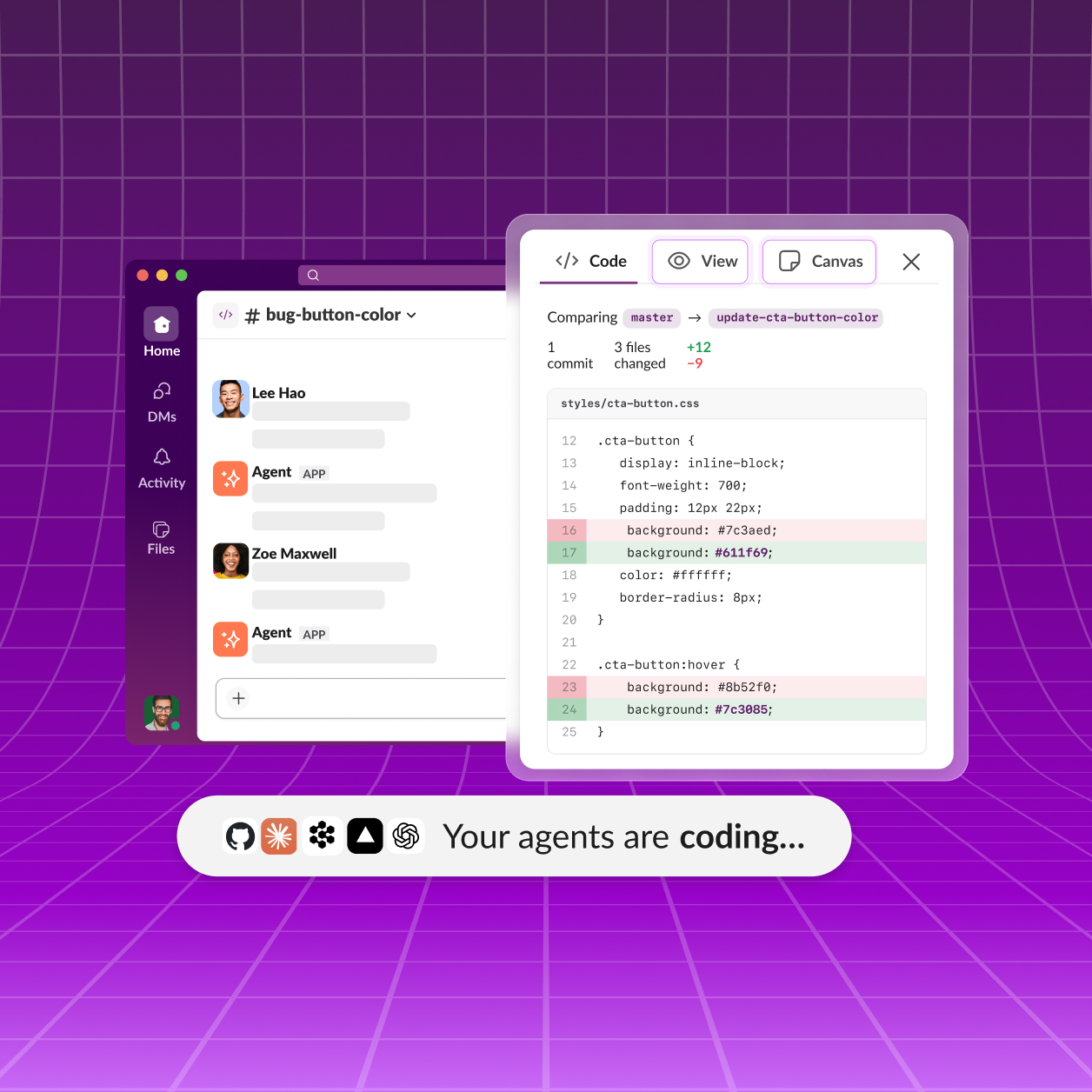
Slackbot
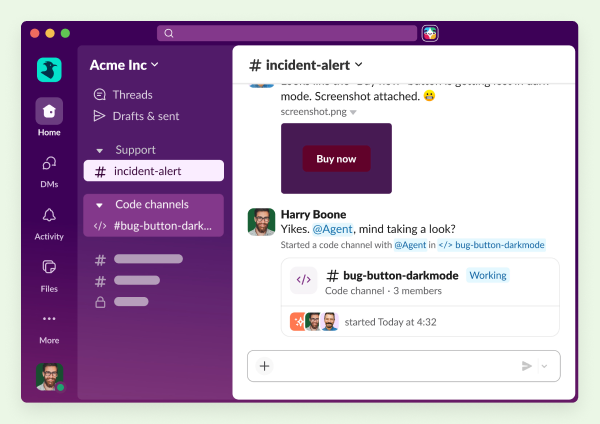
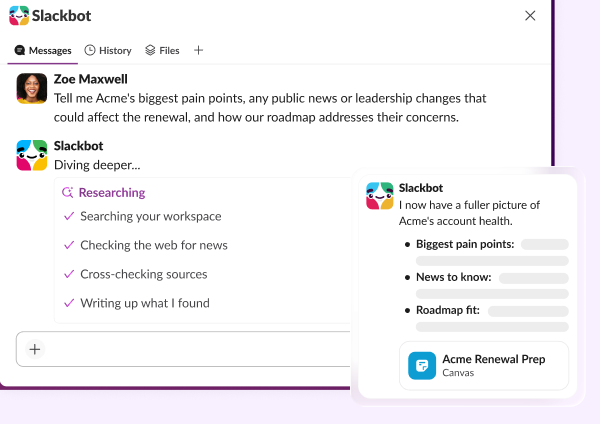
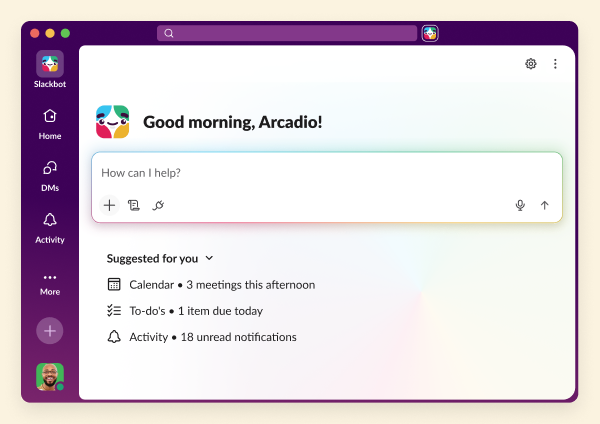
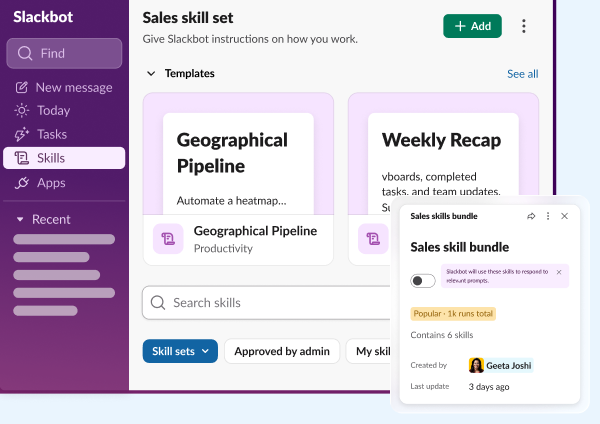
Slackbot
Your personalized, context-aware AI agent for smarter work.
Learn more
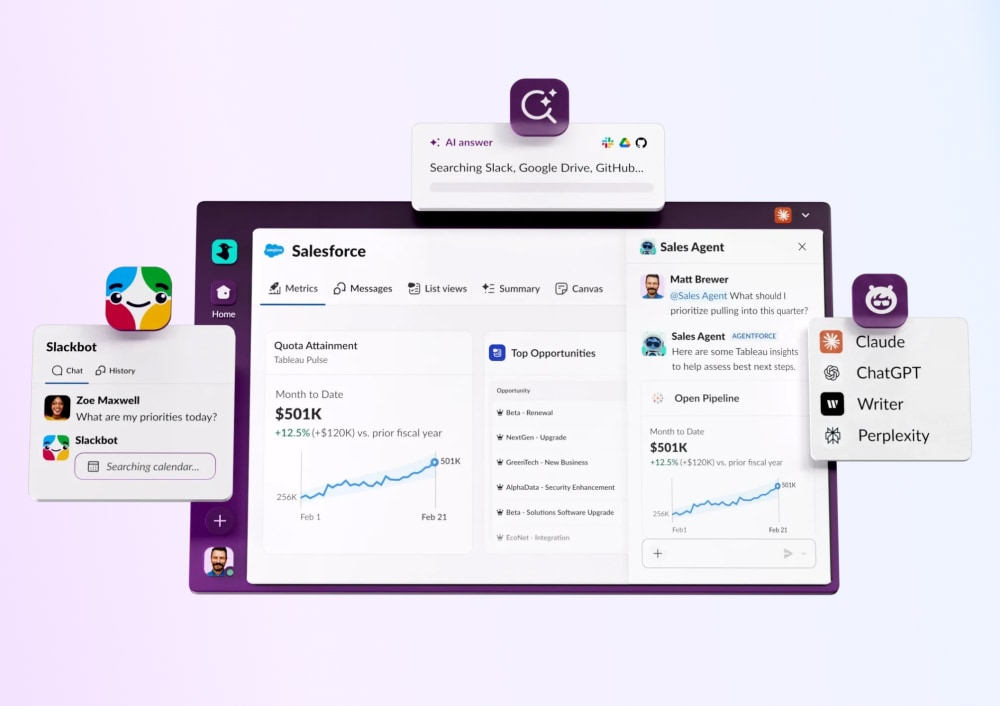
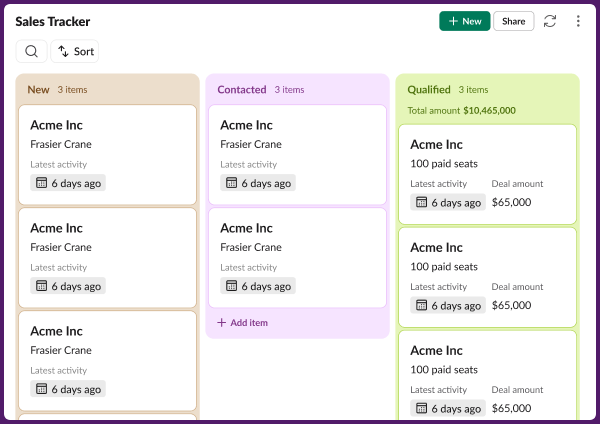
Salesforce in Slack
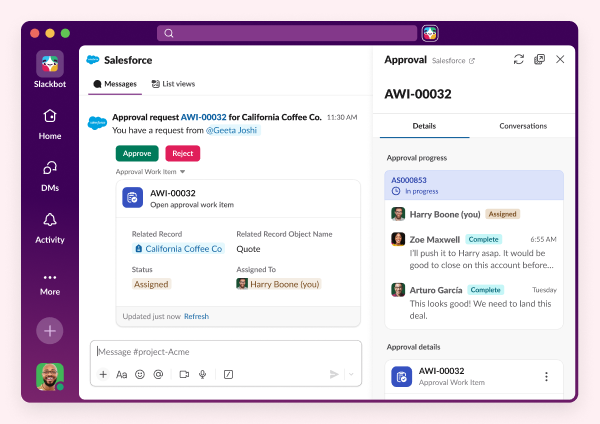
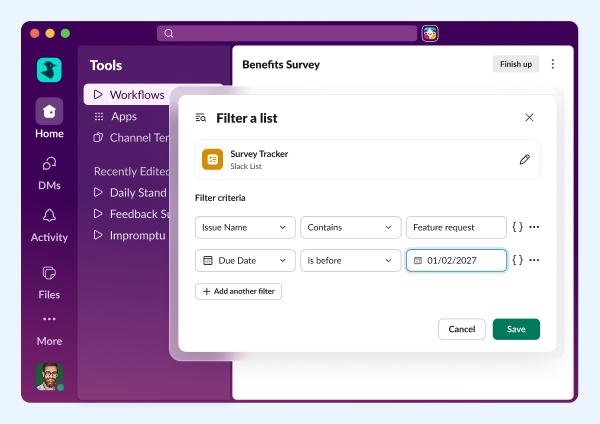
Salesforce in Slack
Agentforce powers Salesforce CRM experiences seamlessly in Slack.
Learn more
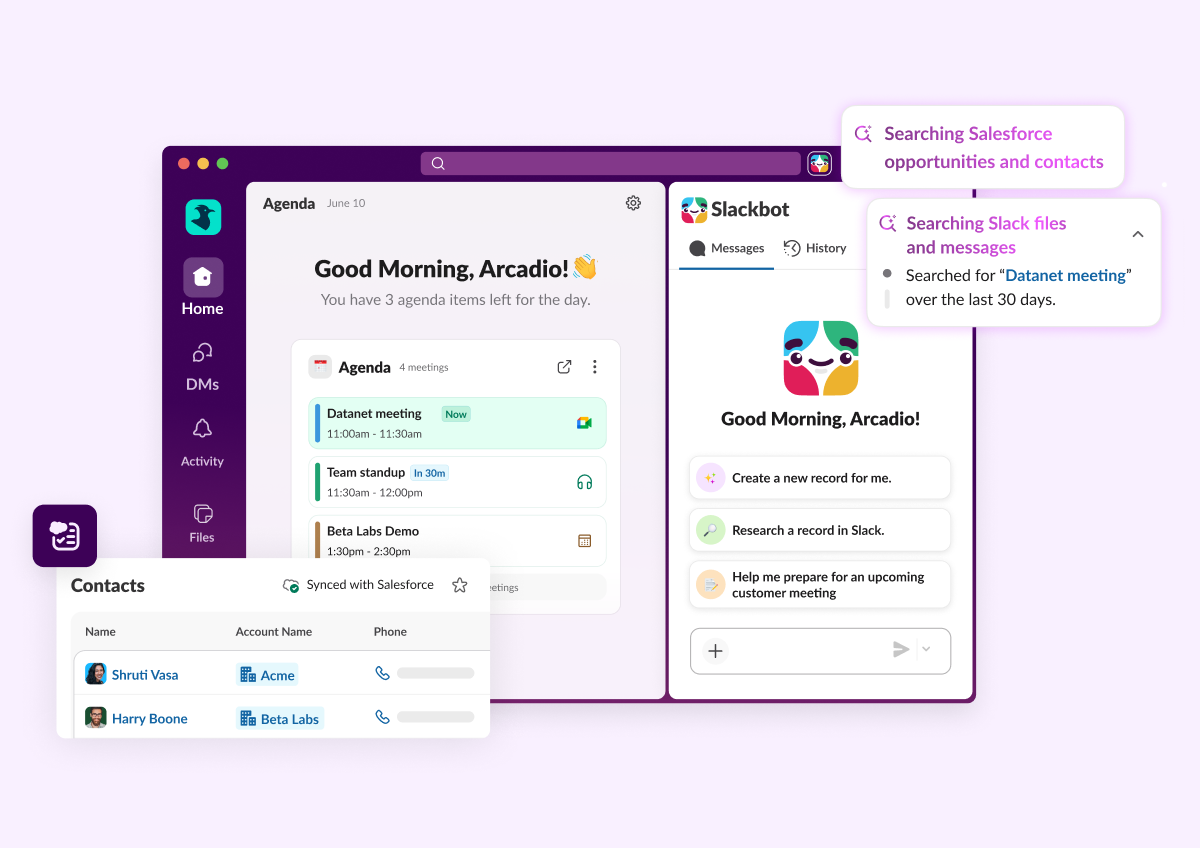
Enterprise search
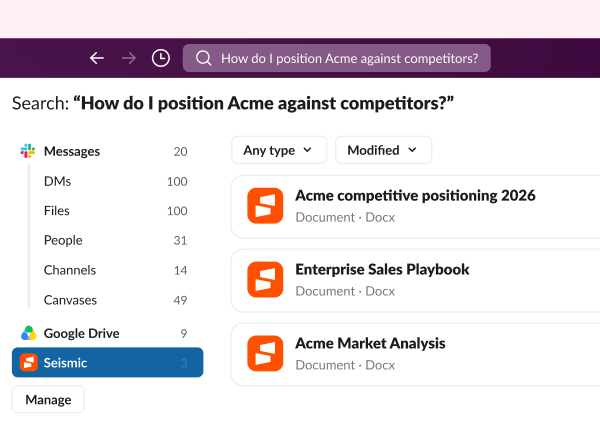
Enterprise Search
Unifies company knowledge so you can find files, messages, and data fast.
Learn more
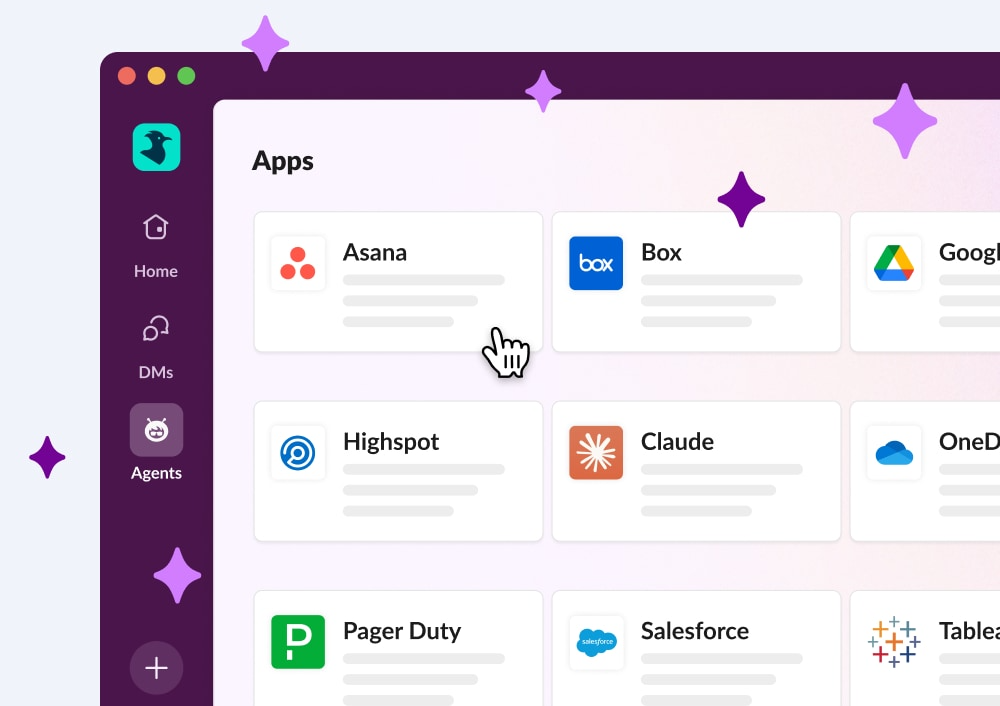
Third party AI Agents
Third Party AI Agents
Innovative AI companies are delivering smart, native Slack apps powered by data.
Learn more
Feature highlights
Slackbot
Slackbot
Your personalized, context-aware AI agent for smarter work.
Learn more
Salesforce in Slack
Salesforce in Slack
Agentforce powers Salesforce CRM experiences seamlessly in Slack.
Learn more
Enterprise search
Enterprise Search
Unifies company knowledge so you can find files, messages, and data fast.
Learn more
Third party AI Agents
Third Party AI Agents
Innovative AI companies are delivering smart, native Slack apps powered by data.
Learn more

All Updates

30 JAN 2026
Link Copied!
New Feature

Slackbot

Personal AI agent for work that understands and leverages the context of your entire workspace to take action and help you get real work done.
New Feature

Slackbot Analytics

Slackbot AI adoption and usage trends have been added to the existing AI analytics dashboard.
New Feature

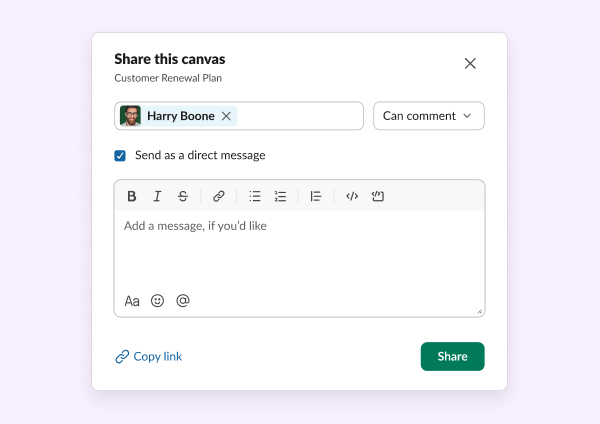
Slackbot Shareable Prompts

This update enables users to share Slackbot AI prompts via links and unfurls, alongside UI improvements to streamline the prompt experience.
Feature Enhancement

New Agent Sunroof Experience

Our new agent sunroof experience allows you to add and remove agents right from the sunroof. You can search from an empty state to find and add agents.
New Feature

Salesforce Data Fields in Canvas

Salesforce data fields embed live, bi-directionally synced Salesforce data in canvases, enabling in-place viewing and editing with Salesforce-governed permissions.
Feature Enhancement

Canvas Analytics Shares and Reactions

Canvas analytics now have added trend lines for shares and reactions, and a chart to visualize overall canvas usage.
Feature Enhancement

Work Objects Enhancements

Work objects now include full-width file previews, easier editing, better compact unfurls, visual enhancements and educational coachmarks.
New Feature

Automated Workflow Message Posts

Use no-code workflow feature that enables messages to automatically post in private channels based on keyword triggers.
New Feature

Alt Text Reminders for Accessibility

Users who want to keep their workspace inclusive to low-vision and blind coworkers can now opt-in to reminders to add alt text to images they upload to Slack. Admins can also turn on these reminders for their orgs.
Feature Enhancement

New Salesforce Automations

Manually created Salesforce channels can now automatically trigger setup actions such as adding users, sending messages, and attaching canvases.
17 DEC 2025
Link Copied!
New Feature

Share AI Answers

Enables users to share AI responses across Slack, turning individual insights into team knowledge by easily sharing AI search results with context intact.
Feature Enhancement

Notifications 2.0

Notifications 2.0 simplifies alerts across desktop and mobile with less noise, clearer channel settings, improved push toggles, better mobile controls, and advanced unread badge options.
Feature Enhancement

Real-Time Metrics in App Analytics Dashboard

See real-time consumption of messages and files by apps in the App Analytics dashboard.
Feature Enhancement

Show Related Slack Conversations for Salesforce Records

View related Slack conversations directly in Salesforce to quickly find channels and message threads discussing a specific record.
Feature Enhancement

Huddles Windowing and Toolbar Revamp

Huddles now launch in a new mini-player with a persistent docked bar and refreshed toolbar, giving easier access to canvases, threads, and reactions in every window.
Feature Enhancement

Omniswitcher Filter Improvements

Search bar filters are easier to use with improved @ and # tagging, smarter filter suggestions, and quick links for common filters like people and channels.
Feature Enhancement

Desktop Split View

Split view is back, letting you pin agents, threads, channels, canvases, or apps side-by-side so you can keep navigating while referencing content.
New Feature

Unified Browser on Android

Unified Browser on Android now supports all file types, including third-party and media files, with an improved empty state experience.
New Feature

Group DMs in User Profiles - Desktop Release

User profiles on desktop now show all shared group DMs, making it easier to find and jump into your conversations with a specific person.
New Feature

Mobile AI Explain

AI Explain is now on mobile, delivering instant, context-aware explanations in Slack to reduce jargon friction and keep everyone aligned without leaving the app.

Frequently Asked Questions

Slack regularly releases new features and improvements to help teams work faster and stay connected. This page shows the latest Slack updates, including productivity tools, AI features, integrations, and collaboration enhancements.

Slack typically ships new features and improvements every few weeks. Updates range from small enhancements to major product launches.

You can find the most recent Slack updates on this page under "All Updates." Older updates are available further down in the release timeline.

Most Slack updates are rolled out automatically to all customers. Some features may appear gradually depending on your plan, region, or admin settings.

Slack releases updates across messaging, automation, AI features, security, integrations, and workflow tools. Each update is designed to improve productivity and team communication.

Each release includes a summary and a link to learn more about that feature. You can click into any update to explore how it works and how to use it.

Yes. Slack releases features across different plans. Some advanced capabilities may only be available on paid plans, while many updates improve the experience for all users.

Slack updates highlight what's new at a high level. Release notes are typically more technical and detailed, while this page focuses on what's new and why it matters.

In most cases, yes. Once a feature is released to your workspace, you can start using it immediately. Some features may require admin permission.

You can bookmark this page to check the latest updates, or follow Slack announcements through email and in-product notifications.