Halloween is the one night a year you open the door and hope for treats. Your workday should work the same way. This month’s release has no scary surprises, just upgrades that save you time and keep work moving.
Treats for your daily workflow
The best treats are the small ones that make the day a little sweeter. This month, your to-dos, channels, and sidebar get a cleanup, so you can stop digging through the cobwebs. Nothing to fear here. You’ll spend less time hunting and more time getting things done.
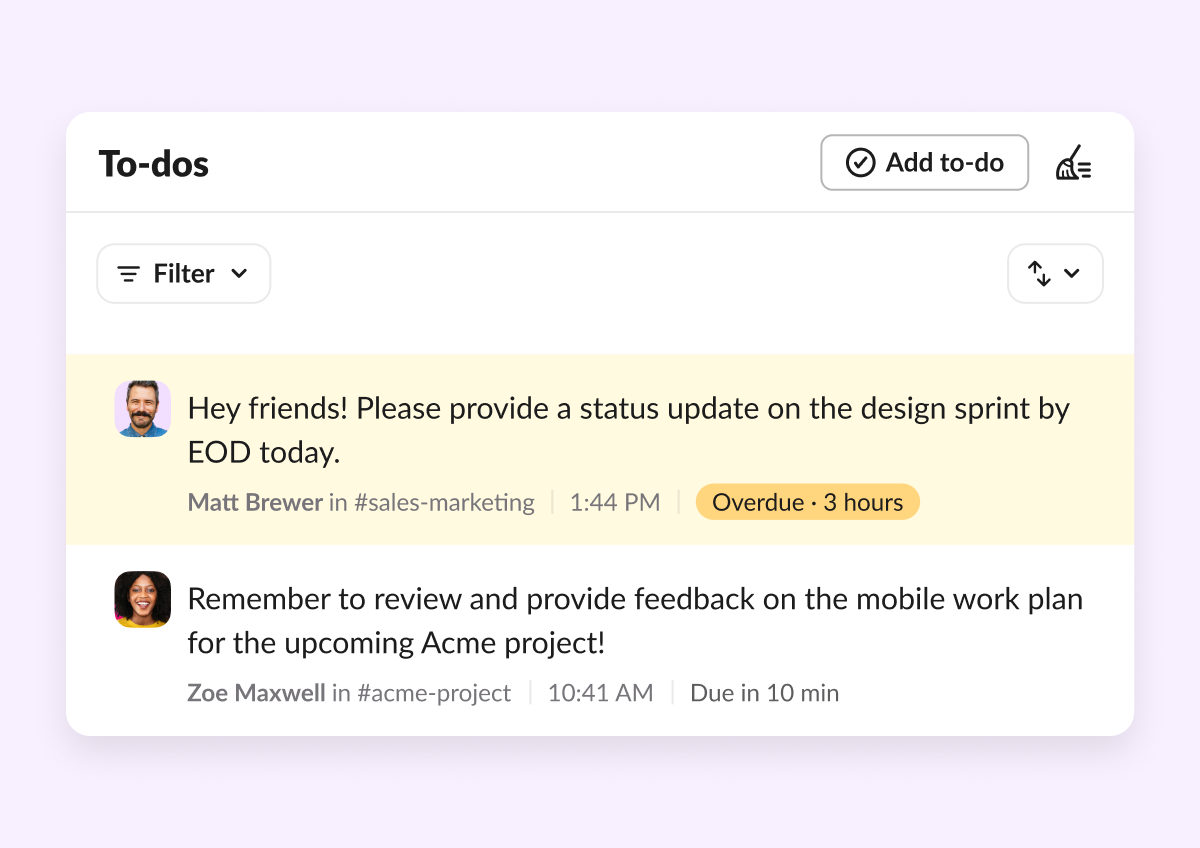
- To-Dos & Saved pages: To-dos are less cluttered now, and everything you’ve saved has a home. In-progress and complete items live in one unified list instead of separate tabs. A new Saved page holds everything you’ve archived or bookmarked. Bulk actions, new filters and sorting help you move faster. Slackbot can also create, complete, and update your to-do reminders for you. Less digging, more doing.
- Channel Insights: See how your channel is really doing, right inside the channel. Channel Managers get a new analytics view with activity trends and top messages, updated in near real time. Export it all to CSV when you need to share.
- Reorder navigation bar items: Arrange your left sidebar tabs in the order you use them. Set it once, and your most-used tabs are right where you expect them.
- Agents in the DM sidebar: Your agents now sit right next to your teammates. Apps marked as agents, plus Slackbot, show up in the DM sidebar and the DM section of Home. Prefer it quieter? Opt out in Preferences.
Slackbot, now in your corner (no summoning required)
No cauldron or magic words needed. Slackbot used to wait for you to summon it. Now it can appear the moment something happens, and it’s always a click away on your menu bar. You decide how much to hand off, from “ask me first” to “always for this task.”
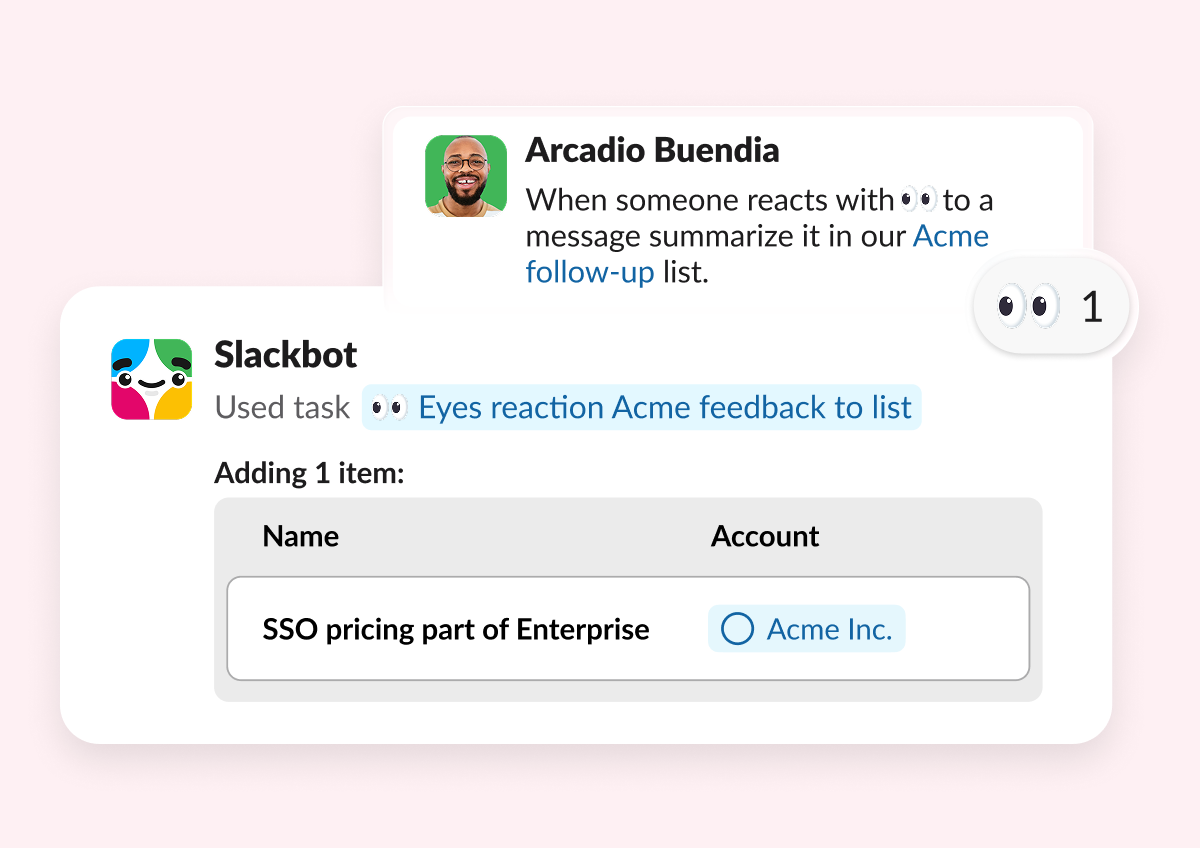
- Event-Triggered Tasks: Slackbot now acts the moment something happens, no prompt needed. When a deal moves stages in Salesforce or a win posts in a channel, Slackbot gets to work. You choose how much to delegate, from “ask me first” to “always for this task.”
- Slackbot Mini: Full Slackbot now lives in a floating window on your menu bar. Reach it from a doc, a call, or another app without opening the Slack client. Ask, get your answer, get back to work.
- Start conversation with Slackbot / Agent in Workflow Builder: Two new workflow steps kick off a conversation with Slackbot or an agent. Write your prompt once and add workflow variables to personalize it. When the workflow runs, the conversation opens in the user’s sidebar with your prompt already sent. For Slackbot, you can add skills and knowledge sources, and it can pass structured outputs back to the rest of your workflow.
Build with agents, out in the open
Agents do their best work where your team can see them, not lurking in the dark shadows. These new tools bring agents into your workflows and into shared code channels, so building with AI is no longer a solo mission in the dark. The whole team can join in.
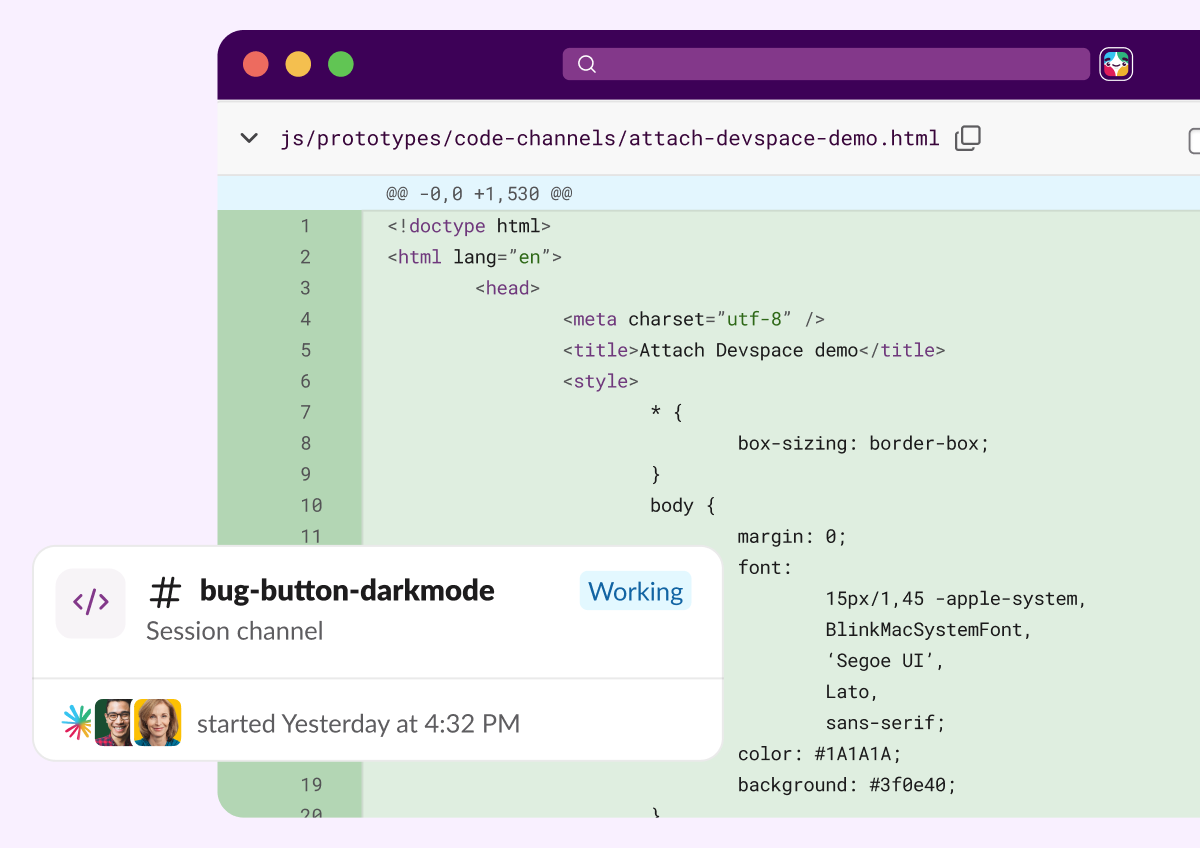
- Slack Code API: Any custom agent can now tap into and create a code channel experience. The API brings agentic development out in the open so your whole team can join in. Devs focus on what makes the agent useful, and Slack handles the interface.
Ready to put it all to work?
Check out our Innovations webpage for previous releases.
Please note that some features may not be immediately available in your workspace depending on the rollout timeline, your Slack licensing plan, or additional license requirements. To learn more about feature availability, check with your admin on the licensing plans for your workspace.
Ready to learn more? Contact us.
 Awesome!
Thanks so much for your feedback!
Got it!
Thanks for your feedback.
Oops! We're having trouble. Please try again later!