The leaves are turning, and hay rides aren’t the only thing rolling, new Slack features are too. This month was about less switching, less digging, and less manual cleanup. Whether you’re an admin trying to get usage data, a seller trying to keep a CRM record current, or a developer building on the Slack MCP Server, this drop is about giving you the context you need right where you already are.
This month, we grew a fresh batch of features across AI agents, CRM, and mobile. Grab your pumpkin spice latte and read on about what’s new.
Your AI agents just got more capable
The Slack MCP Server keeps expanding what AI assistants like Claude can actually do inside Slack, and this month it grew in two directions at once. Assistants can now create, read, update, and delete Slack Lists and records directly through the MCP Server, right alongside the existing search, messaging, and canvas tools. Lists become another surface your AI can operate on, not just a place you manage manually.
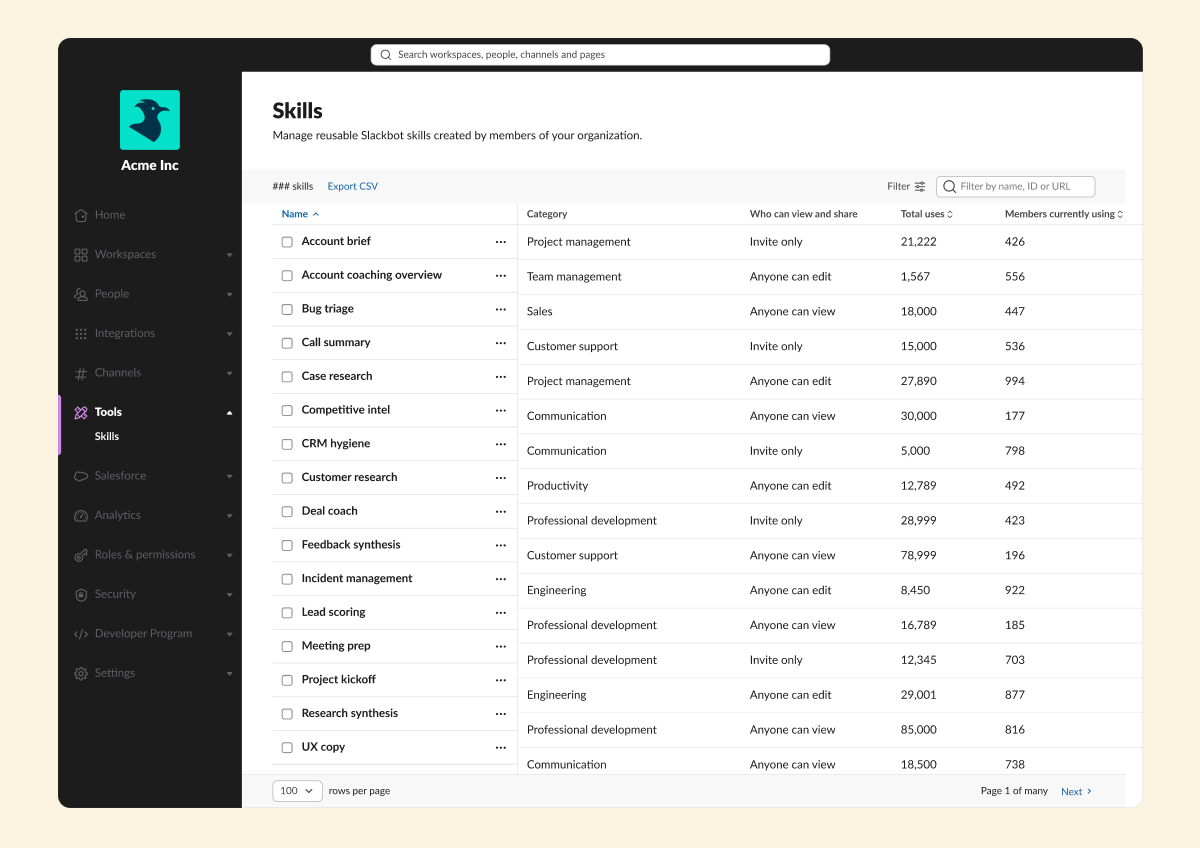
Admins are getting a fall harvest of their own data, too. Instead of digging through dashboards, admins can now ask Slackbot directly for org-wide usage data. Member Analytics lets Org Owners, Admins, and Analytics Admins ask about member and usage data in plain language, with more datasets on the way. Alongside it, the Skills Admin Dashboard gives every admin the same reporting to audit usage and promote top-performing skills.
CRM that keeps up with you
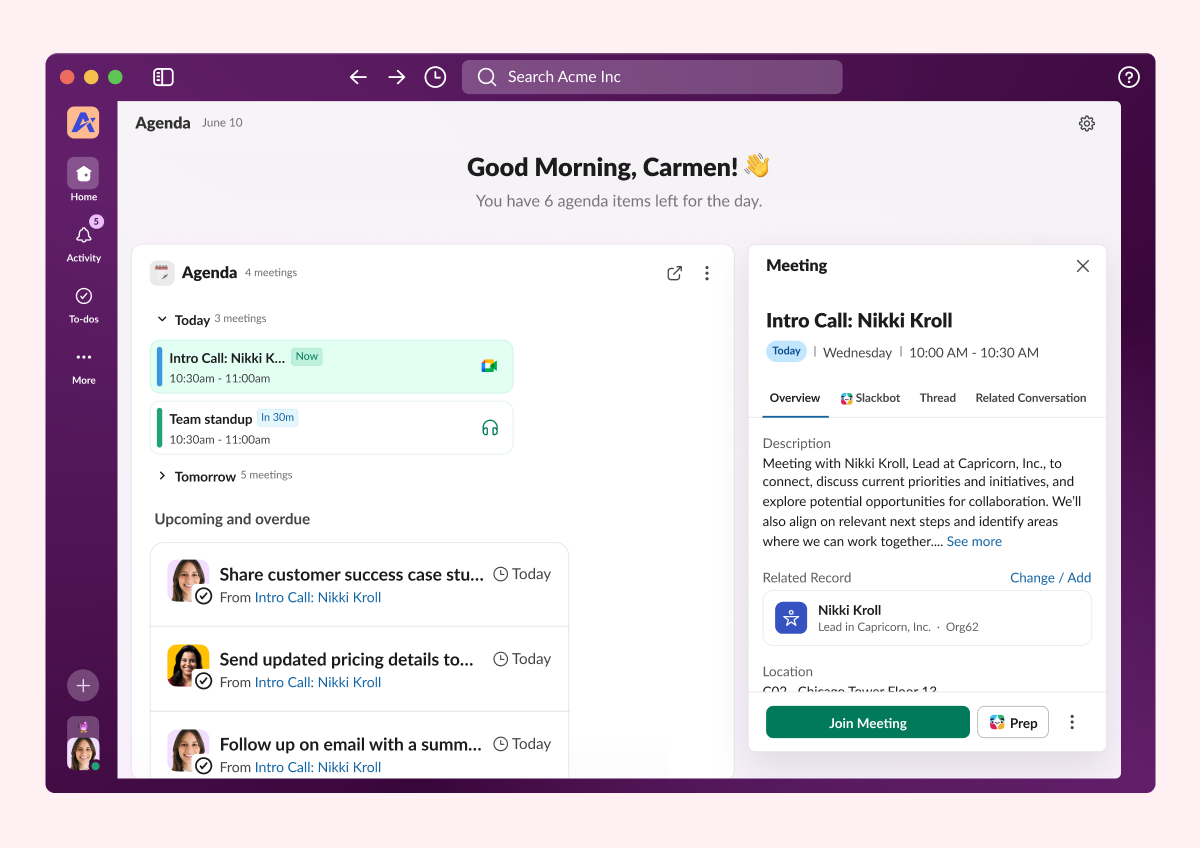
Your CRM meetings now write their own notes, and their own to-do list. Upcoming external meetings surface right on the CRM Agenda and record activity timeline, and Slack auto-generates an AI call summary with action items once the call wraps. Those action items convert straight into Salesforce tasks, no manual write-up required. It currently works with Google Calendar.
And for teams that live in Salesforce Lightning more than they live in Slack, Slackbot is coming to you. Sales managers and service agents can open a chat panel right next to a record to flag pipeline deals gone quiet or pull shipping status on a delayed order, without ever leaving the page. It’s included in Business+ and Enterprise+ plans, and available to everyone else through Flex Credits.
Less setup, more access, everywhere
Rounding out this drop are a few changes that make Slack easier to set up and easier to use wherever you are. Admins can now connect Gmail to Slack org-wide with a single configuration, no more asking every user to connect their own account. That brings Gmail context straight into Enterprise Search, AI Answers, Slackbot, and Workflows, built on the same shared framework Slack already uses for other connectors.
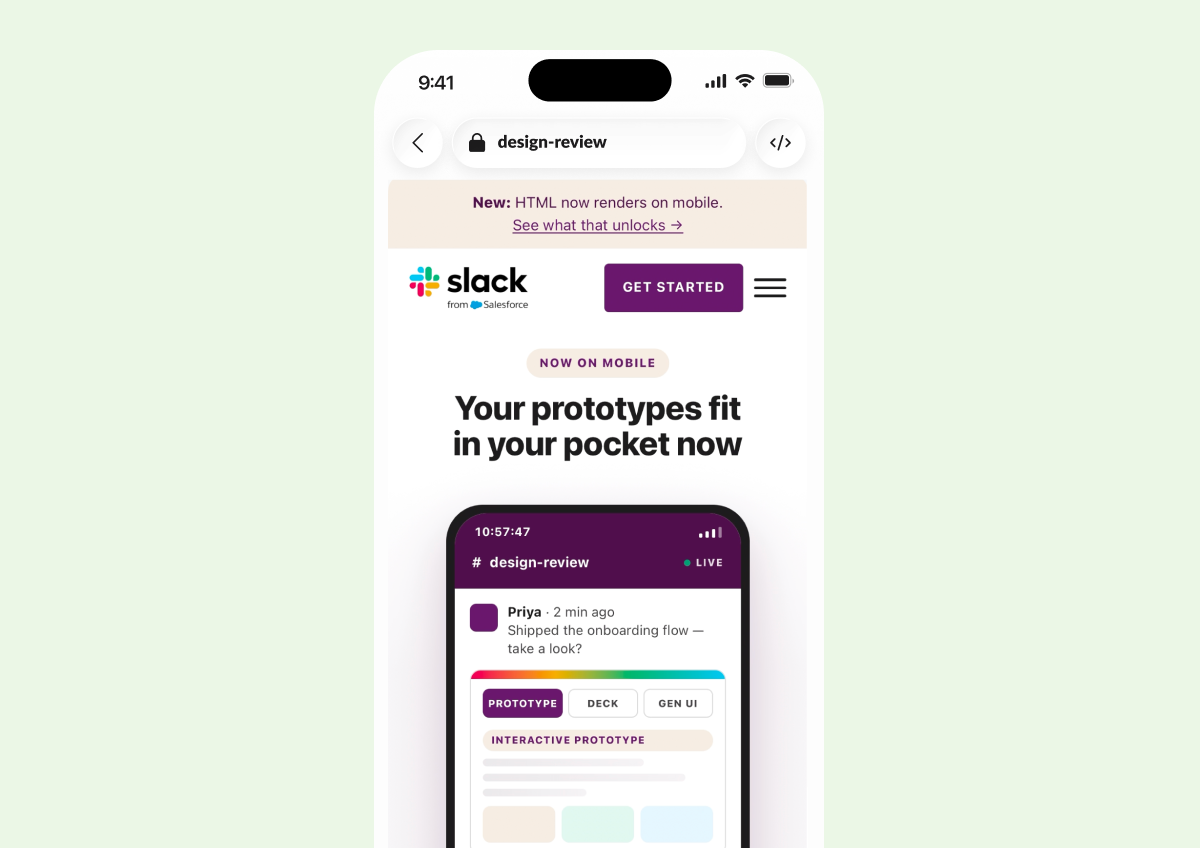
And HTML files, whether they’re prototypes, dashboards, or agent output, now render as live, interactive pages right on your phone. What used to be a desktop-only experience now works the same way on iOS and Android.
Ready to put it all to work?
Check out our Innovations webpage for previous releases.
Please note that some features may not be immediately available in your workspace depending on the rollout timeline, your Slack licensing plan, or additional license requirements. To learn more about feature availability, check with your admin on the licensing plans for your workspace.
Ready to learn more? Contact us.
 Awesome!
Thanks so much for your feedback!
Got it!
Thanks for your feedback.
Oops! We're having trouble. Please try again later!