Summer has a way of clarifying what actually matters. You want to spend time out in the sun, not wasting time bouncing between apps to get your work done.
This June, we shipped across every layer of Slack. Slackbot learned to remember you, reach your whole tool stack, speak your language, and turn your data into something you can actually see. Direct messages and the sidebar got easier to navigate. And the platform opened up so the apps your team already relies on can show up right inside your conversations — not just as notifications, but as places where work gets done.
The throughline? Less switching. Less searching. Less explaining yourself from scratch every morning.
Here’s everything that landed this month.
Slack connects your whole stack
The context-switching problem just got a lot smaller. This month, Slack becomes the place where your tools actually talk to each other — not just notify you.
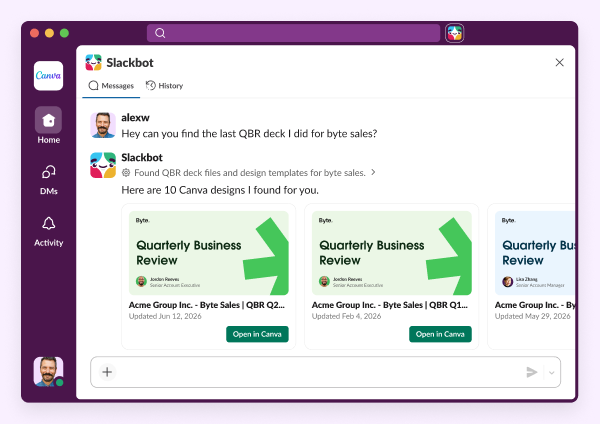
Slackbot MCP Client uses the Model Context Protocol to connect your AI assistant to the tools your team already runs on — Google, Atlassian, Box, Notion, DocuSign, and more. One conversation can now pull from your entire stack. You don’t have to leave Slack to get the answer. Slackbot reaches where the work is.
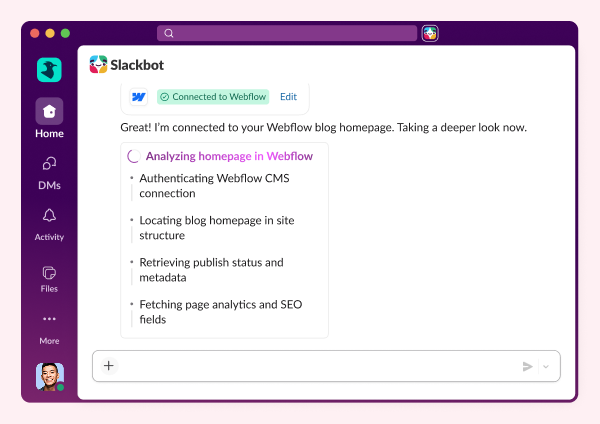
And it’s not just Slackbot reaching out. With Partner MCP Apps, the tools your team loves can now reach into Slack. Box, Figma, DocuSign, Linear — instead of firing off a notification and walking away, these apps can surface live data, interactive forms, dashboards, and action panels right in your conversation. Sign a document. Update a ticket. Pull a design. Without leaving Slack once.
Slackbot learns you, and gets out of your way
AI assistants have a short-term memory problem. You explain your role, your team, your preferences, yet in the next conversation, you start over. Not anymore.
Slackbot Memory means Slackbot actually learns your work — not just what you told it, but what actually happened. The channels you’re in, the decisions your team made, the projects that shaped your context. Week one it knows your name. Week eight it knows your stakeholders, your tone, and what “urgent” means to you. The longer you use it, the more useful it gets. No manual training required.
And Slackbot keeps getting easier to use, however you work:
- Voice Actions — For anyone who never opened Slackbot because typing felt like one more thing, you can now just say it out loud.
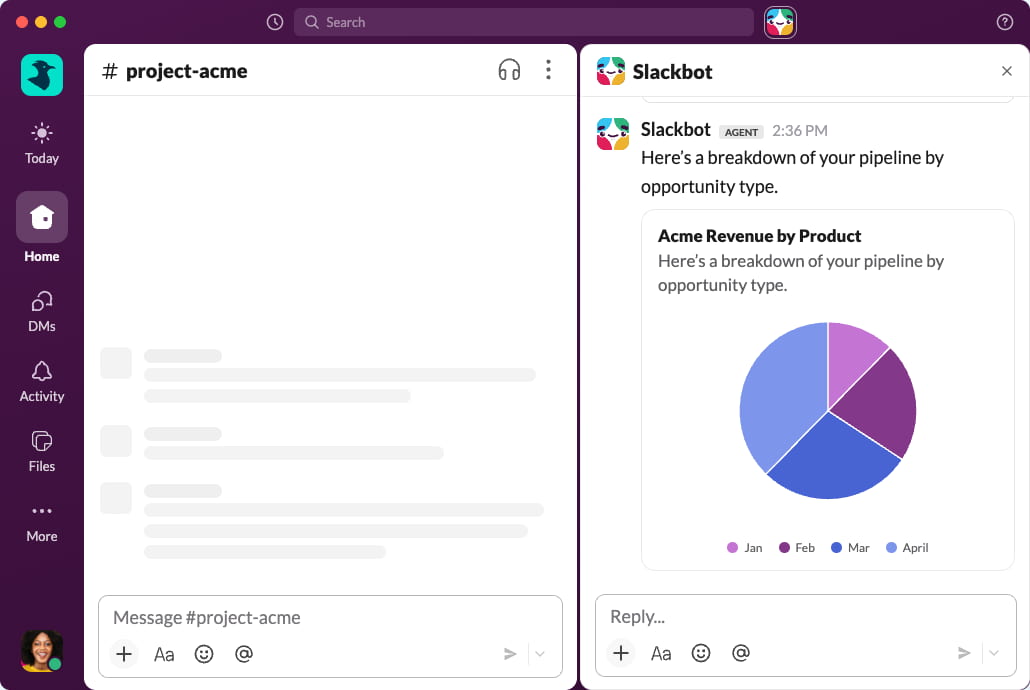
- Native Charts — Slackbot can now turn your raw data into visual charts right in the conversation. No pivot tables. No third-party tools. Ask a question, get an insight — right where decisions get made.
A better workspace for everyone
The Slackbot upgrades get a lot of attention, but this month’s drop also improves the fundamentals — the surfaces everyone uses every day.
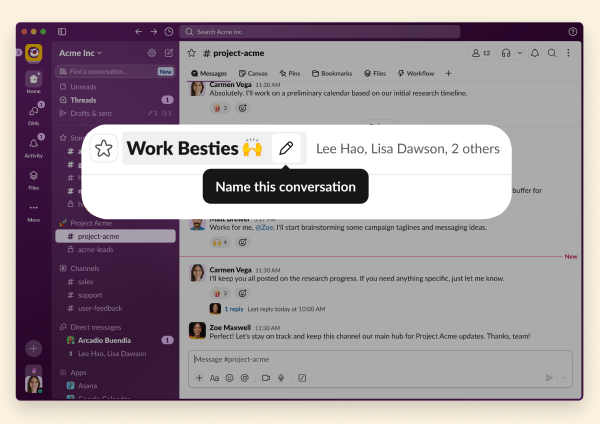
Named group DMs are (finally!) here. Group DMs have been nameless since they launched in 2015. Eleven years of “you, Sarah, Mike, and 3 others.” Now you hover, click the pencil, and give it a name or an emoji. No more sending the wrong message to the wrong people.
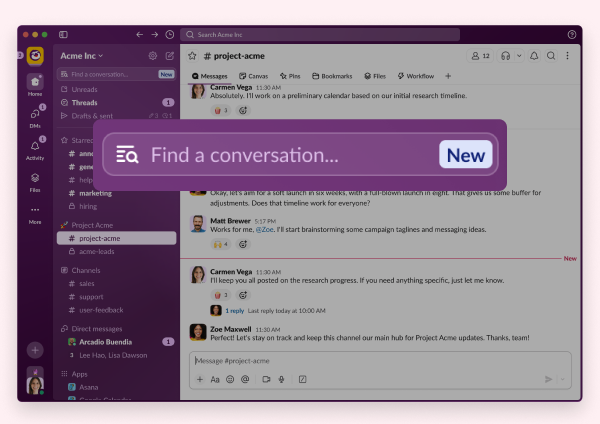
Sidebar filtering makes it easy to find what you need without the scroll. All you have to do is type to filter your sidebar in real time. Fuzzy matching, recency sorting, group DM-aware — it works across the Home and DMs tabs, with a handoff to Search when there are no results.
Ready to put it all to work?
Check out our Innovations webpage for previous releases.
Please note that some features may not be immediately available in your workspace depending on the rollout timeline, your Slack licensing plan, or additional license requirements. To learn more about feature availability, check with your admin on the licensing plans for your workspace.
Ready to learn more? Contact us.
 Awesome!
Thanks so much for your feedback!
Got it!
Thanks for your feedback.
Oops! We're having trouble. Please try again later!