Slack Feature Drop

A spring shower of features to help your workflows bloom.

Feature highlights
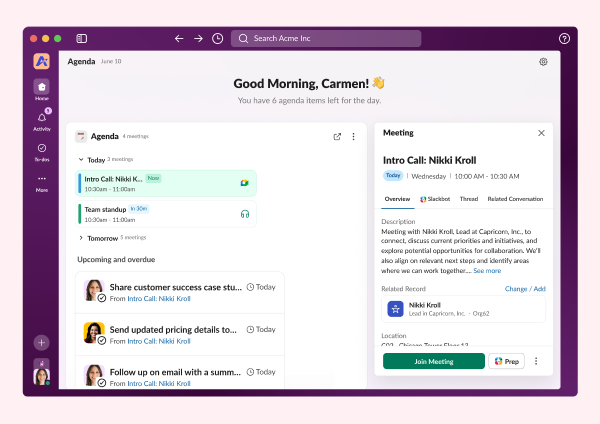
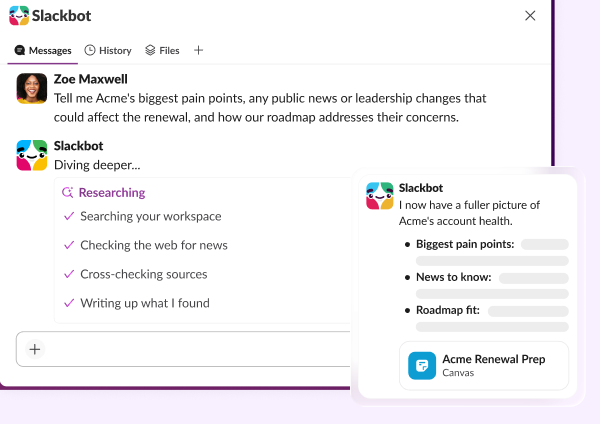
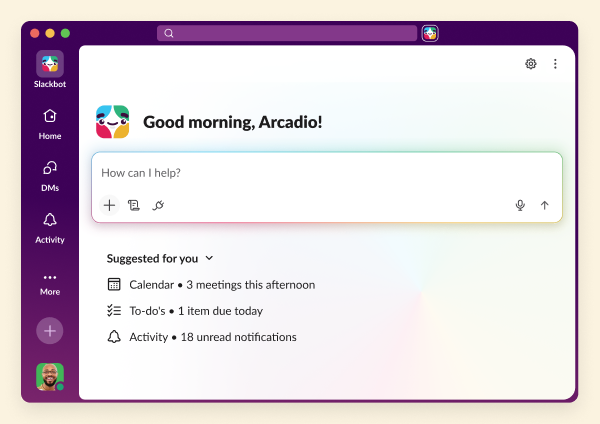
Slackbot
Slackbot
Your personalized, context-aware AI agent for smarter work.
Learn more
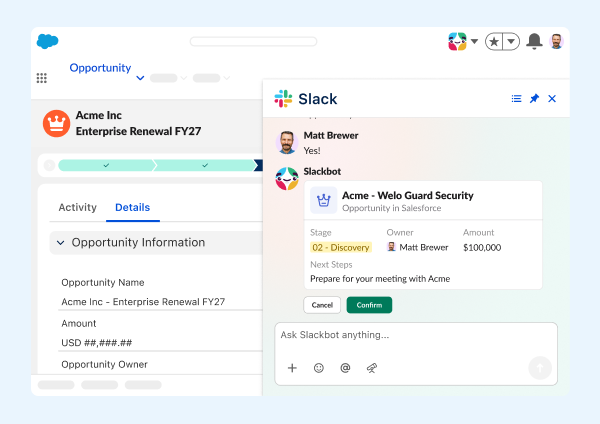
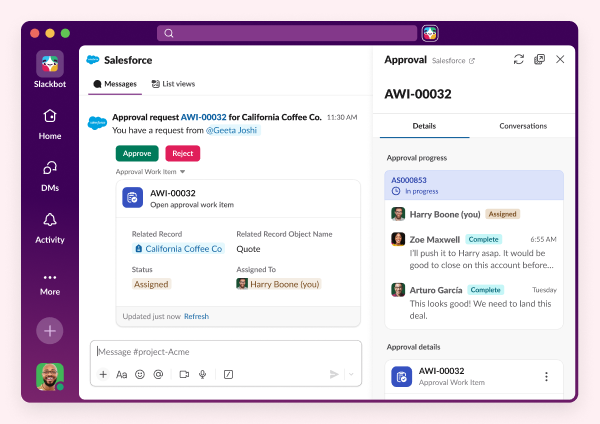
Salesforce in Slack
Salesforce in Slack
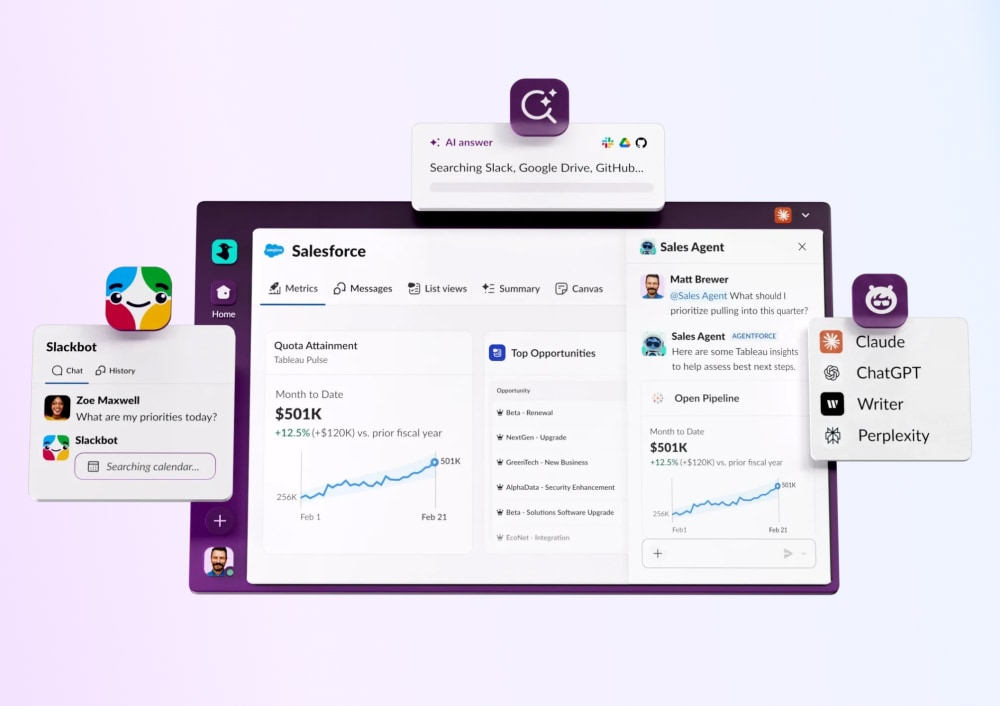
Agentforce powers Salesforce CRM experiences seamlessly in Slack.
Learn more
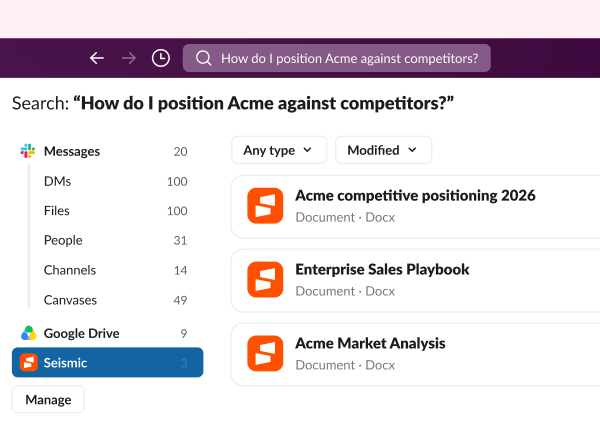
Enterprise search
Enterprise Search
Unifies company knowledge so you can find files, messages, and data fast.
Learn more
Third party AI Agents
Third Party AI Agents
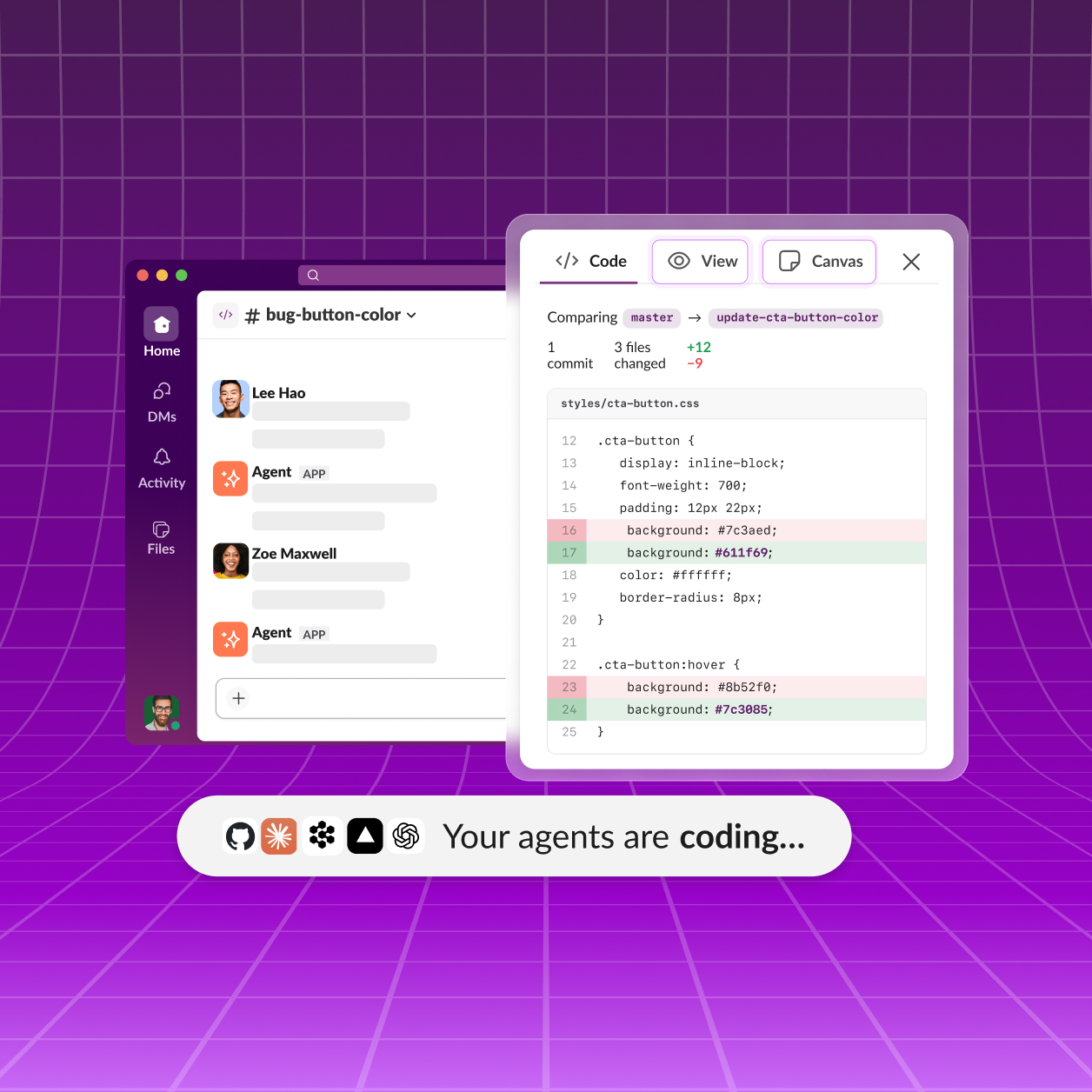
Innovative AI companies are delivering smart, native Slack apps powered by data.
Learn more
Slack CRM
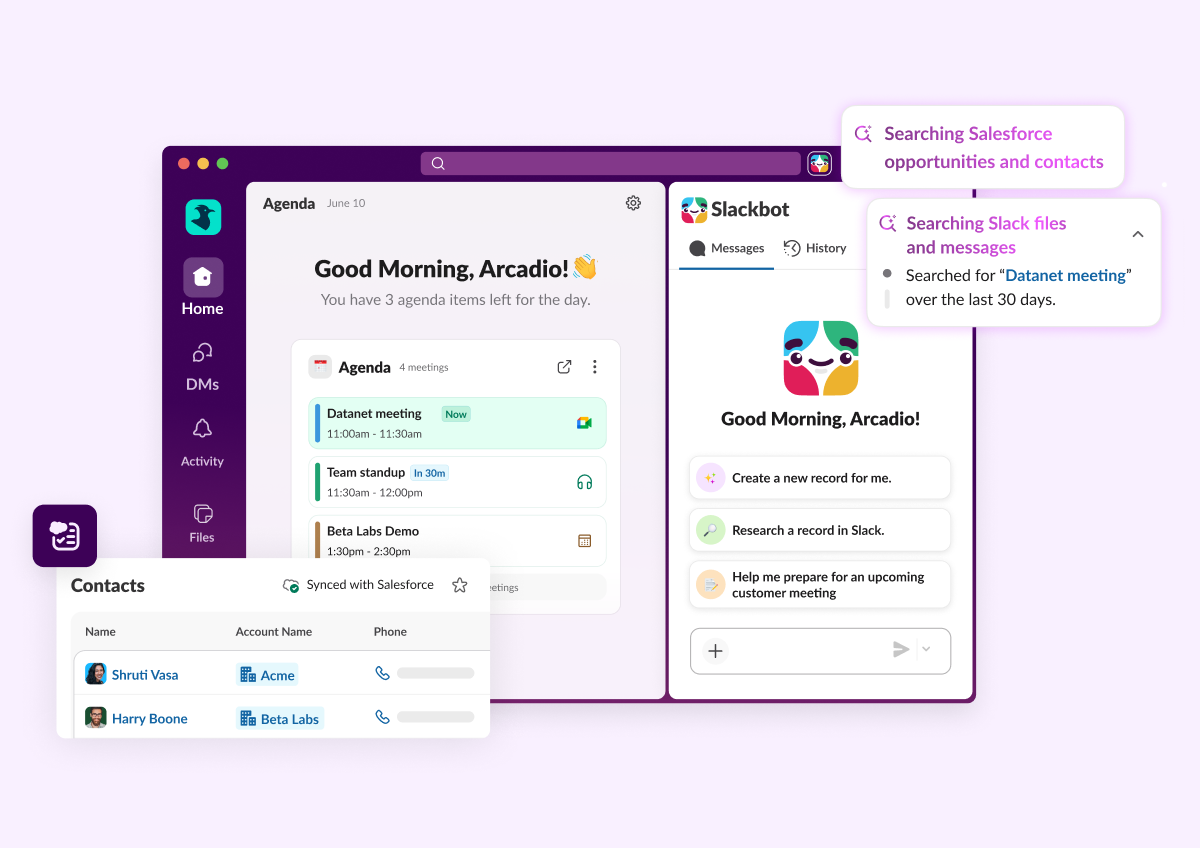
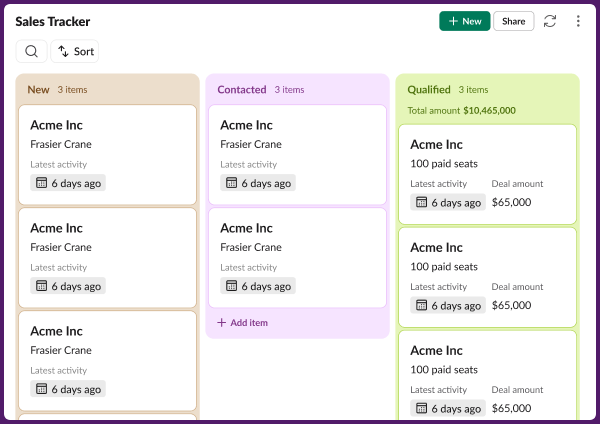
Manage customers conversationally with Slackbot. Capture contacts, track deal progress, and prep what you need with a prompt.
Learn More
Feature highlights
Slackbot
Slackbot
Your personalized, context-aware AI agent for smarter work.
Learn more
Salesforce in Slack
Salesforce in Slack
Agentforce powers Salesforce CRM experiences seamlessly in Slack.
Learn more
Enterprise search
Enterprise Search
Unifies company knowledge so you can find files, messages, and data fast.
Learn more
Third party AI Agents
Third Party AI Agents
Innovative AI companies are delivering smart, native Slack apps powered by data.
Learn more
Slack CRM
Manage customers conversationally with Slackbot. Capture contacts, track deal progress, and prep what you need with a prompt.
Learn More

All Updates

30 APR 2026
Link Copied!
New Feature

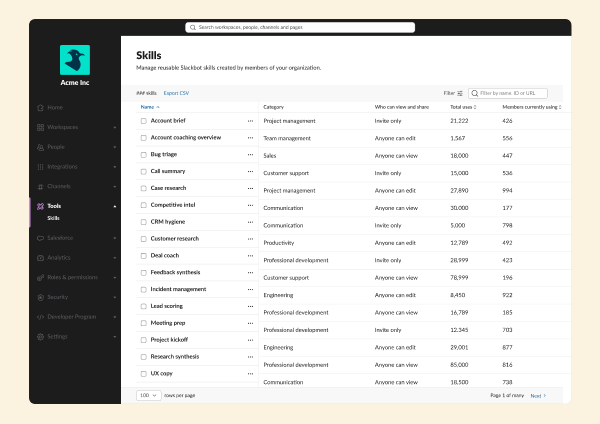
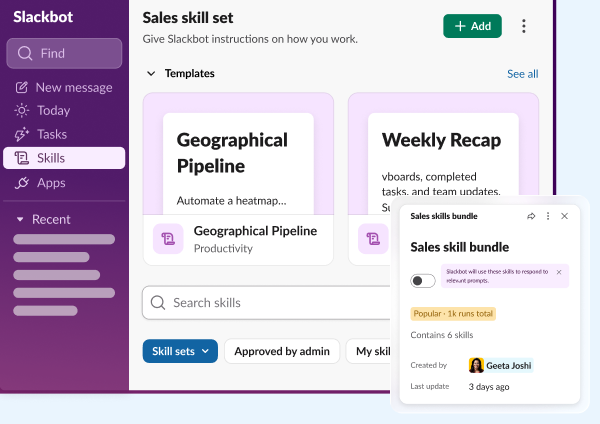
Slackbot Skills

Slackbot can do the work for you, and you don't need to tell it twice. Skills let your team build and share reusable workflows that run across every tool you depend on - every time. Build a Skill for your unique process, or browse our library of pre-built skills for meeting prep, pipeline summaries, goal setting, or anything you find yourself doing on repeat. Run it whenever you need, and share it with your team. No reinventing the wheel, no developer required.
Feature Enhancement

Slackbot Email and Calendar Actions

Leave Slack less. Not only can Slackbot take actions on your behalf within Slack, it can handle the work that used to live in other tabs, too: Slackbot can now draft emails and schedule calendar events directly in Google and Microsoft Office. Compose a message, set a meeting, confirm a follow-up. All from where you already are. Available for Enterprise+ customers.
Feature Enhancement

Slackbot Scheduled Automations

Set it and forget it - and let Slackbot handle it. You can now schedule recurring tasks and automations directly through Slackbot, no manual triggers required. From weekly digests to recurring check-ins, Slackbot runs them on your schedule.
New Feature

New Activity Tab

Slack just got even more organized - just in time for some spring cleaning. The new Activity tab streamlines all of your action items and notifications into a single, filtered view of everything that needs your attention — one place to see everything coming at you across DMs, channels, threads, and mentions. Easily create views to filter and take action on what matters, and then clear our what doesn't, and feel on top of it all.
Feature Enhancement

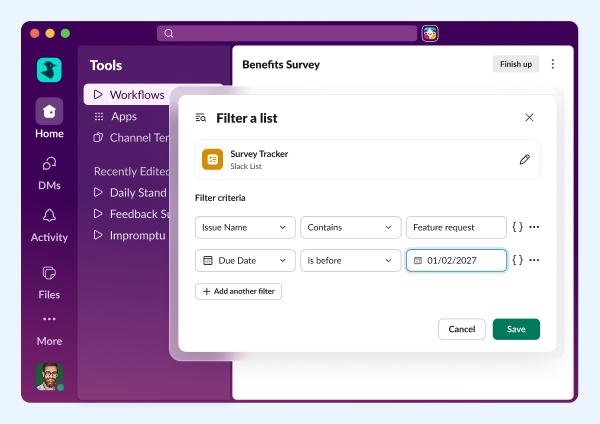
Generate AI Response Step in Workflow Builder

Generative AI just became a native step in every Slack workflow. The step allows users to write a prompt, select knowledge sources (channels, canvases, lists), and have an LLM generate a response as part of a workflow. The new AI Generate step lets you add tasks like summarizing messages, translating text, or drafting responses directly into any automation you build in Workflow Builder. Set your prompt, connect your steps, and let the workflow do the heavy lifting.
New Feature

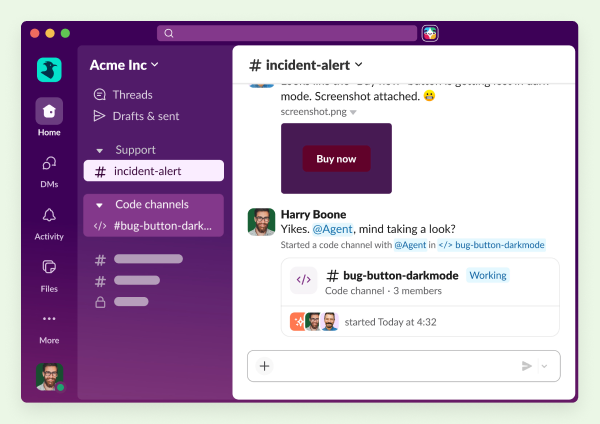
Slack Developer Kit for Agents

Building AI agents for Slack just got a whole lot faster. A new collection of developer platform features — including a single slack create agent command, enhanced Bolt framework support, and bring-your-own-LLM flexibility — lets developers go from zero to a best-in-class agent in minutes. Two open source sample apps (Starter Agent and Support Agent) give teams a running head start, with demonstrated support for Claude SDK, OpenAI SDK, and Pydantic AI. An overhauled docs experience and new Agent Quickstart Guide make it easier than ever to build, ship, and scale AI agents right from Slack's platform.
Feature Enhancement

Slackbot Slack Actions

Slackbot can now act inside Slack, not just answer questions about it. Slackbot can send a DM, create a channel, invite teammates, and create workflows on your behalf. Let Slackbot handle the Slack work so you can stay focused on the real work.
Feature Enhancement

Slackbot In-Slack Awareness

Slackbot has something no other AI tool has: full, native context of where you are and what you're working on. It sees what you have open in Slack— a Salesforce record, a canvas, a channel — and uses that to give you smarter answers and take more relevant action, right in the moment. No long prompts, no repeated explanations, no starting from scratch.
30 MAR 2026
Link Copied!
New Feature

Slack CRM

Your CRM is now a conversation. Slackbot can turn your existing Slack threads into organized customer records — adding contacts, updating deals, logging notes, and surfacing account history, all without leaving Slack. Built on Salesforce, so when you're ready to scale, everything is already there.
Feature Enhancement

Salesforce Activity Timeline in Slack

Get the full picture of every customer interaction without leaving Slack. The Salesforce Activity Timeline — including emails, tasks, events, calls, and video meetings — is now available right where your team already works.
Feature Enhancement

Custom Salesforce Channel Names

Name Salesforce channels your way. Admins can now choose any record field — including formula fields — to create consistent, descriptive channel naming conventions that improve discoverability and help keep sensitive data out of channel names. Admins can also allow users to manually rename Salesforce channels to fit their needs.
Feature Enhancement

Record View Enhancement

Your Salesforce records are now cleaner and clearer when viewed in Slack. The redesigned single record view declutters headers, reorganizes quick actions, and adds expandable field sections so you can scan, act, and move on - without the noise.
Feature Enhancement

Change CRM Record Owner

Hand off records without switching apps. Reassign the owner of any Salesforce lead, case, or opportunity directly in Slack, with the option to instantly notify the new owner, on desktop and mobile.
New Feature

AgentExchange

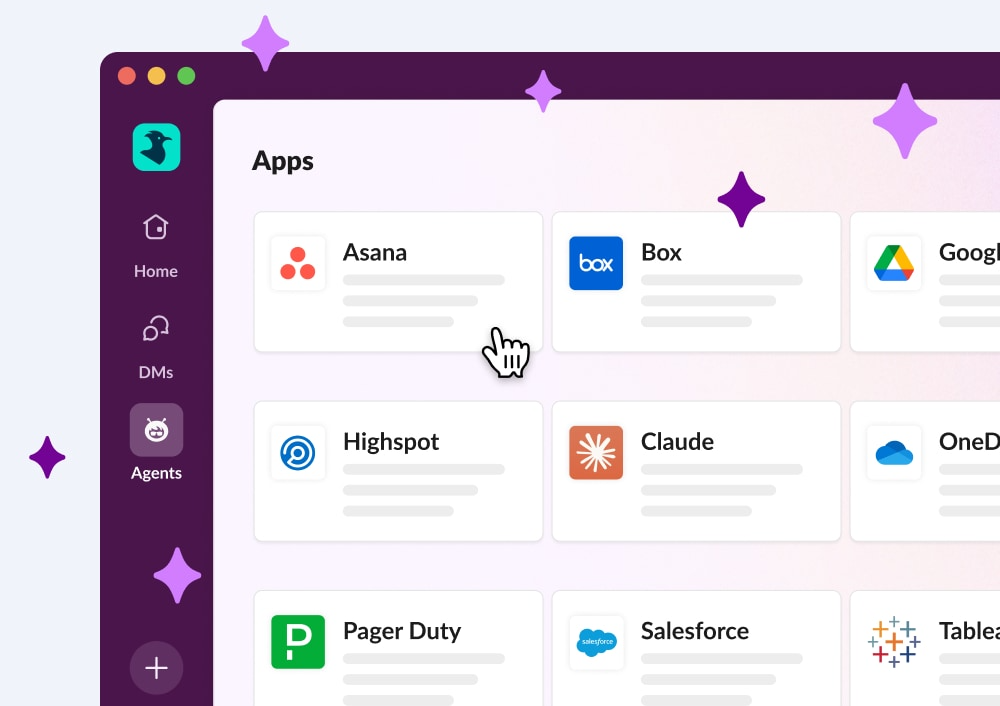
Discover and connect with AI agents, all in one place. Browse AI-powered apps from the Slack Marketplace, see all your installed agents at a glance, and jump back into recent agent conversations from a new dedicated section.
Feature Enhancement

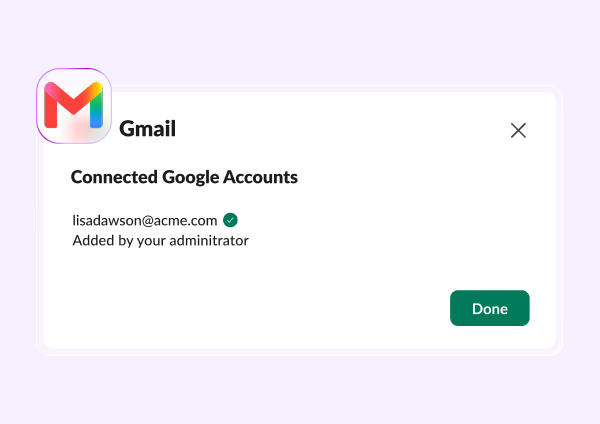
Gmail and Outlook Email Connectors in Enterprise Search

Search your inbox without leaving Slack. Gmail and Outlook are now connected to Enterprise Search, so email results surface alongside your Slack content — in search results, AI-generated answers, and Slackbot queries.
Feature Enhancement

Scheduled Send for Forwarded Messages

Forward it when the time is right. You can now schedule forwarded messages for delivery at exactly the right moment — available on desktop.
Feature Enhancement

Edit Attachments After Sending

Fix it after you send it. You can now add, remove, or reorder file attachments — images, videos, documents, canvases, and more — when editing a sent message, so getting it right doesn't require starting over.

Frequently Asked Questions

Slack regularly releases new features and improvements to help teams work faster and stay connected. This page shows the latest Slack updates, including productivity tools, AI features, integrations, and collaboration enhancements.

Slack typically ships new features and improvements every few weeks. Updates range from small enhancements to major product launches.

You can find the most recent Slack updates on this page under "All Updates." Older updates are available further down in the release timeline.

Most Slack updates are rolled out automatically to all customers. Some features may appear gradually depending on your plan, region, or admin settings.

Slack releases updates across messaging, automation, AI features, security, integrations, and workflow tools. Each update is designed to improve productivity and team communication.

Each release includes a summary and a link to learn more about that feature. You can click into any update to explore how it works and how to use it.

Yes. Slack releases features across different plans. Some advanced capabilities may only be available on paid plans, while many updates improve the experience for all users.

Slack updates highlight what's new at a high level. Release notes are typically more technical and detailed, while this page focuses on what's new and why it matters.

In most cases, yes. Once a feature is released to your workspace, you can start using it immediately. Some features may require admin permission.

You can bookmark this page to check the latest updates, or follow Slack announcements through email and in-product notifications.