Slack Feature Drop

It's giving summer vibes and serious productivity upgrades.

Feature highlights
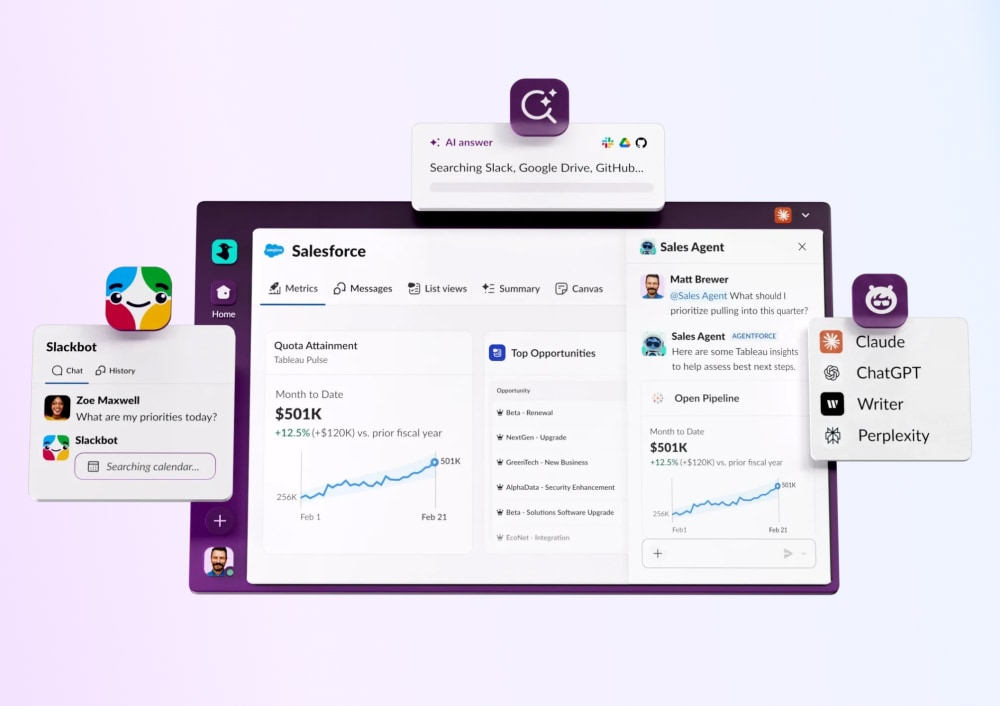
Slackbot
Slackbot
Your personalized, context-aware AI agent for smarter work.
Learn more
Salesforce in Slack
Salesforce in Slack
Agentforce powers Salesforce CRM experiences seamlessly in Slack.
Learn more
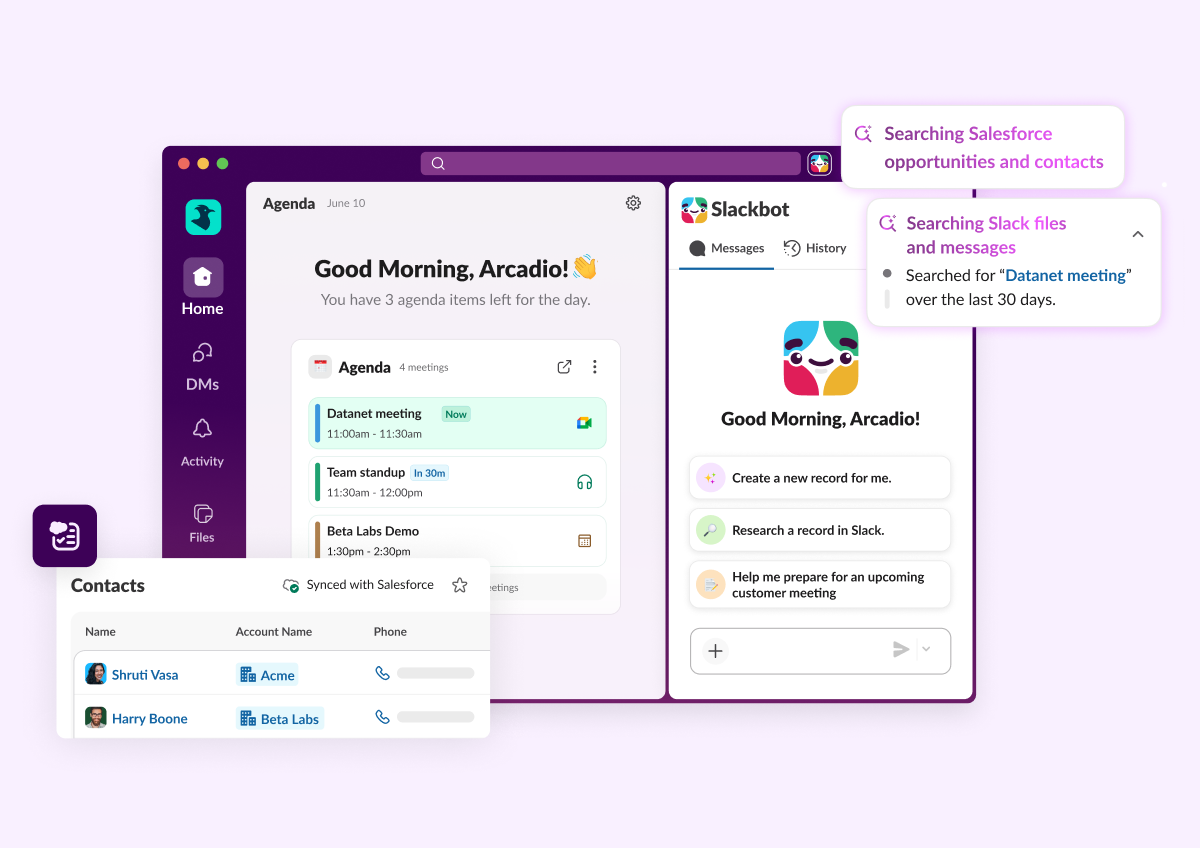
Enterprise search
Enterprise Search
Unifies company knowledge so you can find files, messages, and data fast.
Learn more
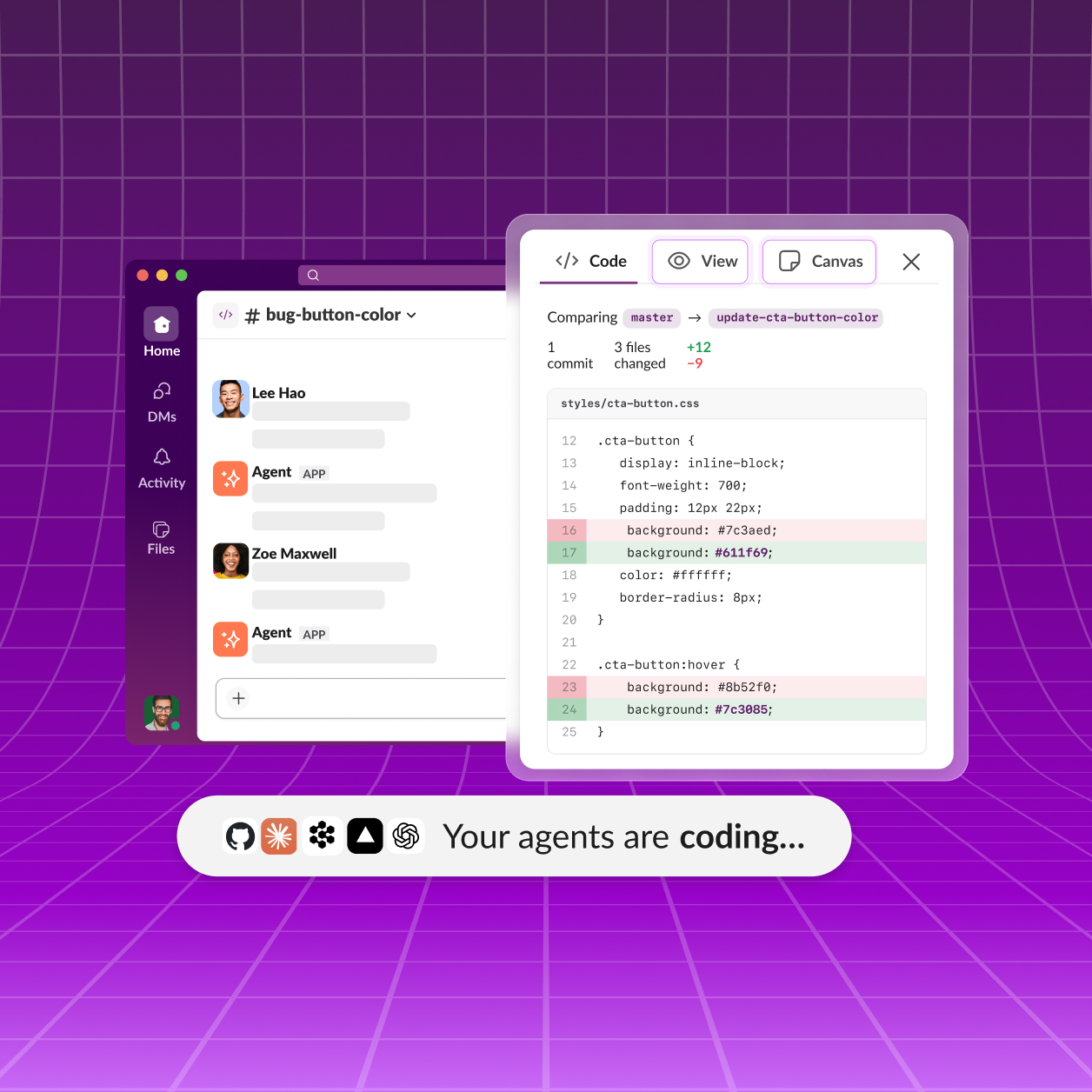
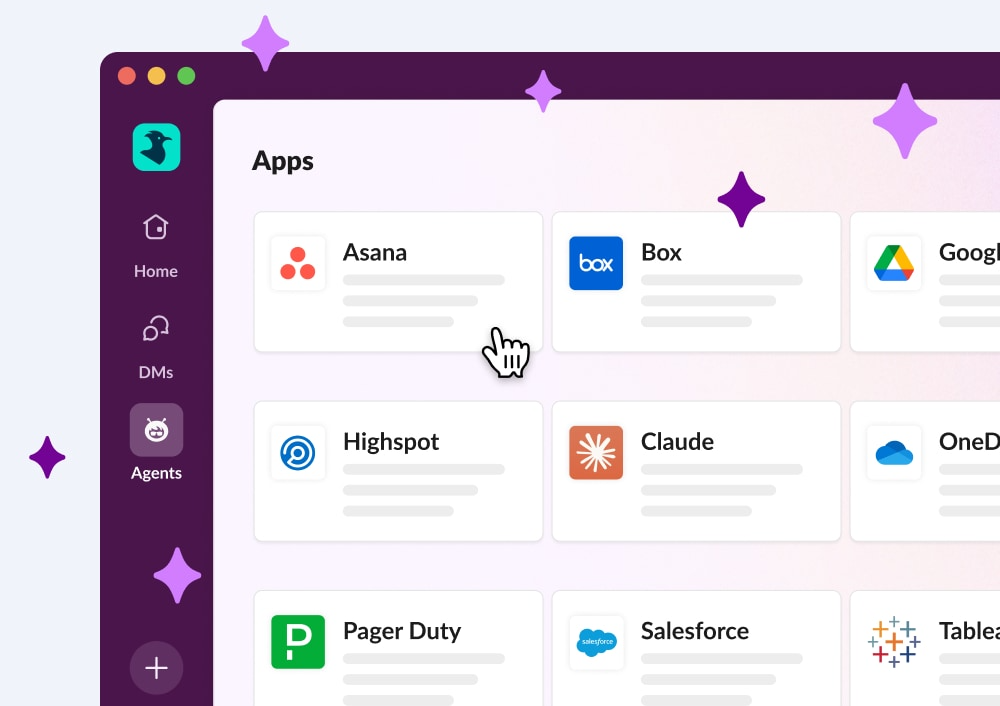
Third party AI Agents
Third Party AI Agents
Innovative AI companies are delivering smart, native Slack apps powered by data.
Learn more
Slack CRM
Manage customers conversationally with Slackbot. Capture contacts, track deal progress, and prep what you need with a prompt.
Learn More
Feature highlights
Slackbot
Slackbot
Your personalized, context-aware AI agent for smarter work.
Learn more
Salesforce in Slack
Salesforce in Slack
Agentforce powers Salesforce CRM experiences seamlessly in Slack.
Learn more
Enterprise search
Enterprise Search
Unifies company knowledge so you can find files, messages, and data fast.
Learn more
Third party AI Agents
Third Party AI Agents
Innovative AI companies are delivering smart, native Slack apps powered by data.
Learn more
Slack CRM
Manage customers conversationally with Slackbot. Capture contacts, track deal progress, and prep what you need with a prompt.
Learn More

All Updates

28 MAY 2026
Link Copied!
New Feature

Slack comes included with every new Salesforce org

Every new Enterprise Edition and Unlimited Edition Salesforce org now comes with a Slack Free workspace — already connected, already configured, ready to go. Salesforce Channels are enabled on key record pages out of the box, so teams can start collaborating in context from day one. No separate signup, no setup, no friction.
Feature Enhancement

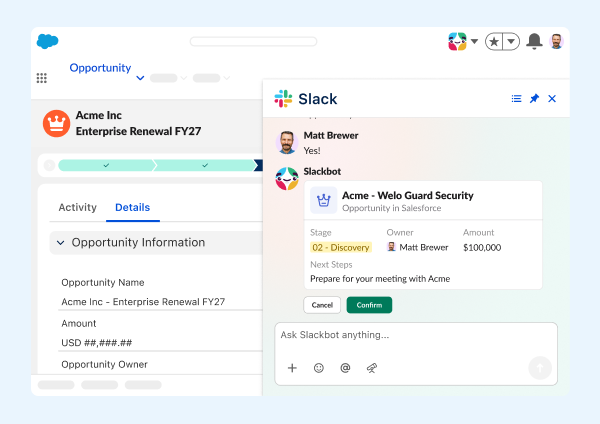
Salesforce Actions in Slackbot

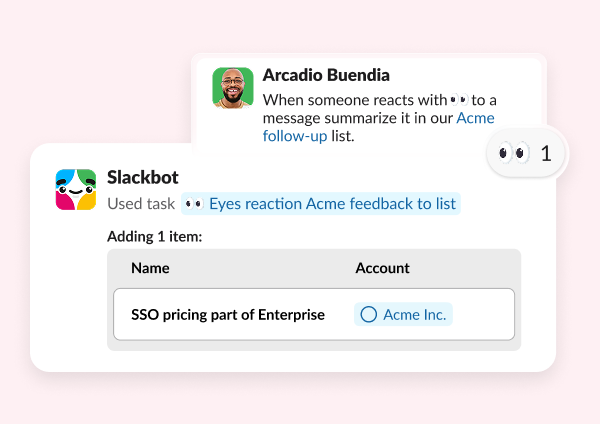
our CRM just got a whole lot more conversational. Users can now ask Slackbot to create or update Salesforce records without ever leaving Slack. Slackbot supports actions on one or multiple records at a time — draft the change, review an interactive preview, and approve before anything is saved. Admins control which objects Slackbot can write to, and every action is tracked in audit logs.
Feature Enhancement

Slackbot Salesforce Reporting Tool & File Uploads

Slackbot can now read Salesforce reports directly in Slack — share a report ID and get back the full results, including aggregates, groupings, and row-level details in the report's native format (tabular, summary, matrix, or joined). And now Slackbot can upload files directly to Salesforce records from Slack, too. No more tab switching or manual re-attaching — your data and documents stay connected where the work happens.
Feature Enhancement

Slackbot Web Search & External Links Reader

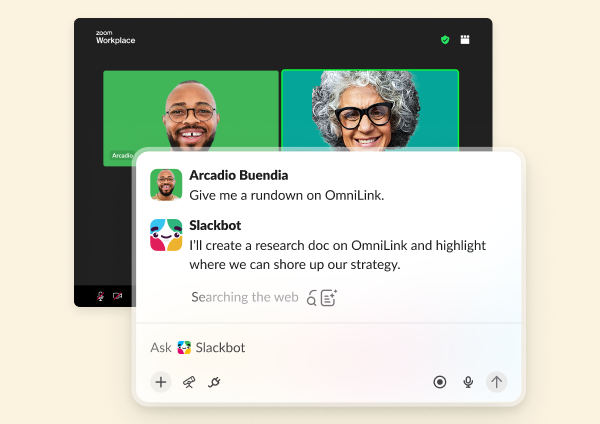
Slackbot can now go beyond your Slack workspace to find and read what you need — right in conversation. Ask Slackbot to search the web for the latest information, or drop in a link and ask it to summarize, compare, or extract key details. No tab switching, no copy-pasting. Whether the answer lives on a page you already have or somewhere on the web you haven't found yet, Slackbot gets there and brings it back to you.
New Feature

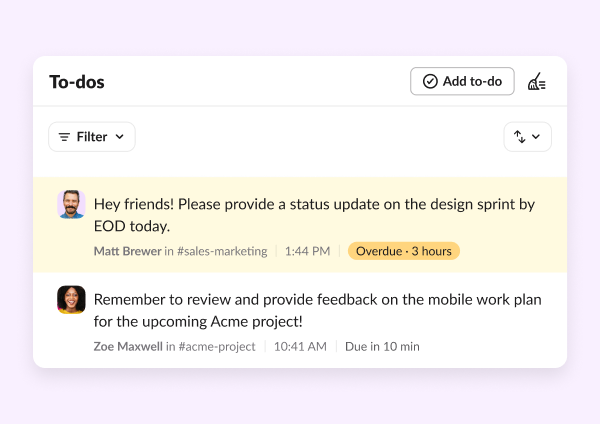
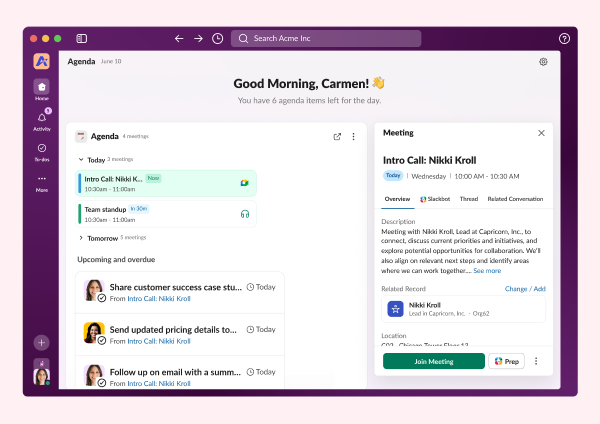
Today View

Your day used to start with a wall of messages and no clear place to begin. Today view changes that. It's a personalized daily briefing that pulls your priorities, calendar, and most pressing tasks together from your connected apps — all in one place, before the day gets away from you. Orient your day in Today, triage your notifications in Activity, take action with Slackbot: it's the productivity flywheel that keeps everything moving.
New Feature

Focus Mode

Sometimes the best thing you can do to get work done is quiet the distractions. Focus mode reduces visual distractions, silences non-urgent notifications, and lets you signal to teammates that you're heads-down. Set it for 30 minutes, an hour, or two — and get back to the work that actually needs your attention.
Feature Enhancement

Miles Davis in Slack: Hold Music, Backgrounds & Effects:

Your next huddle just got a little jazzier: In partnership with the Miles Davis estate, Slack is bringing the iconic sound of Miles Davis into your Huddles experience, right on time for his 100th birthday. When a huddle is on hold, "So What" sets the tone. New Miles Davis–inspired backgrounds, visual effects, and emoji reactions give every call a little more soul. Just like a jazz ensemble, great collaboration happens when everyone finds their groove together. Now, Slack gives your team the perfect soundtrack to do it.
Feature Enhancement

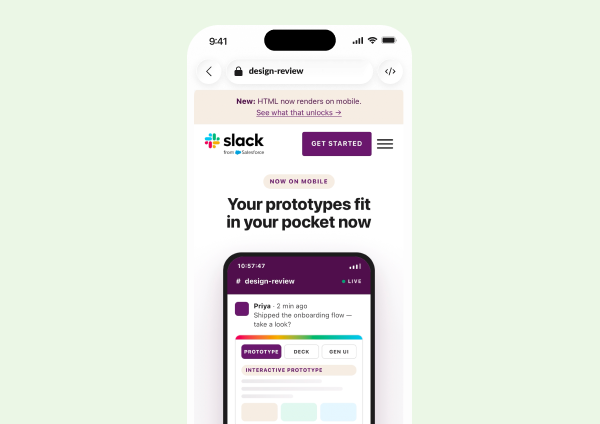
Block Kit Builder Updates

Building in Slack just got smoother. With the updated Block Kit, you’ll be able to build apps and agents with new components including cards, alerts, carousel, code and data tables. These components allow developers to build high-density, interactive UIs for agents without writing custom code. They render natively across desktop and mobile, ensuring data remains comprehensible and actionable.
Feature Enhancement

The New Files & Links Tab in Channels

The Files tab is getting a meaningful upgrade — and a new name. Files & links now surfaces links shared in a channel alongside uploaded files, complete with page title, URL, and a direct jump to the message where any link was shared. Custom sections, sort controls, and filters make it far easier to find what you're looking for without scrolling through everything.
30 APR 2026
Link Copied!
New Feature

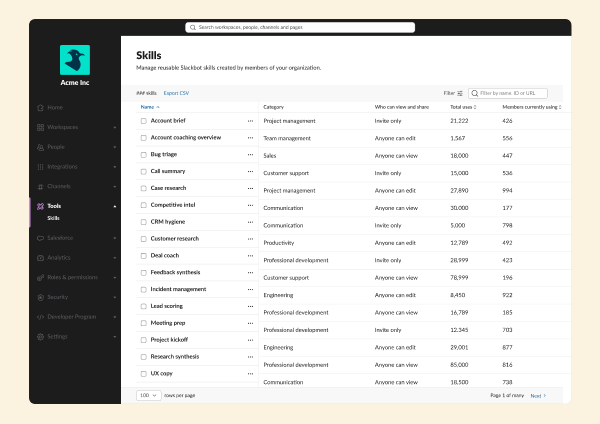
Slackbot Skills

Slackbot can do the work for you, and you don't need to tell it twice. Skills let your team build and share reusable workflows that run across every tool you depend on - every time. Build a Skill for your unique process, or browse our library of pre-built skills for meeting prep, pipeline summaries, goal setting, or anything you find yourself doing on repeat. Run it whenever you need, and share it with your team. No reinventing the wheel, no developer required.
Feature Enhancement

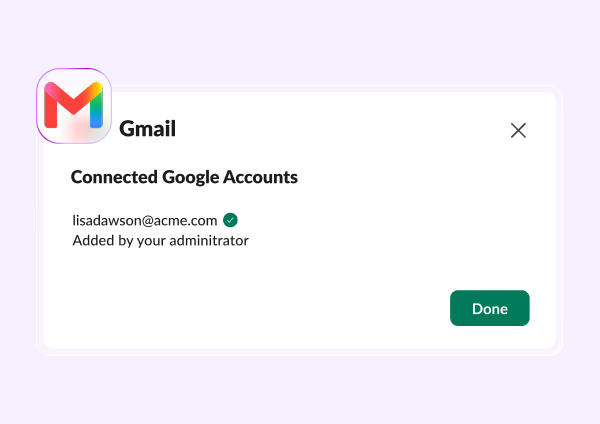
Slackbot Email and Calendar Actions

Leave Slack less. Not only can Slackbot take actions on your behalf within Slack, it can handle the work that used to live in other tabs, too: Slackbot can now draft emails and schedule calendar events directly in Google and Microsoft Office. Compose a message, set a meeting, confirm a follow-up. All from where you already are. Available for Enterprise+ customers.
Feature Enhancement

Slackbot Scheduled Tasks

Set it and forget it - and let Slackbot handle it. You can now schedule recurring tasks and automations directly through Slackbot, no manual triggers required. From weekly digests to recurring check-ins, Slackbot runs them on your schedule.
New Feature

New Activity Tab

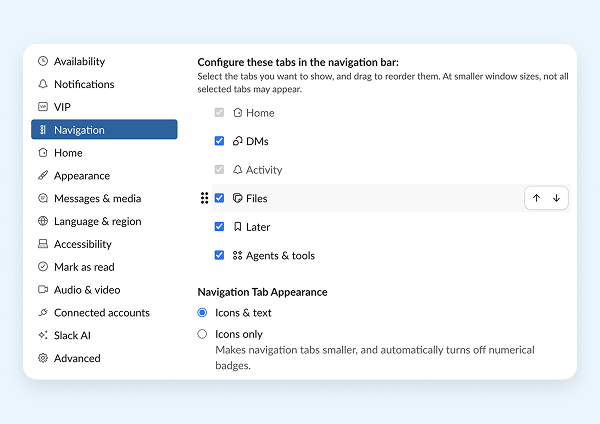
Slack just got even more organized - just in time for some spring cleaning. The new Activity tab streamlines all of your action items and notifications into a single, filtered view of everything that needs your attention — one place to see everything coming at you across DMs, channels, threads, and mentions. Easily create views to filter and take action on what matters, and then clear our what doesn't, and feel on top of it all.
Feature Enhancement

Generate AI Response Step in Workflow Builder

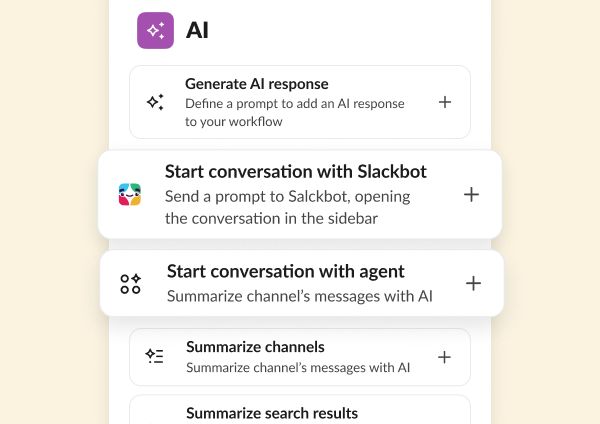
Generative AI just became a native step in every Slack workflow. The step allows users to write a prompt, select knowledge sources (channels, canvases, lists), and have an LLM generate a response as part of a workflow. The new AI Generate step lets you add tasks like summarizing messages, translating text, or drafting responses directly into any automation you build in Workflow Builder. Set your prompt, connect your steps, and let the workflow do the heavy lifting.
New Feature

Slack Developer Kit for Agents

Building AI agents for Slack just got a whole lot faster. A new collection of developer platform features — including a single slack create agent command, enhanced Bolt framework support, and bring-your-own-LLM flexibility — lets developers go from zero to a best-in-class agent in minutes. Two open source sample apps (Starter Agent and Support Agent) give teams a running head start, with demonstrated support for Claude SDK, OpenAI SDK, and Pydantic AI. An overhauled docs experience and new Agent Quickstart Guide make it easier than ever to build, ship, and scale AI agents right from Slack's platform.
Feature Enhancement

Slackbot Slack Actions

Slackbot can now act inside Slack, not just answer questions about it. Slackbot can send a DM, create a channel, invite teammates, and create workflows on your behalf. Let Slackbot handle the Slack work so you can stay focused on the real work.
Feature Enhancement

Slackbot In-Slack Awareness

Slackbot has something no other AI tool has: full, native context of where you are and what you're working on. It sees what you have open in Slack— a Salesforce record, a canvas, a channel — and uses that to give you smarter answers and take more relevant action, right in the moment. No long prompts, no repeated explanations, no starting from scratch.

Frequently Asked Questions

Slack regularly releases new features and improvements to help teams work faster and stay connected. This page shows the latest Slack updates, including productivity tools, AI features, integrations, and collaboration enhancements.

Slack typically ships new features and improvements every few weeks. Updates range from small enhancements to major product launches.

You can find the most recent Slack updates on this page under "All Updates." Older updates are available further down in the release timeline.

Most Slack updates are rolled out automatically to all customers. Some features may appear gradually depending on your plan, region, or admin settings.

Slack releases updates across messaging, automation, AI features, security, integrations, and workflow tools. Each update is designed to improve productivity and team communication.

Each release includes a summary and a link to learn more about that feature. You can click into any update to explore how it works and how to use it.

Yes. Slack releases features across different plans. Some advanced capabilities may only be available on paid plans, while many updates improve the experience for all users.

Slack updates highlight what's new at a high level. Release notes are typically more technical and detailed, while this page focuses on what's new and why it matters.

In most cases, yes. Once a feature is released to your workspace, you can start using it immediately. Some features may require admin permission.

You can bookmark this page to check the latest updates, or follow Slack announcements through email and in-product notifications.