Slack Feature Drop

It's giving summer vibes and serious productivity upgrades.

Feature highlights
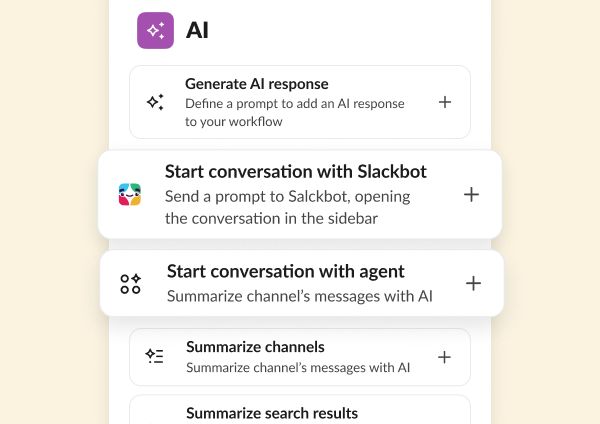
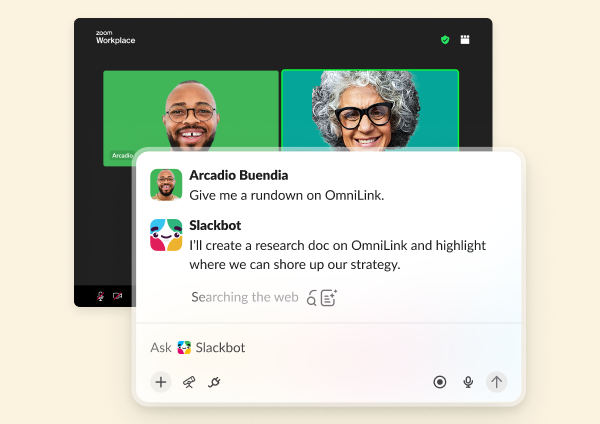
Slackbot
Slackbot
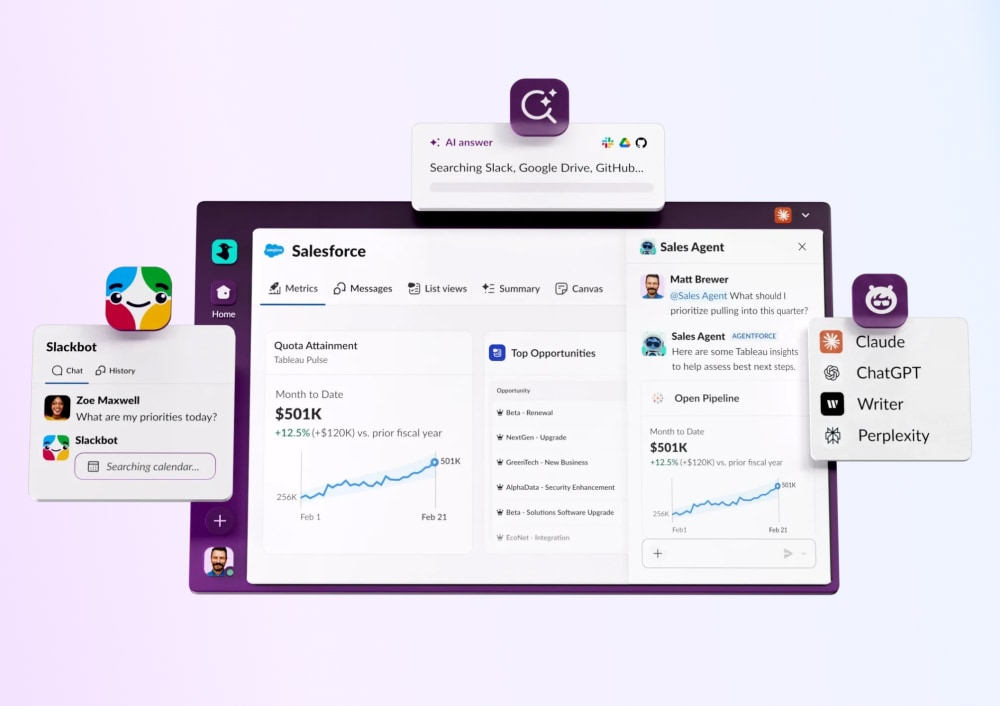
Your personalized, context-aware AI agent for smarter work.
Learn more
Salesforce in Slack
Salesforce in Slack
Agentforce powers Salesforce CRM experiences seamlessly in Slack.
Learn more
Enterprise search
Enterprise Search
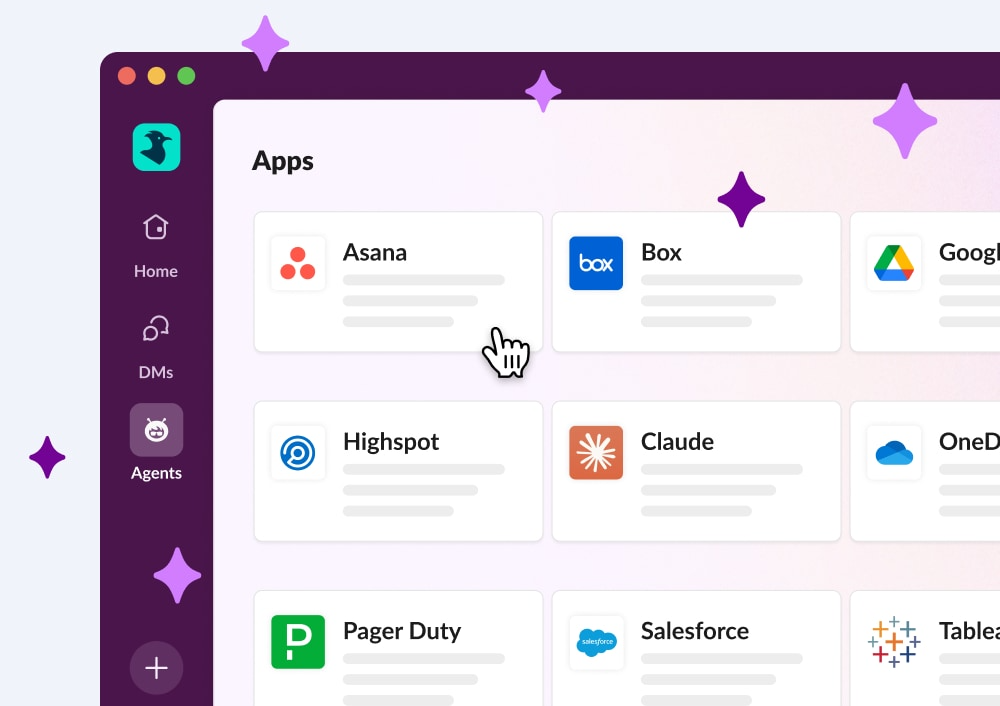
Unifies company knowledge so you can find files, messages, and data fast.
Learn more
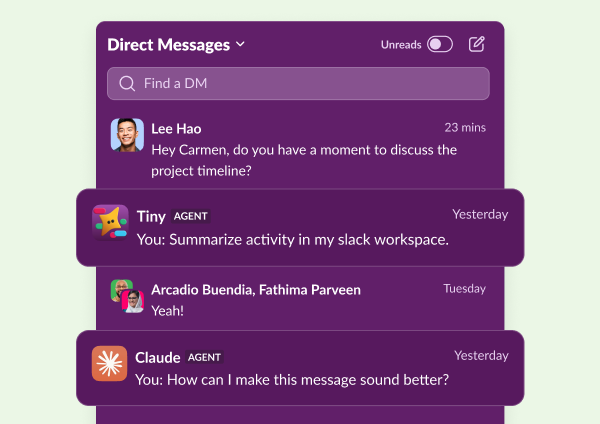
Third party AI Agents
Third Party AI Agents
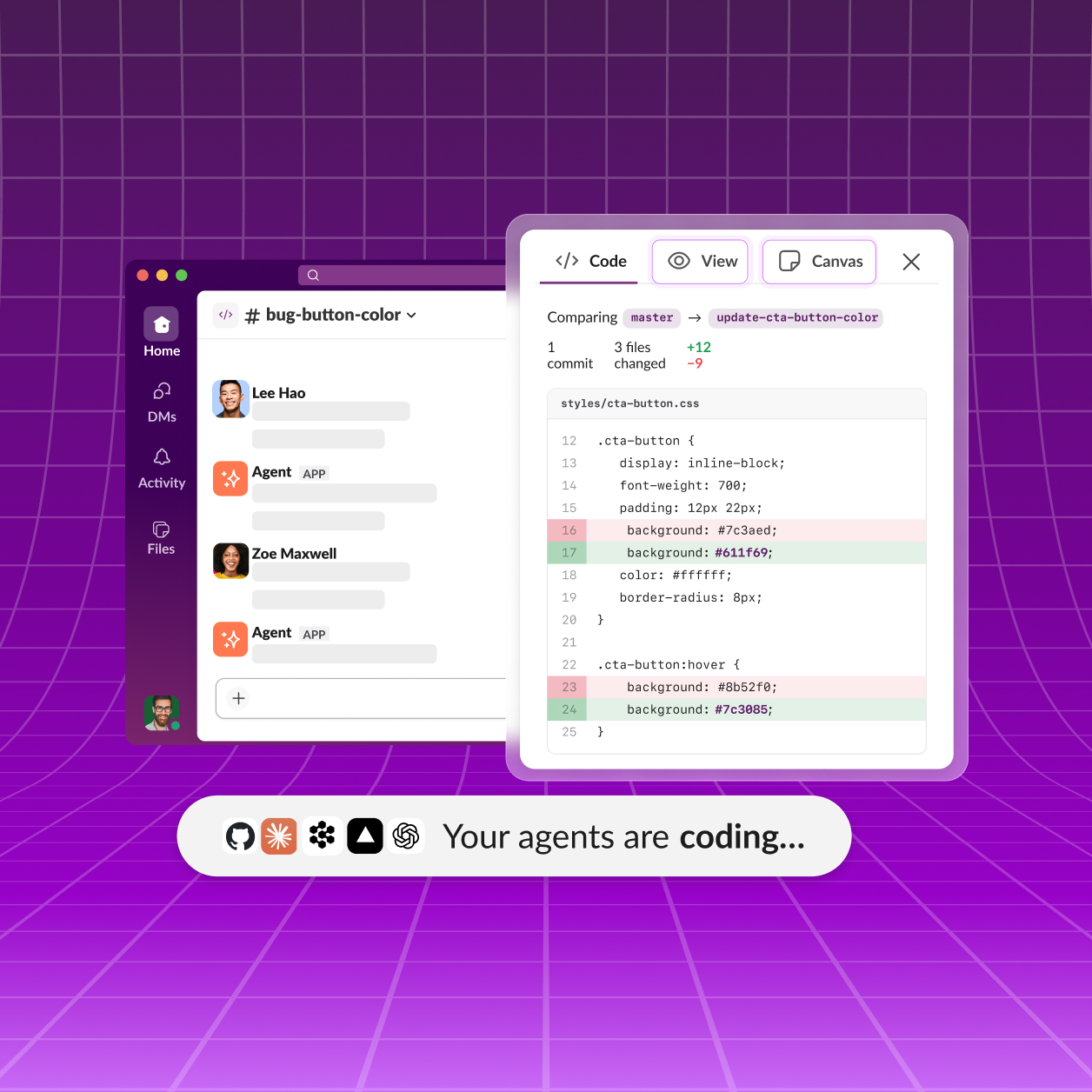
Innovative AI companies are delivering smart, native Slack apps powered by data.
Learn more
Slack CRM
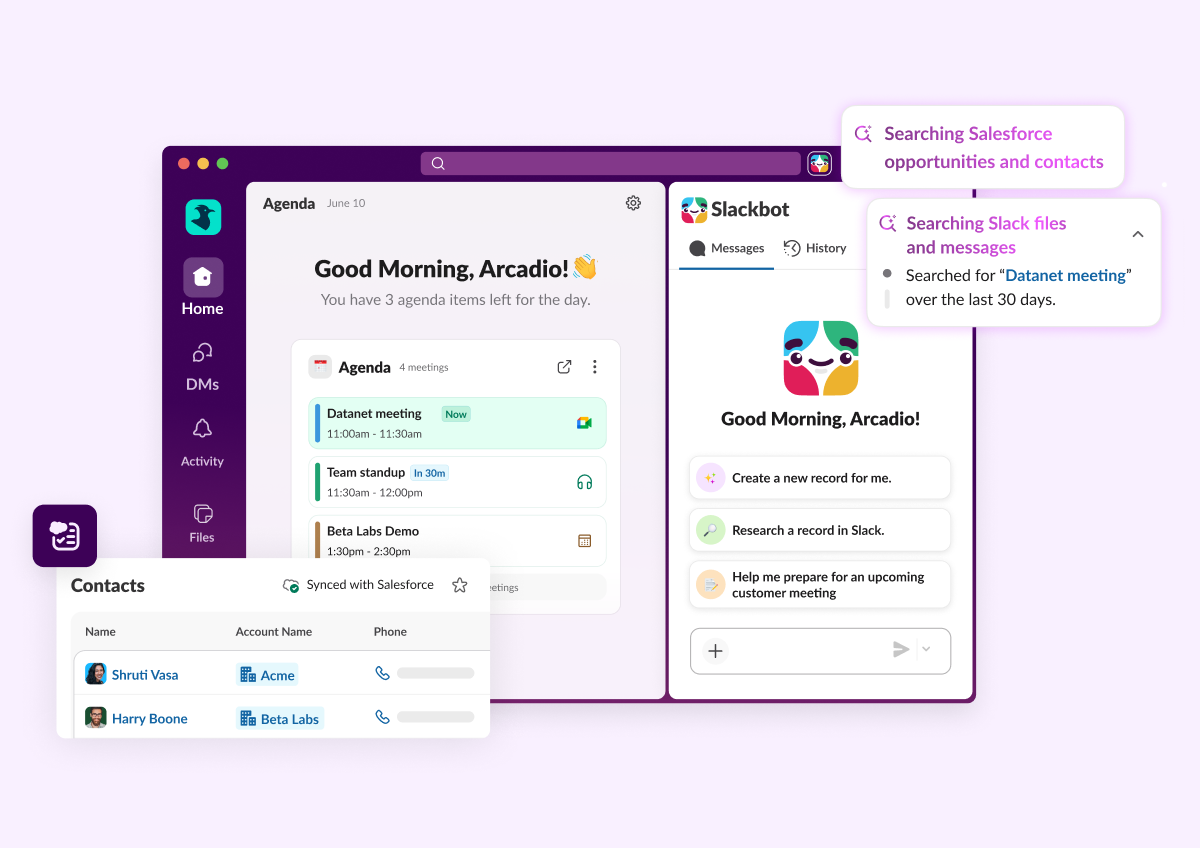
Manage customers conversationally with Slackbot. Capture contacts, track deal progress, and prep what you need with a prompt.
Learn More
Feature highlights
Slackbot
Slackbot
Your personalized, context-aware AI agent for smarter work.
Learn more
Salesforce in Slack
Salesforce in Slack
Agentforce powers Salesforce CRM experiences seamlessly in Slack.
Learn more
Enterprise search
Enterprise Search
Unifies company knowledge so you can find files, messages, and data fast.
Learn more
Third party AI Agents
Third Party AI Agents
Innovative AI companies are delivering smart, native Slack apps powered by data.
Learn more
Slack CRM
Manage customers conversationally with Slackbot. Capture contacts, track deal progress, and prep what you need with a prompt.
Learn More

All Updates

29 MAY 2026
Link Copied!
New Feature

Today View

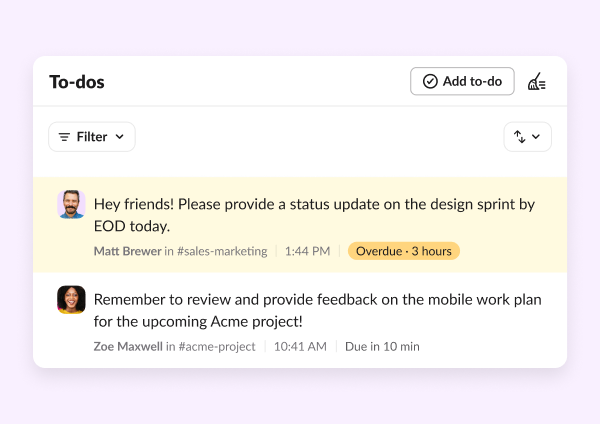
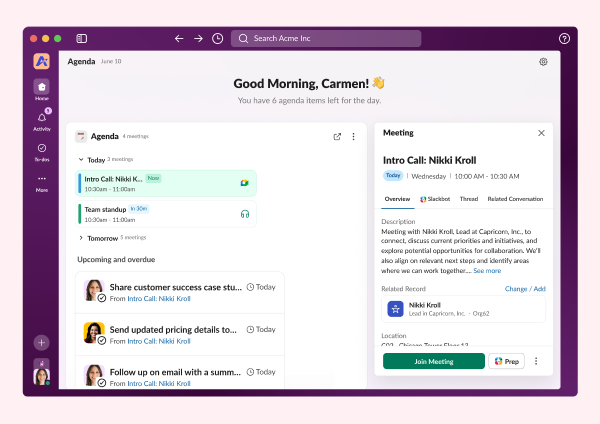
Your day used to start with a wall of messages and no clear place to begin. Today view changes that. It's a personalized daily briefing that pulls your priorities, calendar, and most pressing tasks together from your connected apps — all in one place, before the day gets away from you. Orient your day in Today, triage your notifications in Activity, take action with Slackbot: it's the productivity flywheel that keeps everything moving.
New Feature

Slackbot Native Charts

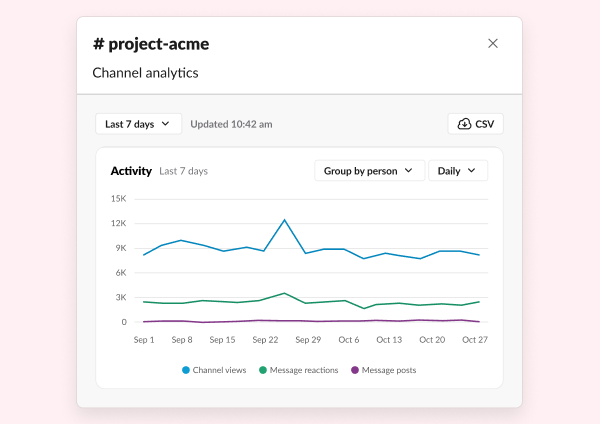
Slackbot can now create visual charts based on your underlying Slack, Salesforce and connected data - just ask. No underlying report required.
Feature Enhancement

Focus Mode

Sometimes the best thing you can do to get work done is quiet the distractions. Focus mode reduces visual distractions, silences non-urgent notifications, and lets you signal to teammates that you're heads-down. Set it for 30 minutes, an hour, or two — and get back to the work that actually needs your attention.
Feature Enhancement

Block Kit Builder Updates

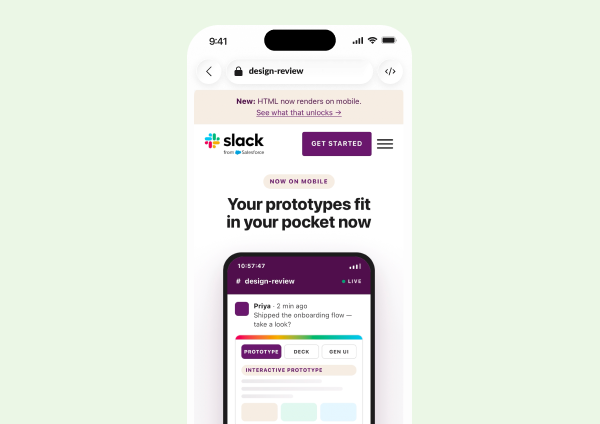
Building in Slack just got smoother. With the updated Block Kit, you’ll be able to build apps and agents with new components including cards, alerts, carousel, code and data tables. These components allow developers to build high-density, interactive UIs for agents without writing custom code. They render natively across desktop and mobile, ensuring data remains comprehensible and actionable.
New Feature

Miles Davis in Slack Experience

New Miles Davis–inspired backgrounds, visual effects, and emoji reactions give every call a little more soul during your Huddles. Just like a jazz ensemble, great collaboration happens when everyone finds their groove together. Now, Slack gives your team the perfect soundtrack to do it.
New Feature

Slack comes included with every new Salesforce org

Every new Enterprise Edition and Unlimited Edition Salesforce org now comes with a Slack Free workspace — already connected, already configured, ready to go. Salesforce Channels are enabled on key record pages out of the box, so teams can start collaborating in context from day one.
New Feature

Salesforce Actions in Slackbot

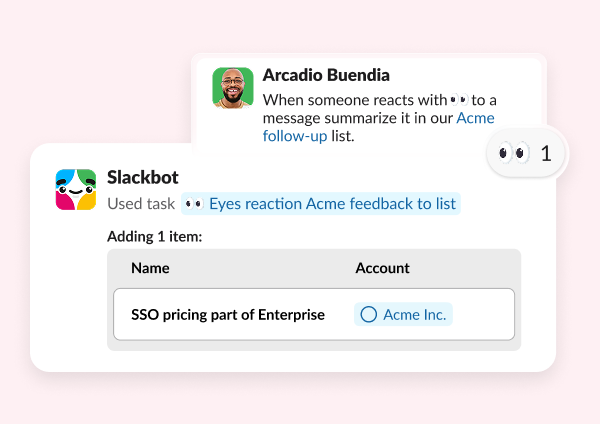
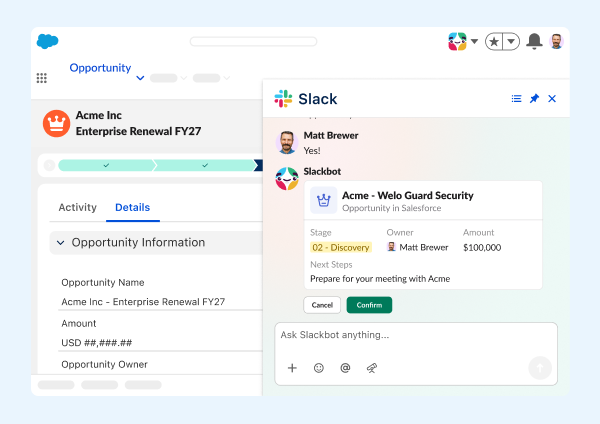
Your CRM just got a whole lot more conversational. Users can now ask Slackbot to create or update Salesforce records without ever leaving Slack. Slackbot supports actions on one or multiple records at a time — draft the change, review an interactive preview, and approve before anything is saved. Admins control which objects Slackbot can write to, and every action is tracked in audit logs.
New Feature

New Welcome Mat

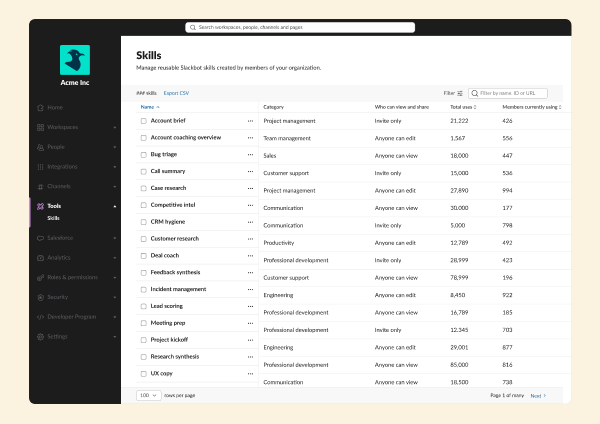
Slackbot Home Updates introduces a personalized welcome mat with upcoming meetings, recommended Skills, and examples of how teammates are using Slackbot. New users can ramp faster, while experienced users discover new ways to work smarter.

Embedded AI

Slackbot Across Slack embeds AI assistance directly into the flow of work. Use AI Explain to break down complex messages, Profile Summaries to quickly understand teammates, and File Summaries to preview shared documents before opening them — and then follow up with Slackbot for any additional questions or next steps.
28 MAY 2026
Link Copied!
New Feature

Today View

Your day used to start with a wall of messages and no clear place to begin. Today view changes that. It's a personalized daily briefing that pulls your priorities, calendar, and most pressing tasks together from your connected apps — all in one place, before the day gets away from you. Orient your day in Today, triage your notifications in Activity, take action with Slackbot: it's the productivity flywheel that keeps everything moving.
Feature Enhancement

Slackbot Native Charts

Slackbot can now create visual charts based on your underlying Slack, Salesforce and connected data - just ask. No underlying report required.
Feature Enhancement

Focus Mode

Sometimes the best thing you can do to get work done is quiet the distractions. Focus mode reduces visual distractions, silences non-urgent notifications, and lets you signal to teammates that you're heads-down. Set it for 30 minutes, an hour, or two — and get back to the work that actually needs your attention.
New Feature

Block Kit Builder Updates

Building in Slack just got smoother. With the updated Block Kit, you’ll be able to build apps and agents with new components including cards, alerts, carousel, code and data tables. These components allow developers to build high-density, interactive UIs for agents without writing custom code. They render natively across desktop and mobile, ensuring data remains comprehensible and actionable.
New Feature

Miles Davis in Slack Experience

New Miles Davis–inspired backgrounds, visual effects, and emoji reactions give every call a little more soul during your Huddles. Just like a jazz ensemble, great collaboration happens when everyone finds their groove together. Now, Slack gives your team the perfect soundtrack to do it.
Feature Enhancement

Slack comes included with every new Salesforce org

Every new Enterprise Edition and Unlimited Edition Salesforce org now comes with a Slack Free workspace — already connected, already configured, ready to go. Salesforce Channels are enabled on key record pages out of the box, so teams can start collaborating in context from day one.
Feature Enhancement

Salesforce Actions in Slackbot

Your CRM just got a whole lot more conversational. Users can now ask Slackbot to create or update Salesforce records without ever leaving Slack. Slackbot supports actions on one or multiple records at a time — draft the change, review an interactive preview, and approve before anything is saved. Admins control which objects Slackbot can write to, and every action is tracked in audit logs.
Feature Enhancement

New Welcome Mat

Slackbot Home Updates introduces a personalized welcome mat with upcoming meetings, recommended Skills, and examples of how teammates are using Slackbot. New users can ramp faster, while experienced users discover new ways to work smarter.

Frequently Asked Questions

Slack regularly releases new features and improvements to help teams work faster and stay connected. This page shows the latest Slack updates, including productivity tools, AI features, integrations, and collaboration enhancements.

Slack typically ships new features and improvements every few weeks. Updates range from small enhancements to major product launches.

You can find the most recent Slack updates on this page under "All Updates." Older updates are available further down in the release timeline.

Most Slack updates are rolled out automatically to all customers. Some features may appear gradually depending on your plan, region, or admin settings.

Slack releases updates across messaging, automation, AI features, security, integrations, and workflow tools. Each update is designed to improve productivity and team communication.

Each release includes a summary and a link to learn more about that feature. You can click into any update to explore how it works and how to use it.

Yes. Slack releases features across different plans. Some advanced capabilities may only be available on paid plans, while many updates improve the experience for all users.

Slack updates highlight what's new at a high level. Release notes are typically more technical and detailed, while this page focuses on what's new and why it matters.

In most cases, yes. Once a feature is released to your workspace, you can start using it immediately. Some features may require admin permission.

You can bookmark this page to check the latest updates, or follow Slack announcements through email and in-product notifications.