Slack Feature Drop

Do more without skipping a beat.

Feature highlights
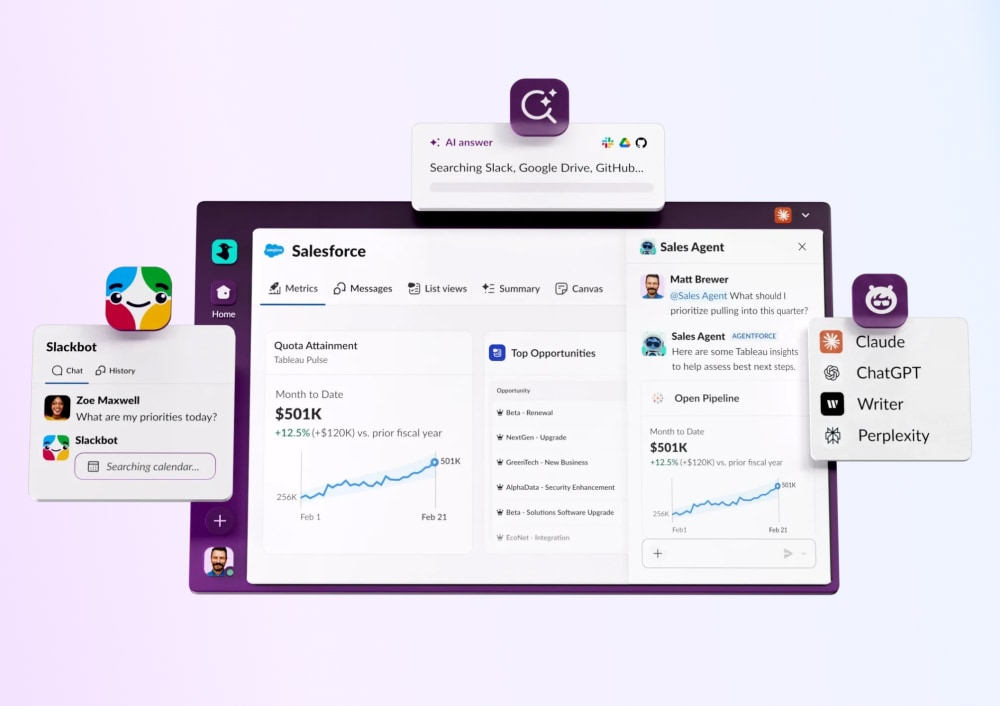
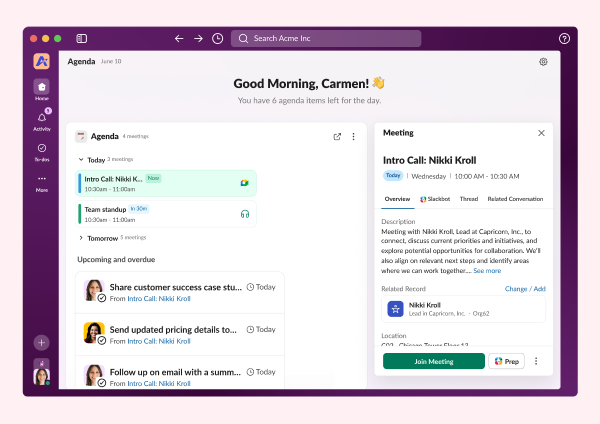
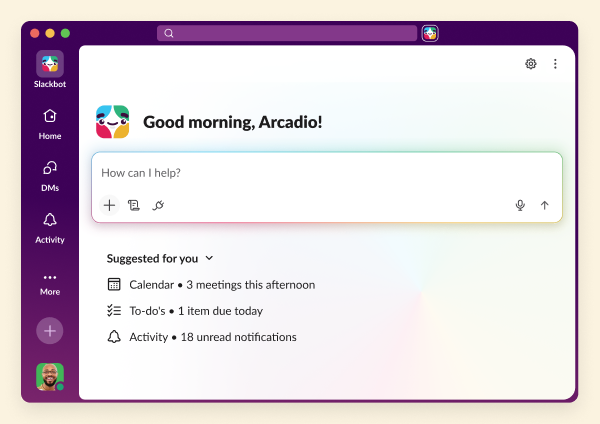
Slackbot
Slackbot
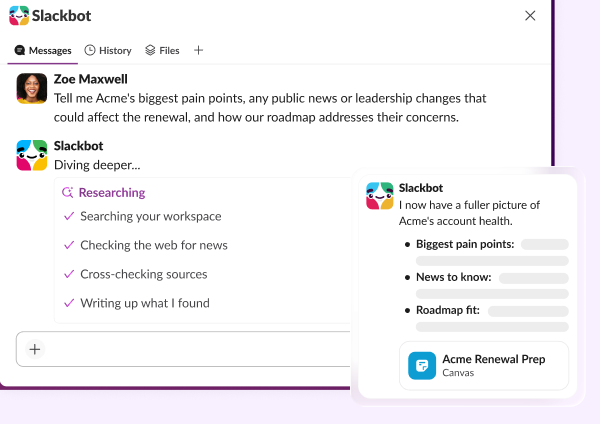
Your personalized, context-aware AI agent for smarter work.
Learn more
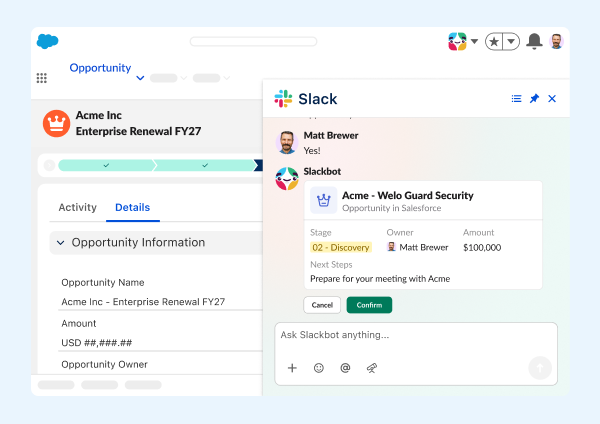
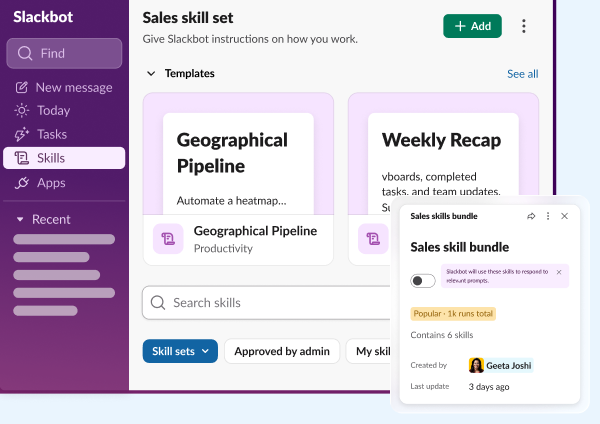
Salesforce in Slack
Salesforce in Slack
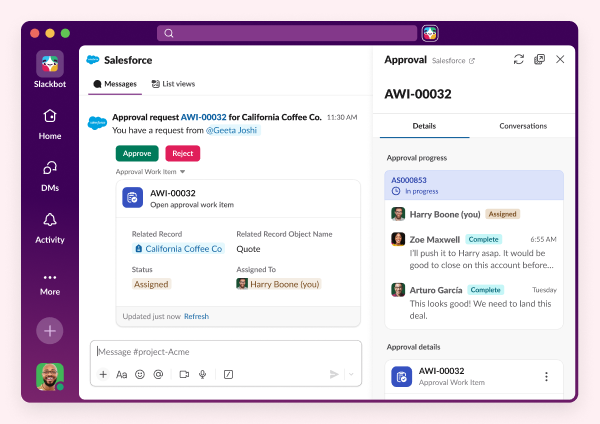
Agentforce powers Salesforce CRM experiences seamlessly in Slack.
Learn more
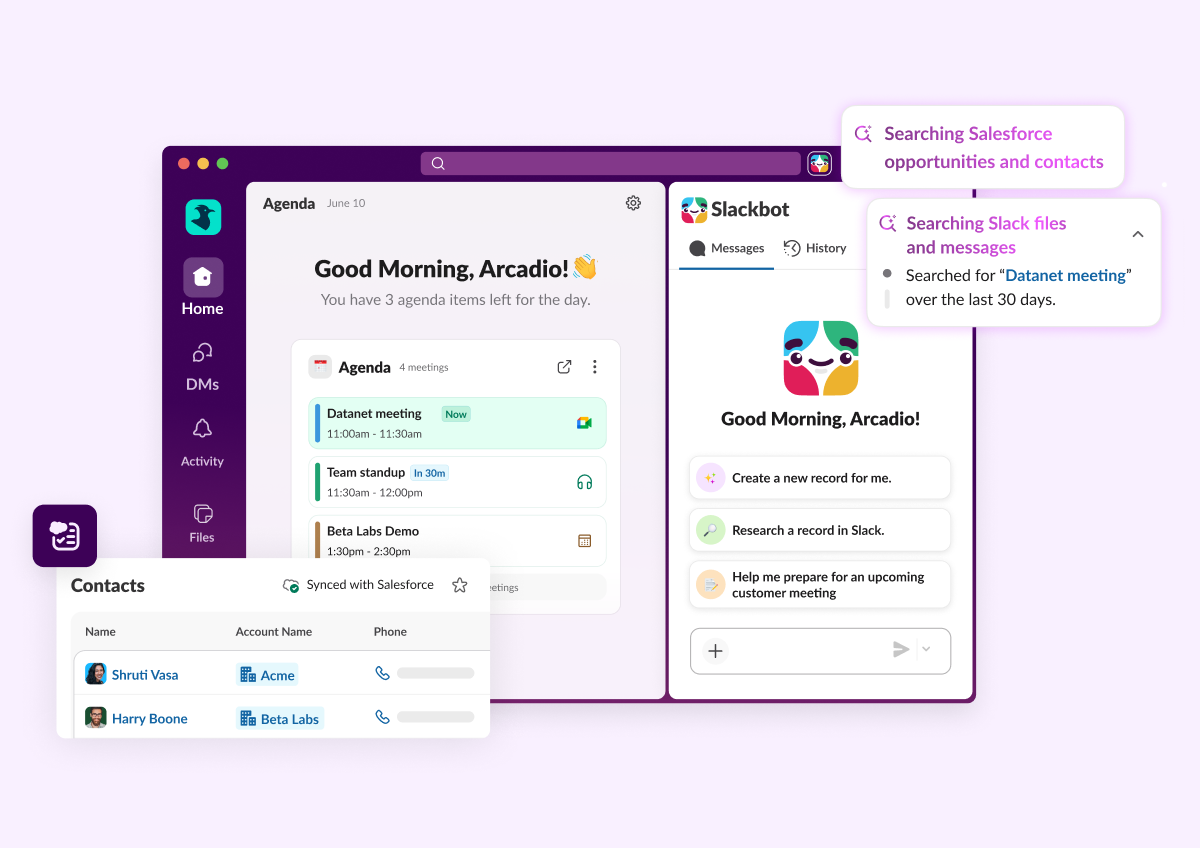
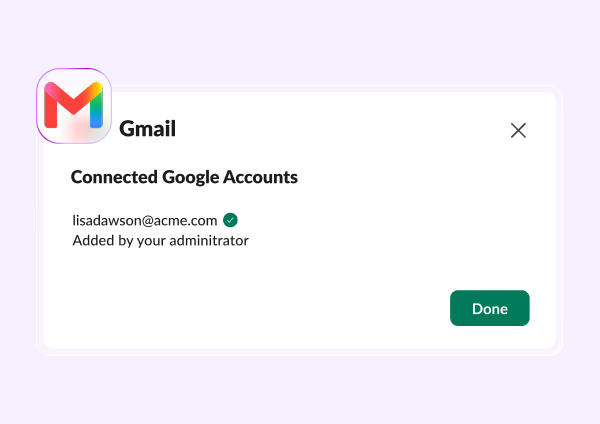
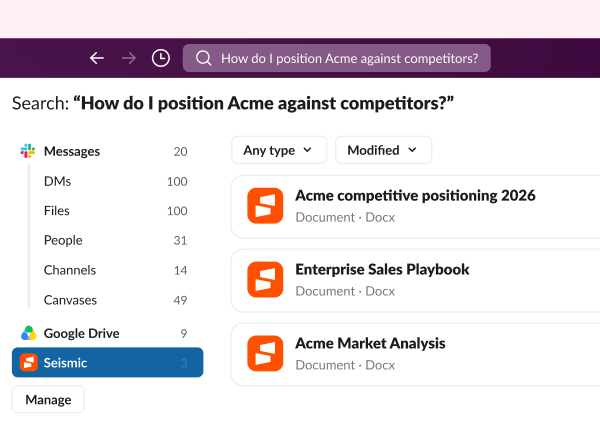
Enterprise search
Enterprise Search
Unifies company knowledge so you can find files, messages, and data fast.
Learn more
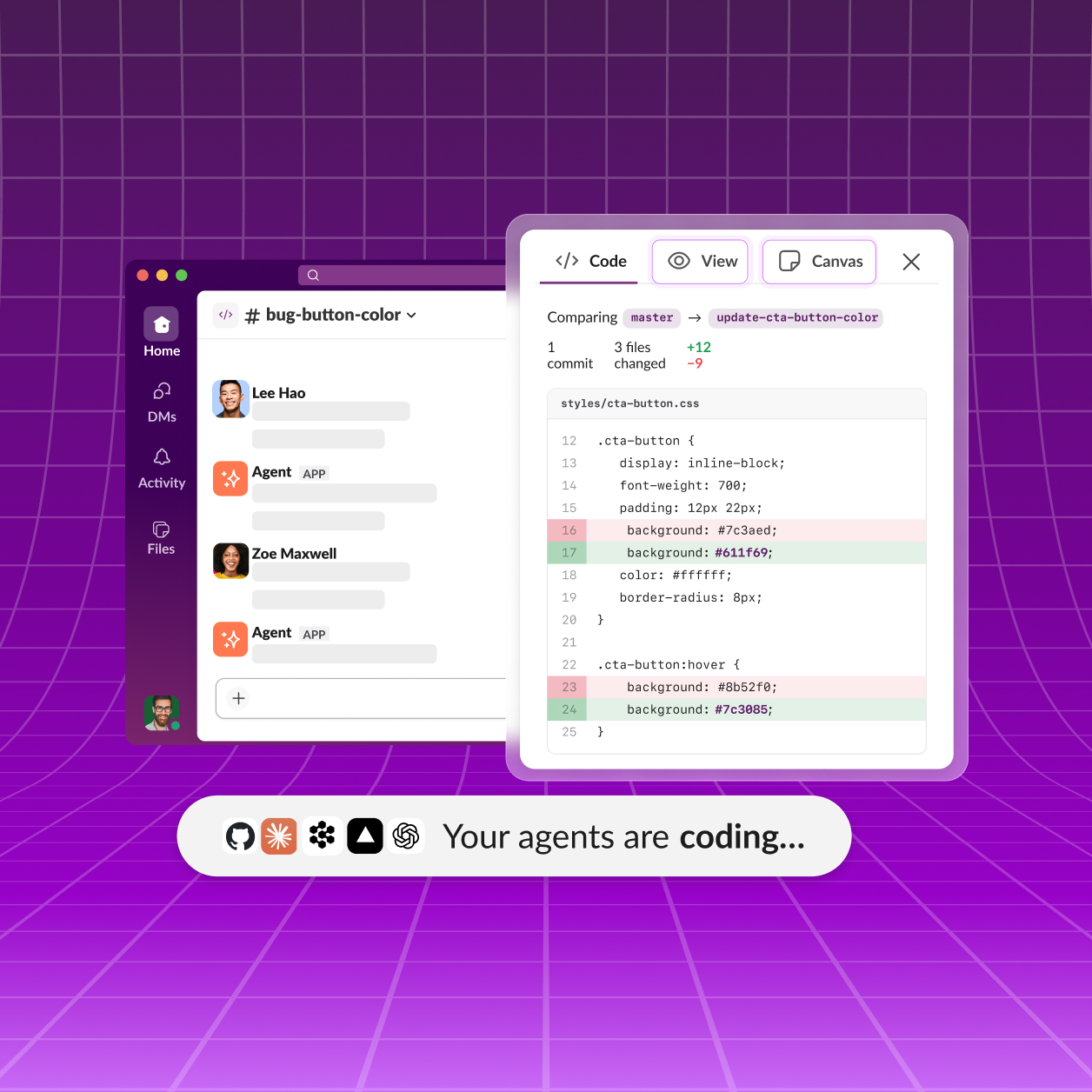
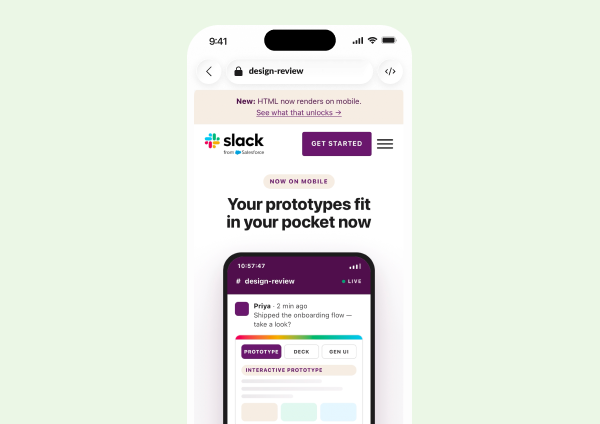
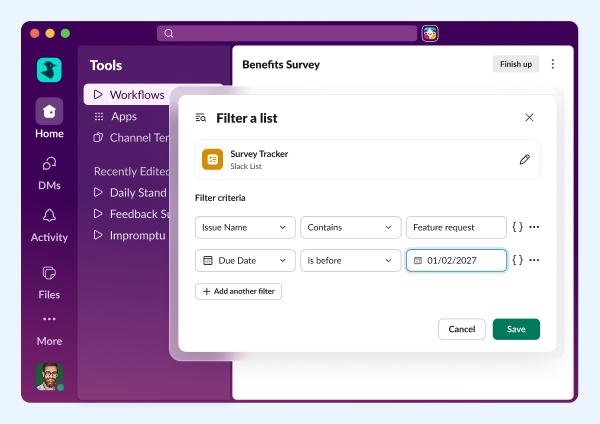
Third party AI Agents
Third Party AI Agents
Innovative AI companies are delivering smart, native Slack apps powered by data.
Learn more
Feature highlights
Slackbot
Slackbot
Your personalized, context-aware AI agent for smarter work.
Learn more
Salesforce in Slack
Salesforce in Slack
Agentforce powers Salesforce CRM experiences seamlessly in Slack.
Learn more
Enterprise search
Enterprise Search
Unifies company knowledge so you can find files, messages, and data fast.
Learn more
Third party AI Agents
Third Party AI Agents
Innovative AI companies are delivering smart, native Slack apps powered by data.
Learn more

All Updates

30 MAR 2026
Link Copied!
New Feature

Slack CRM

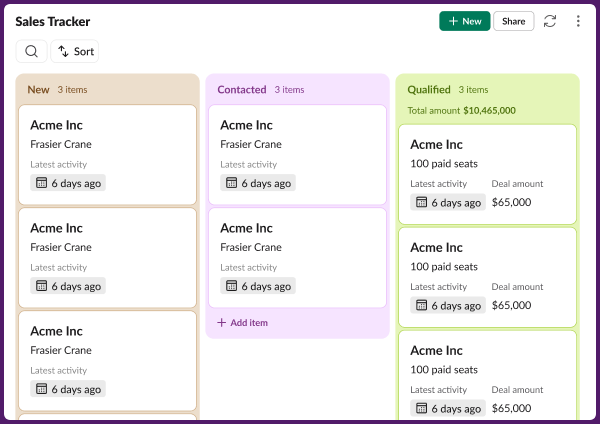
Your CRM is now a conversation. Slackbot can turn your existing Slack threads into organized customer records — adding contacts, updating deals, logging notes, and surfacing account history, all without leaving Slack. Built on Salesforce, so when you're ready to scale, everything is already there.
Feature Enhancement

Salesforce Activity Timeline in Slack

Get the full picture of every customer interaction without leaving Slack. The Salesforce Activity Timeline — including emails, tasks, events, calls, and video meetings — is now available right where your team already works.
Feature Enhancement

Custom Salesforce Channel Names

Name Salesforce channels your way. Admins can now choose any record field — including formula fields — to create consistent, descriptive channel naming conventions that improve discoverability and help keep sensitive data out of channel names. Admins can also allow users to manually rename Salesforce channels to fit their needs.
Feature Enhancement

Record View Enhancement

Your Salesforce records are now cleaner and clearer when viewed in Slack. The redesigned single record view declutters headers, reorganizes quick actions, and adds expandable field sections so you can scan, act, and move on - without the noise.
Feature Enhancement

Change CRM Record Owner

Hand off records without switching apps. Reassign the owner of any Salesforce lead, case, or opportunity directly in Slack, with the option to instantly notify the new owner, on desktop and mobile.
New Feature

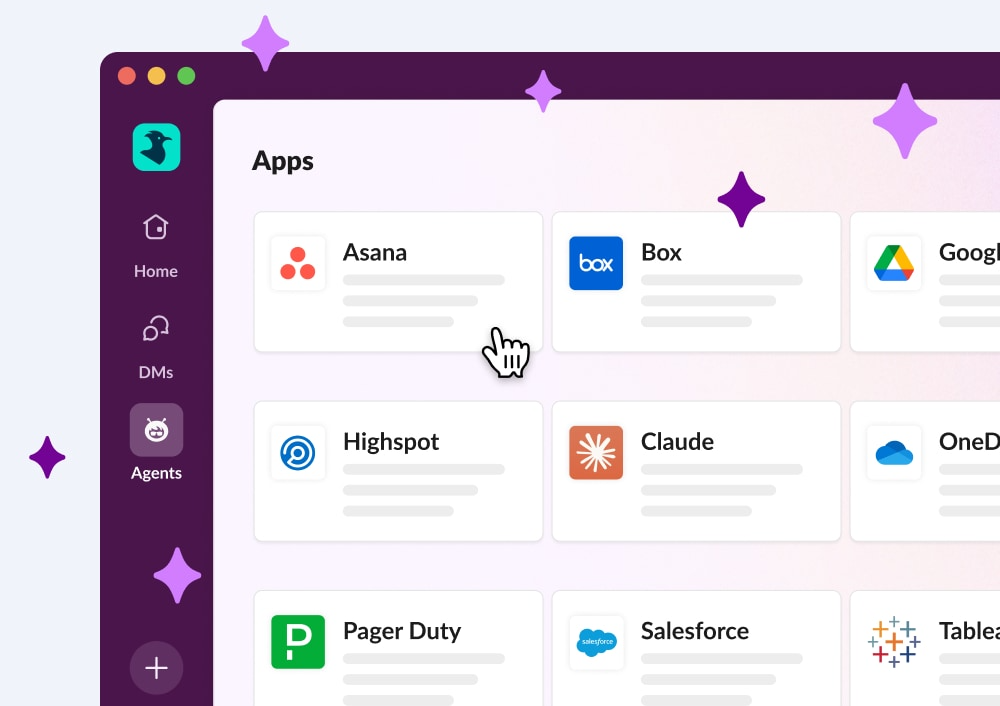
AgentExchange

Discover and connect with AI agents, all in one place. Browse AI-powered apps from the Slack Marketplace, see all your installed agents at a glance, and jump back into recent agent conversations from a new dedicated section.
Feature Enhancement

Gmail and Outlook Email Connectors in Enterprise Search

Search your inbox without leaving Slack. Gmail and Outlook are now connected to Enterprise Search, so email results surface alongside your Slack content — in search results, AI-generated answers, and Slackbot queries.
Feature Enhancement

Scheduled Send for Forwarded Messages

Forward it when the time is right. You can now schedule forwarded messages for delivery at exactly the right moment — available on desktop.
Feature Enhancement

Edit Attachments After Sending

Fix it after you send it. You can now add, remove, or reorder file attachments — images, videos, documents, canvases, and more — when editing a sent message, so getting it right doesn't require starting over.
03 MAR 2026
Link Copied!
New Feature

Real Time Search API (RTS)

Give your apps instant access to Slack data. The Real Time Search API is now generally available, enabling external third-party applications to search your Slack workspace data in real time with powerful, flexible queries.
New Feature

Model Context Protocol (MCP)

Build powerful AI integrations with open standards. The Model Context Protocol (MCP) server enables developers to integrate Slack tools including search, messaging, and canvas creation with AI assistants like Claude and ChatGPT.
Feature Enhancement

Enterprise Search Custom Connectors

Unlock your organization's complete knowledge base. Build custom connectors to integrate internal wikis, on-premise systems, and proprietary tools directly into Enterprise Search, bringing everything your team needs into one powerful search experience.
Feature Enhancement

Huddles Join Preview

Preview your video and check your audio settings before entering a huddle, ensuring you look and sound great before colleagues see you.
Feature Enhancement

Visual Sidebar Improvements

The sidebar now has clearer hierarchy with indented channels, adaptive spacing for narrow views, consistent alignment, and default section icons to help you navigate your workspace with more clarity.
New Feature

Pre-Migration Bulk Email Updates

Org Owners can now configure a bulk email update for migrating users before the migration is even scheduled. There’s also a new page to review the updates, making the process more transparent and less prone to error.
Feature Enhancement

Sidebar Onboarding Tasks

Welcome new team members with guided setup. When people join your workspace, they'll see helpful onboarding tasks, like uploading a profile picture and sending their first DM, plus a reminder email to help them get started quickly.
Feature Enhancement

Semantic Search

Find what you need faster, even without exact keywords. Now available for Pro customers, Semantic Search understands meaning, works in any language, supports short filtered queries, and surfaces context-aware related matches.

Frequently Asked Questions

Slack regularly releases new features and improvements to help teams work faster and stay connected. This page shows the latest Slack updates, including productivity tools, AI features, integrations, and collaboration enhancements.

Slack typically ships new features and improvements every few weeks. Updates range from small enhancements to major product launches.

You can find the most recent Slack updates on this page under "All Updates." Older updates are available further down in the release timeline.

Most Slack updates are rolled out automatically to all customers. Some features may appear gradually depending on your plan, region, or admin settings.

Slack releases updates across messaging, automation, AI features, security, integrations, and workflow tools. Each update is designed to improve productivity and team communication.

Each release includes a summary and a link to learn more about that feature. You can click into any update to explore how it works and how to use it.

Yes. Slack releases features across different plans. Some advanced capabilities may only be available on paid plans, while many updates improve the experience for all users.

Slack updates highlight what's new at a high level. Release notes are typically more technical and detailed, while this page focuses on what's new and why it matters.

In most cases, yes. Once a feature is released to your workspace, you can start using it immediately. Some features may require admin permission.

You can bookmark this page to check the latest updates, or follow Slack announcements through email and in-product notifications.