
While our efforts over the past three years have been largely concentrated in North America, Slack has grown to be used by teams in more than 100 countries. These organizations work across industries, continents, and business models, but all rely on Slack as their foundation for work: HelloFresh to delight home cooks and unite their global team, Süddeutsche Zeitung to break news to their 23 million monthly visitors across Germany, and LVMH to expand their Benefit brand into 52 new markets.
To say we’ve been humbled and inspired by our customers is an understatement. That’s why we want to make their time in Slack even better by delivering a truly localized experience that works the way they do — starting with localization in French, German, and Spanish.
What this means for you
With our support for French, German, and Spanish, more non-English speakers can use Slack in the language they prefer. Once your language is set, the entire product is localized, from the copy you see in the UI all the way down to the very last emoji.
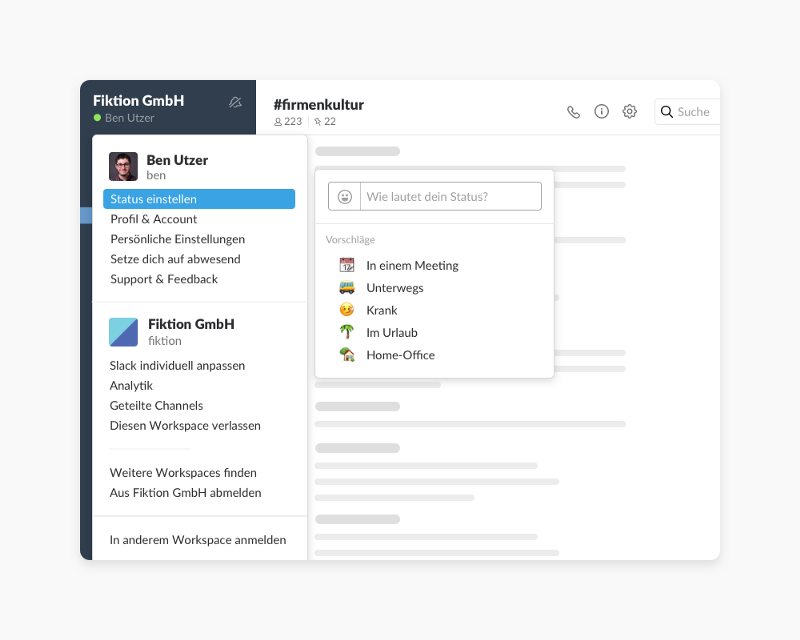
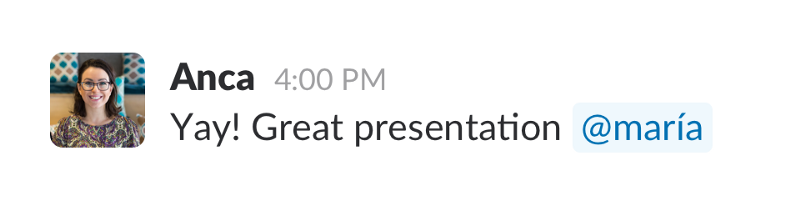
We’ve also introduced new display names that support international characters, giving you more control over how you’re known in Slack.
If you have questions along the way, every article in our Help Center is now fully translated. Customers on paid accounts can also choose their desired local currency. Plus, we have dedicated members of our Sales and Customer Experience teams who are fluent in our supported languages and based in Dublin and London.
Switching your language in Slack
To change your language, open “Preferences” in the top left corner of Slack, then select “Language & Region”.
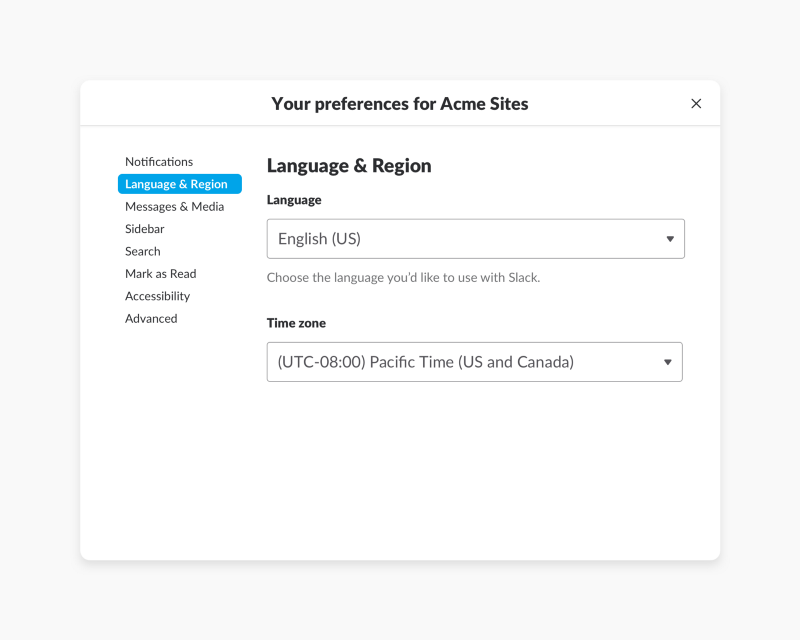
Admins can select a default language for parts of Slack visible to their entire organization — like Slackbot messages or invitations. For everywhere else in Slack, individual team members can select their own language preference. This means you can have your language set to Spanish, for example, while someone else on your team uses Slack in German.
We hope this first step into localization provides a better experience for existing users who speak French, German, or Spanish, while making Slack accessible for more teams across the world.
Have questions about switching your language in Slack? Send us a note on Twitter or read more on our Help Center. You can learn more about how we approached building localized versions of Slack on our Engineering blog.
 ¡Genial!
¡Muchísimas gracias por tus comentarios!
¡Entendido!
Gracias por tus comentarios.
¡Uy! Estamos teniendo dificultades. Por favor, inténtalo de nuevo más tarde.