Slack Feature Drop
It's giving summer vibes and serious productivity upgrades.

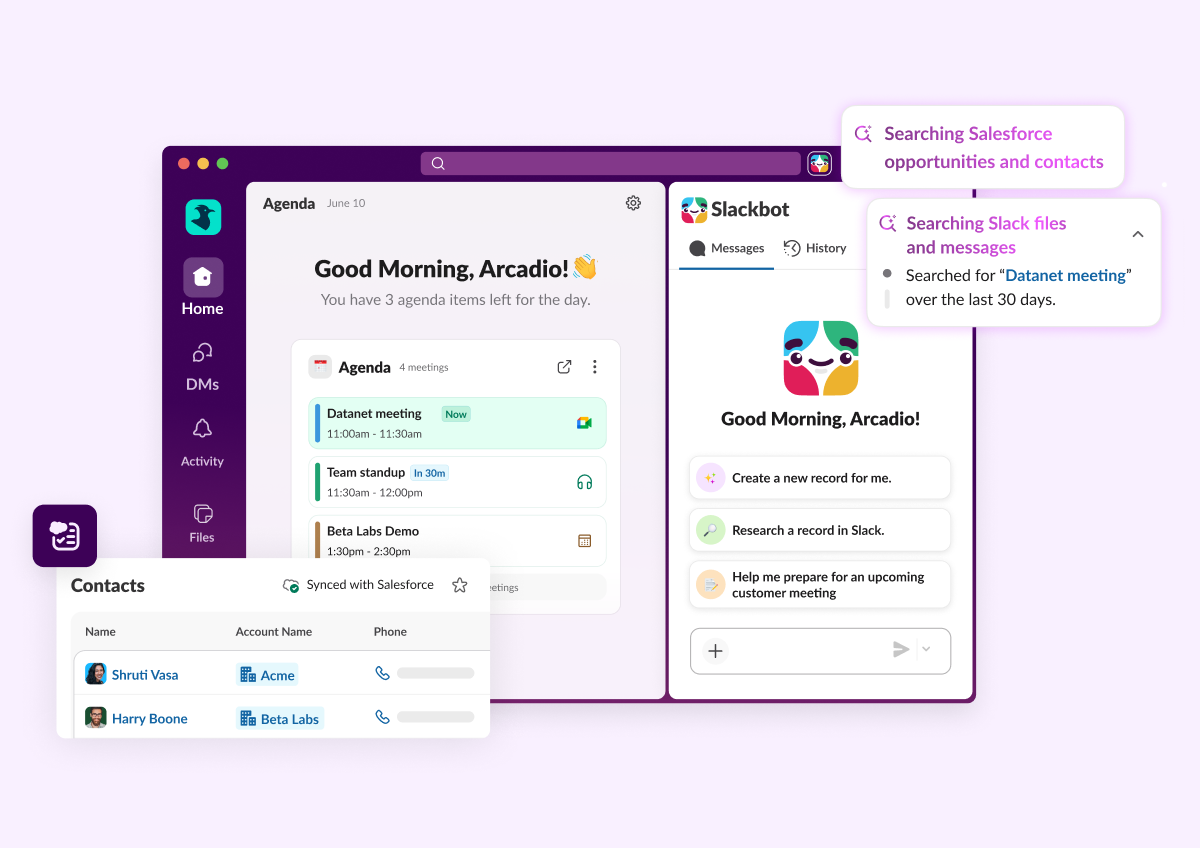
All Updates
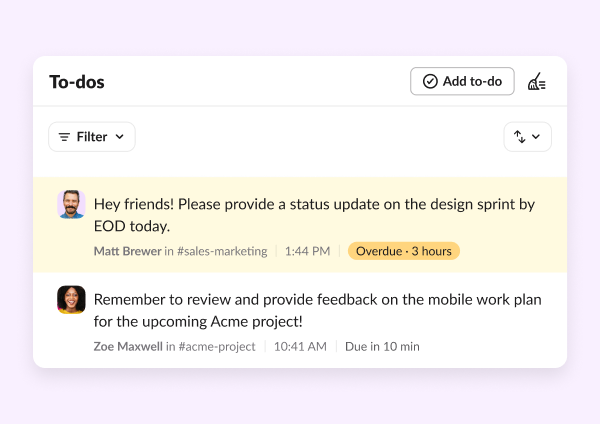
To-Dos & Saved pages
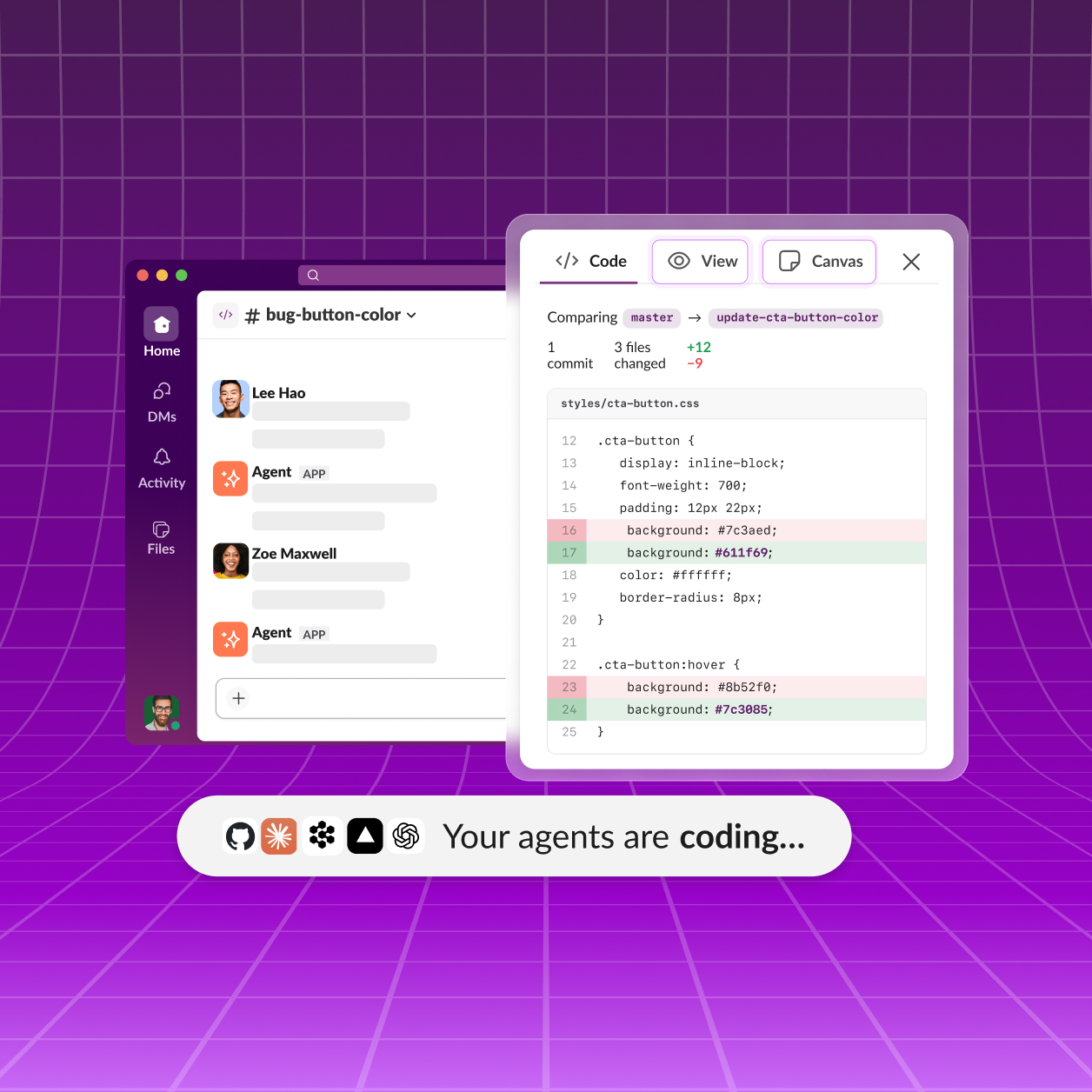
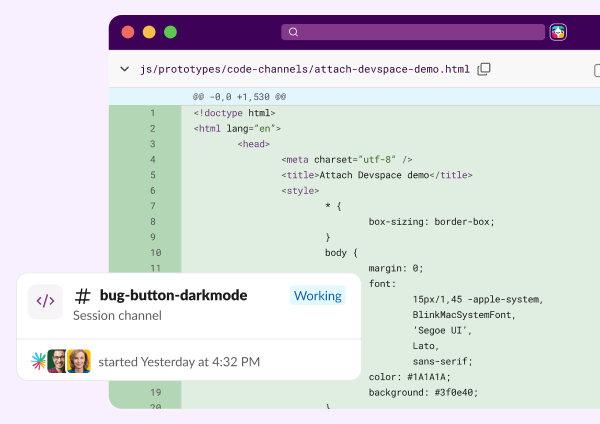
Slack Code API
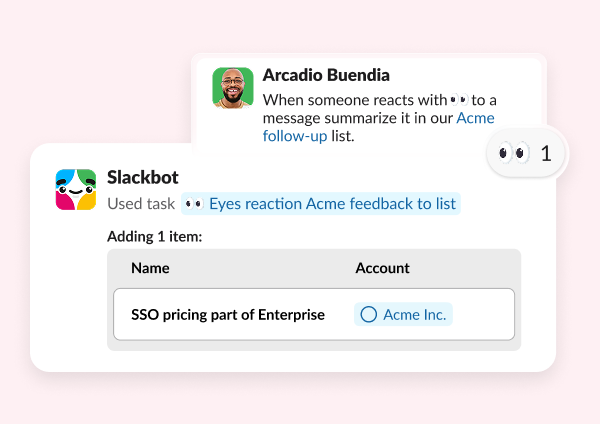
Event-Triggered Tasks
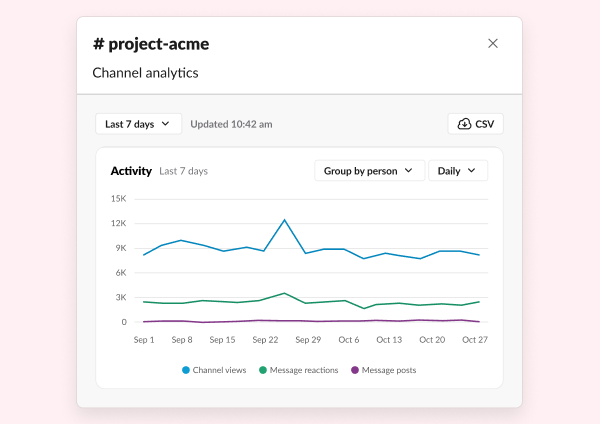
Channel Insights
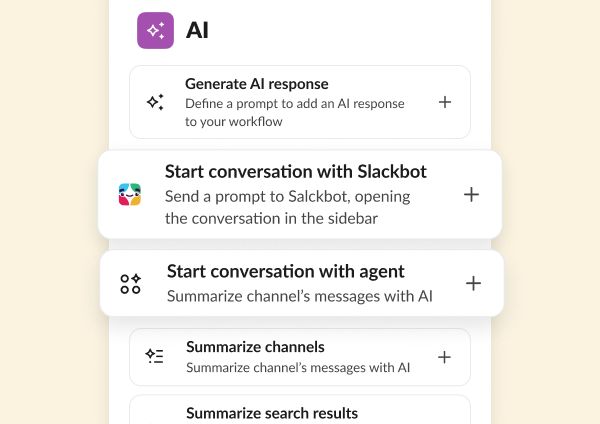
Start conversation with Slackbot or Agent in Workflow Builder
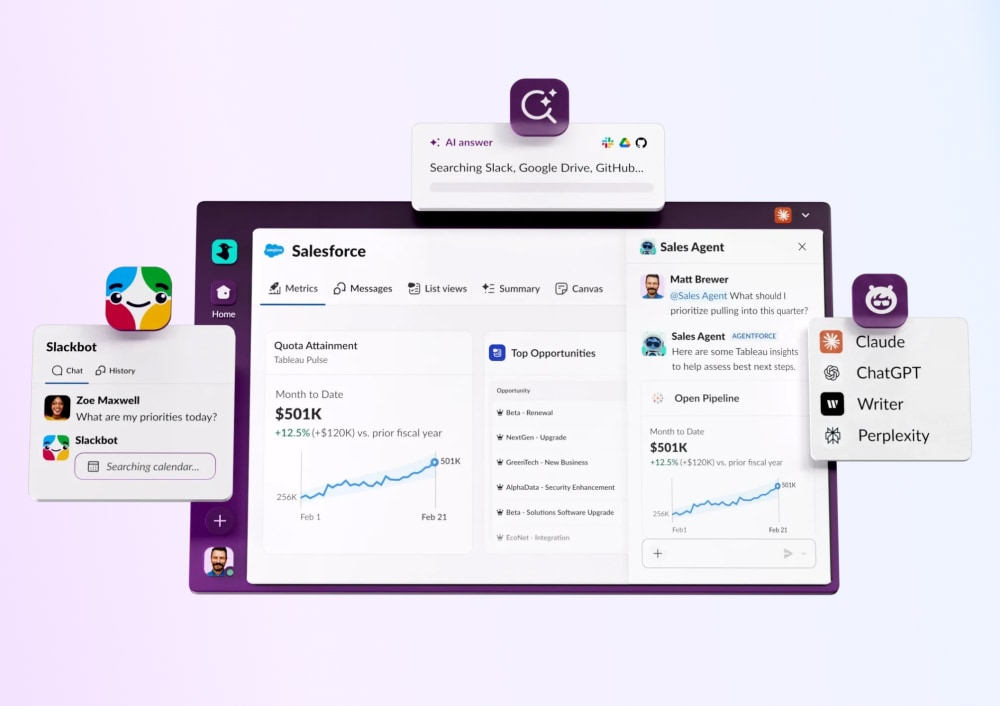
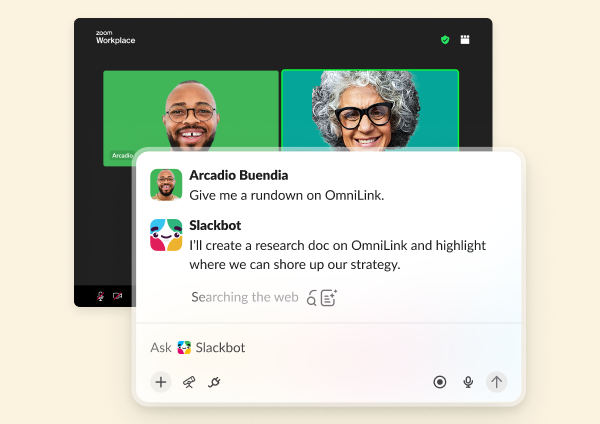
Slackbot Mini
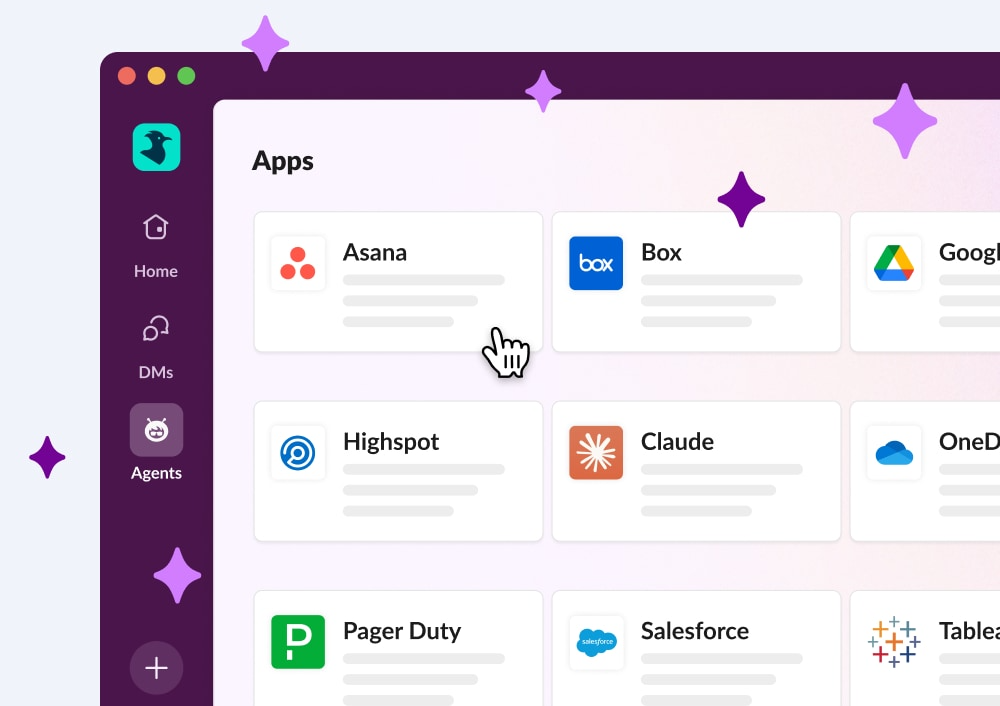
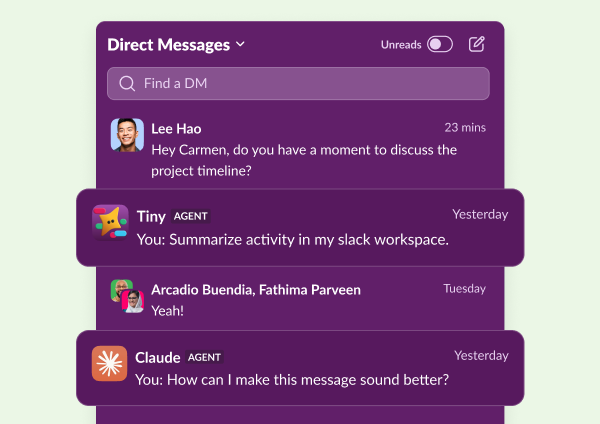
Agents in the DM sidebar
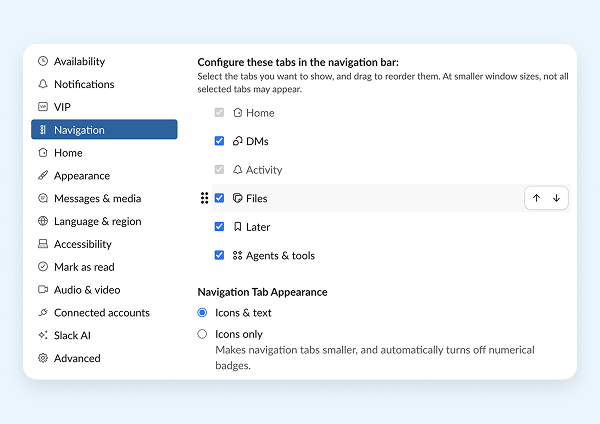
Reorder navigation bar items
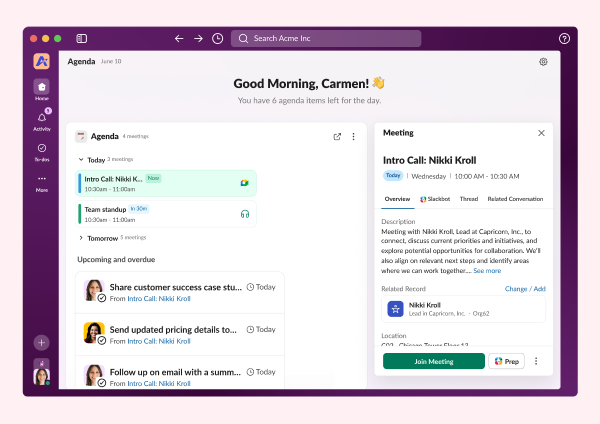
Slack CRM: Generate meeting insights & Salesforce tasks
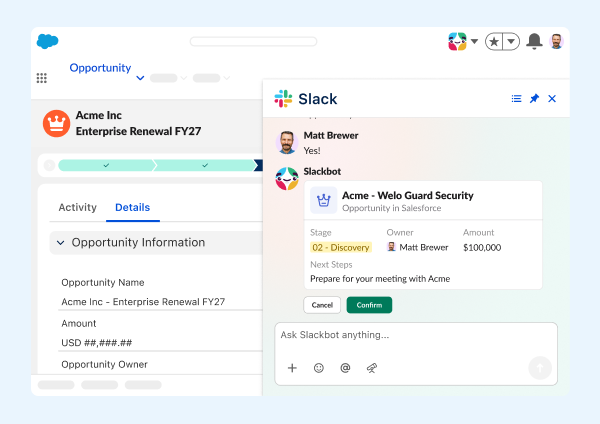
Slackbot in Lightning
Work Object Embeds
Slack Lists in the Slack MCP Server
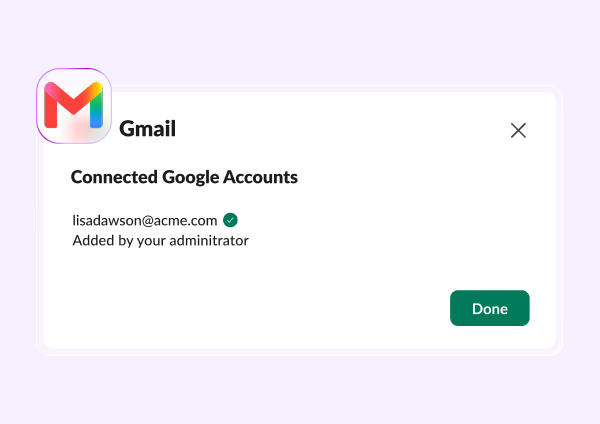
Gmail Domain-Wide Auth (DWA)
Slack MCP Server: File Upload & List User Channels
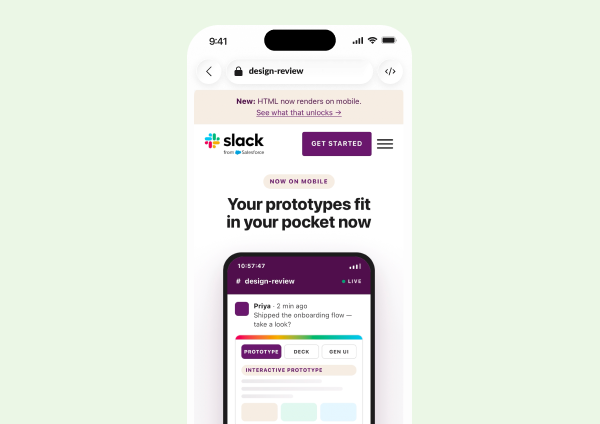
HTML file rendering on mobile
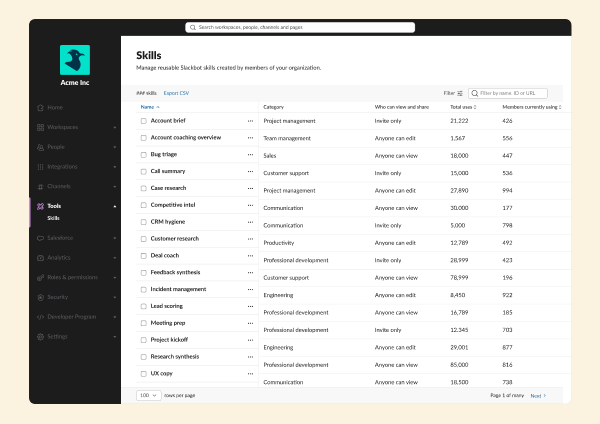
Slackbot Analytics
Frequently Asked Questions
Slack regularly releases new features and improvements to help teams work faster and stay connected. This page shows the latest Slack updates, including productivity tools, AI features, integrations, and collaboration enhancements.
Slack typically ships new features and improvements every few weeks. Updates range from small enhancements to major product launches.
You can find the most recent Slack updates on this page under "All Updates." Older updates are available further down in the release timeline.
Most Slack updates are rolled out automatically to all customers. Some features may appear gradually depending on your plan, region, or admin settings.
Slack releases updates across messaging, automation, AI features, security, integrations, and workflow tools. Each update is designed to improve productivity and team communication.
Each release includes a summary and a link to learn more about that feature. You can click into any update to explore how it works and how to use it.
Yes. Slack releases features across different plans. Some advanced capabilities may only be available on paid plans, while many updates improve the experience for all users.
Slack updates highlight what's new at a high level. Release notes are typically more technical and detailed, while this page focuses on what's new and why it matters.
In most cases, yes. Once a feature is released to your workspace, you can start using it immediately. Some features may require admin permission.
You can bookmark this page to check the latest updates, or follow Slack announcements through email and in-product notifications.