Slack Feature Drop
It's giving summer vibes and serious productivity upgrades.

All Updates
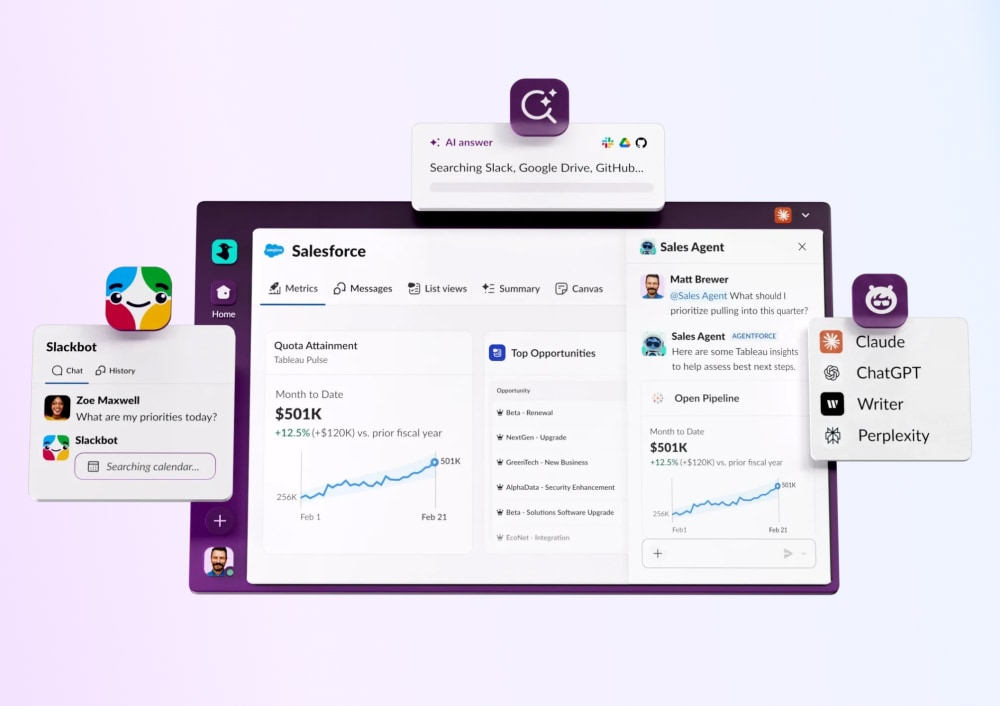
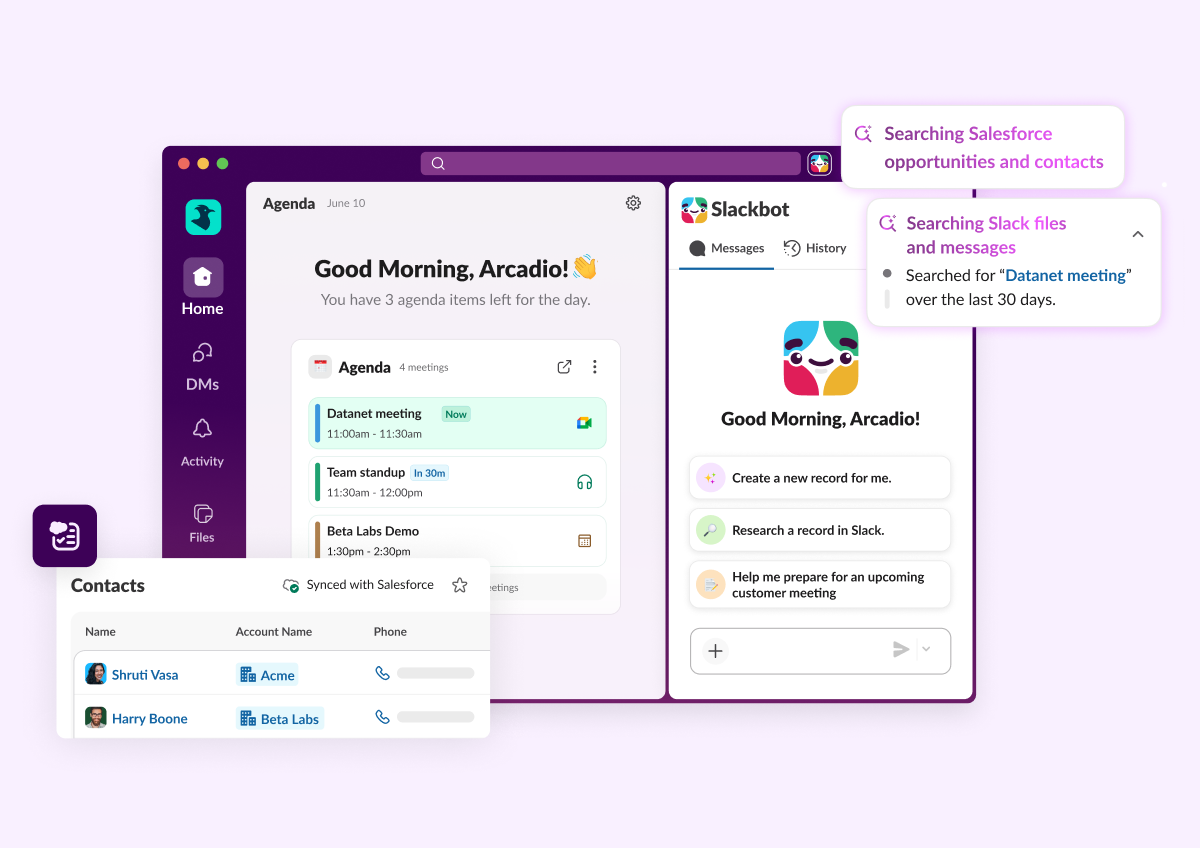
Slack CRM: Generate meeting insights & Salesforce tasks
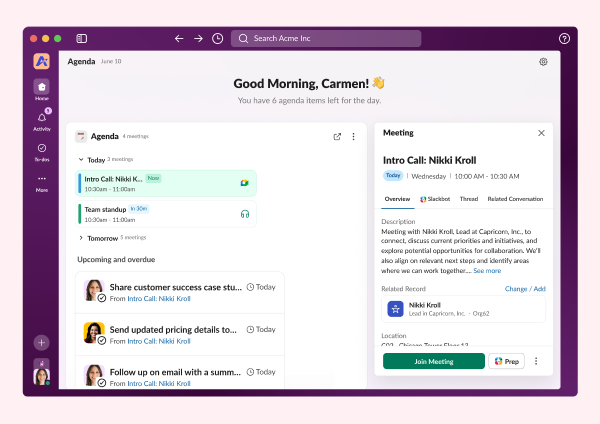
Slackbot in Lightning
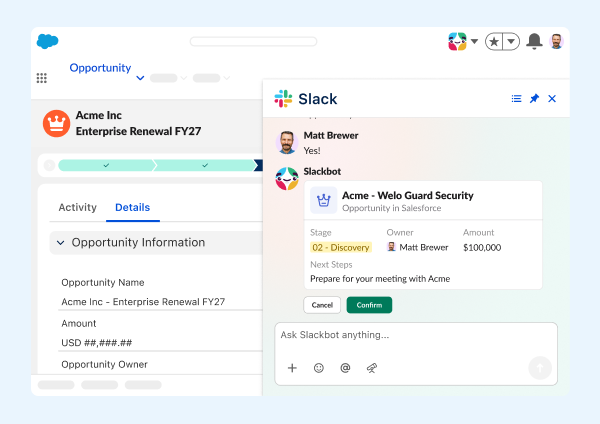
Work Object Embeds
Slack Lists in the Slack MCP Server
Gmail Domain-Wide Auth (DWA)
Slack MCP Server: File Upload & List User Channels
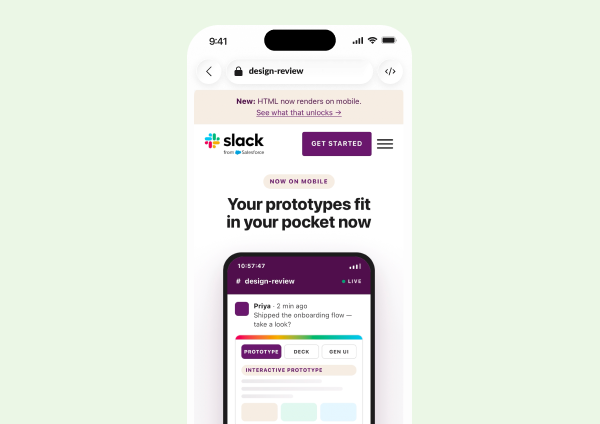
HTML file rendering on mobile
Slackbot Analytics
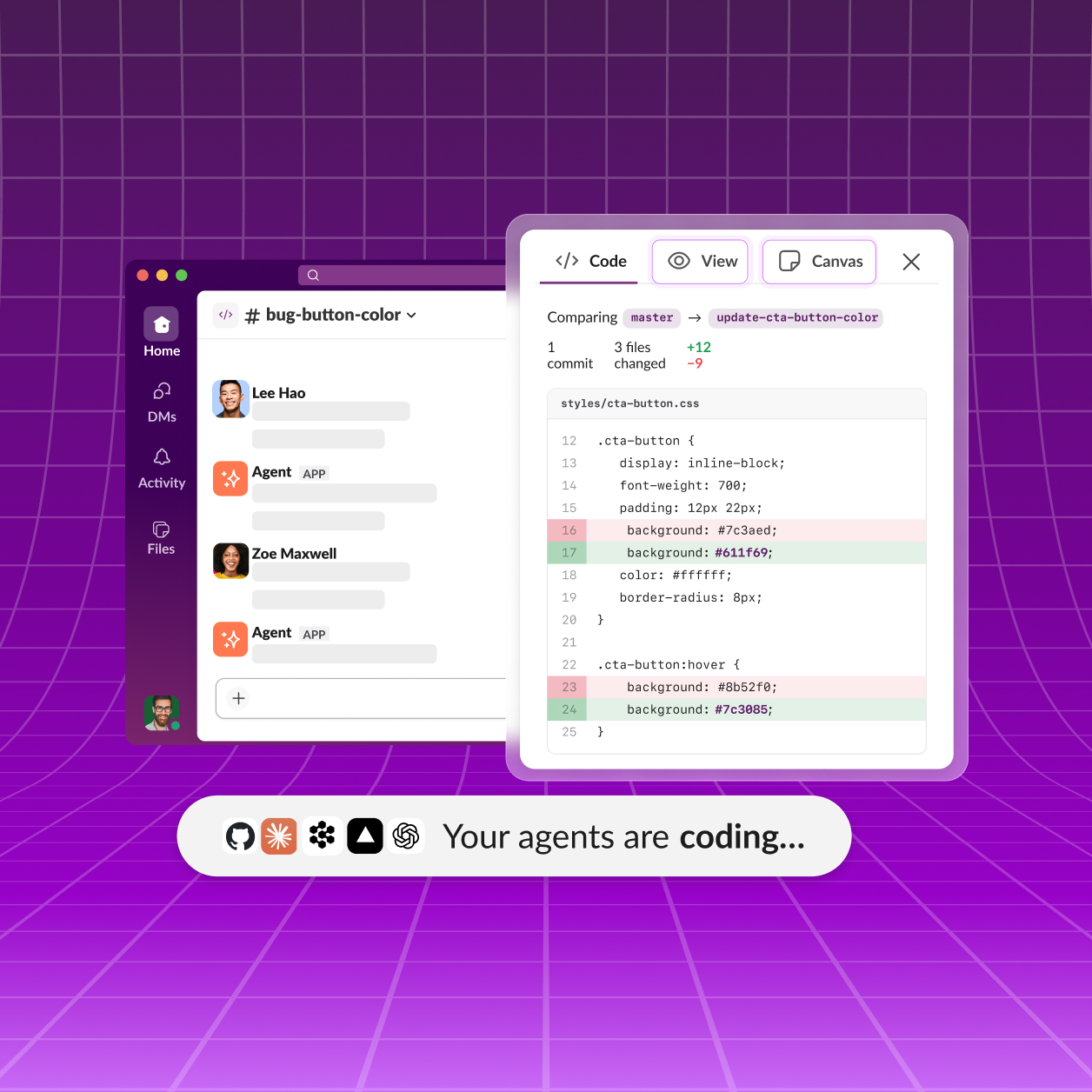
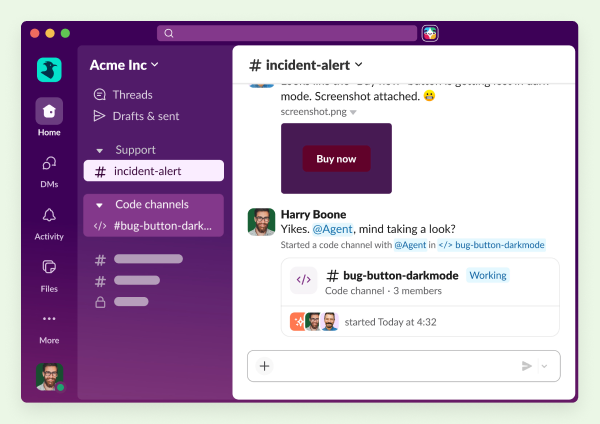
Slack Code
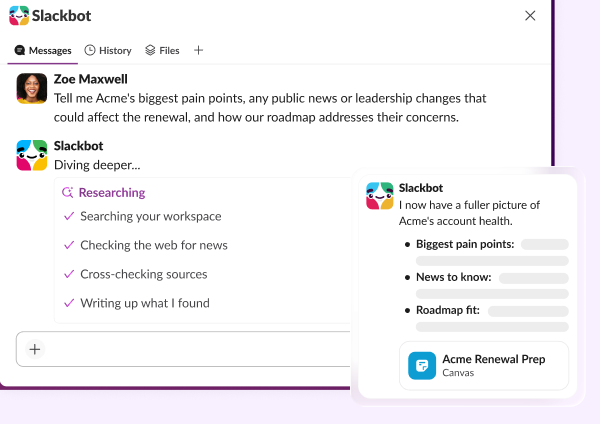
Slackbot Deep Research
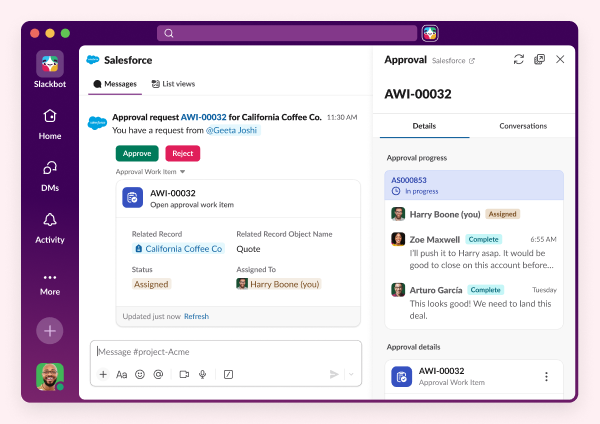
Salesforce approvals in Slack
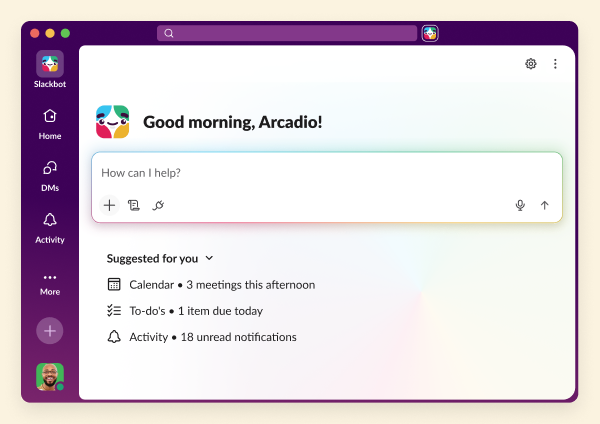
Slackbot Big Mode
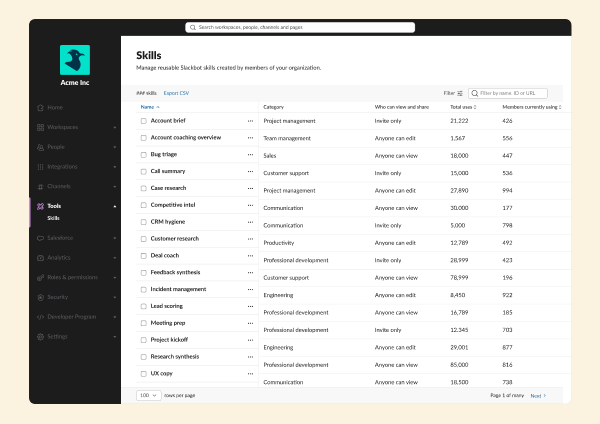
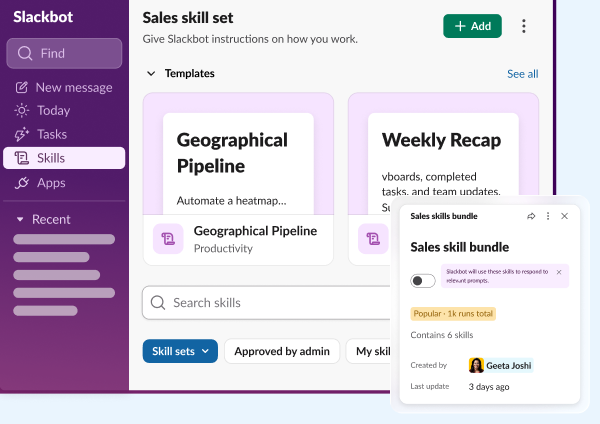
Slackbot Skill Sets
Workflow Builder quality improvements
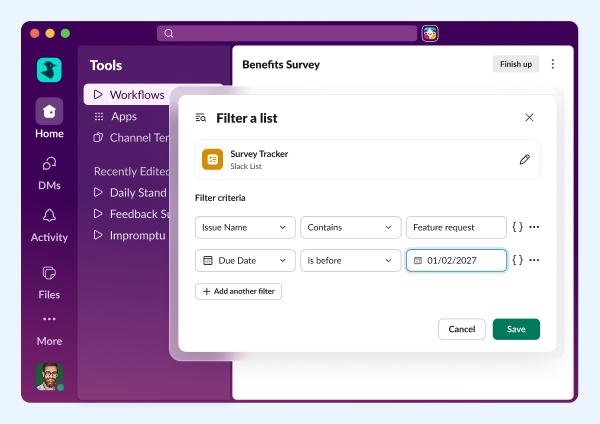
Add MCP tools for Slack Lists
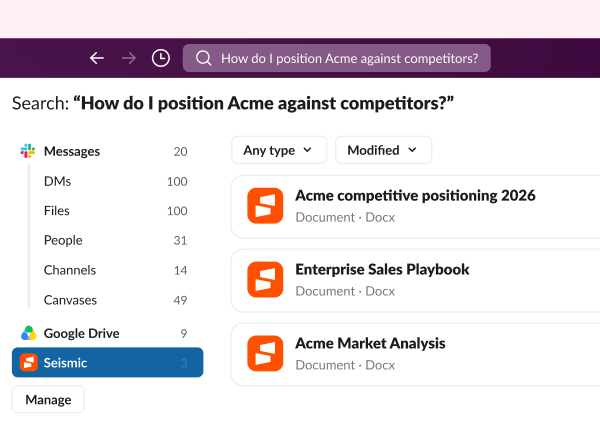
Seismic enterprise search data source
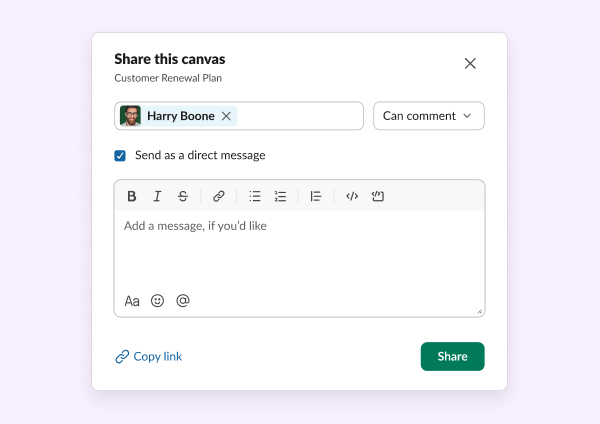
Comment-only role for canvas
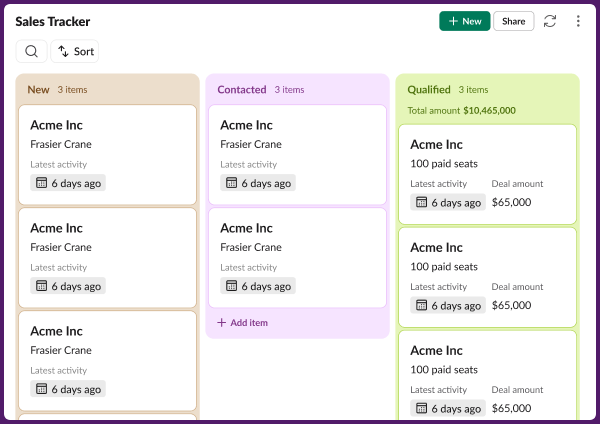
Sales tracker for existing Slack CRM teams
Frequently Asked Questions
Slack regularly releases new features and improvements to help teams work faster and stay connected. This page shows the latest Slack updates, including productivity tools, AI features, integrations, and collaboration enhancements.
Slack typically ships new features and improvements every few weeks. Updates range from small enhancements to major product launches.
You can find the most recent Slack updates on this page under "All Updates." Older updates are available further down in the release timeline.
Most Slack updates are rolled out automatically to all customers. Some features may appear gradually depending on your plan, region, or admin settings.
Slack releases updates across messaging, automation, AI features, security, integrations, and workflow tools. Each update is designed to improve productivity and team communication.
Each release includes a summary and a link to learn more about that feature. You can click into any update to explore how it works and how to use it.
Yes. Slack releases features across different plans. Some advanced capabilities may only be available on paid plans, while many updates improve the experience for all users.
Slack updates highlight what's new at a high level. Release notes are typically more technical and detailed, while this page focuses on what's new and why it matters.
In most cases, yes. Once a feature is released to your workspace, you can start using it immediately. Some features may require admin permission.
You can bookmark this page to check the latest updates, or follow Slack announcements through email and in-product notifications.