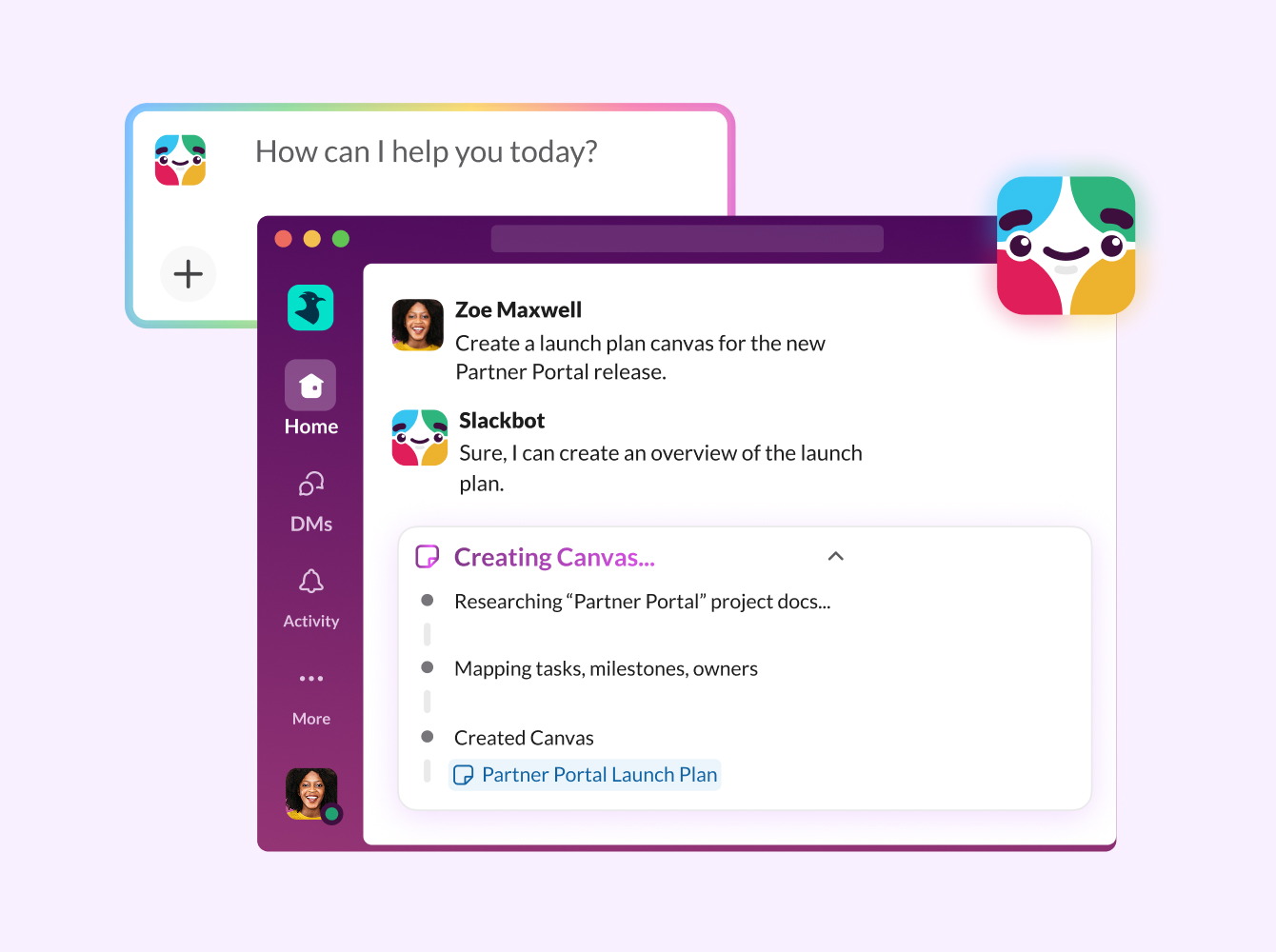
Meet the all-new Slackbot, intelligently redesigned. 👋
We’ve given Slackbot a makeover as your personal AI agent for work that knows you and your team inside and out.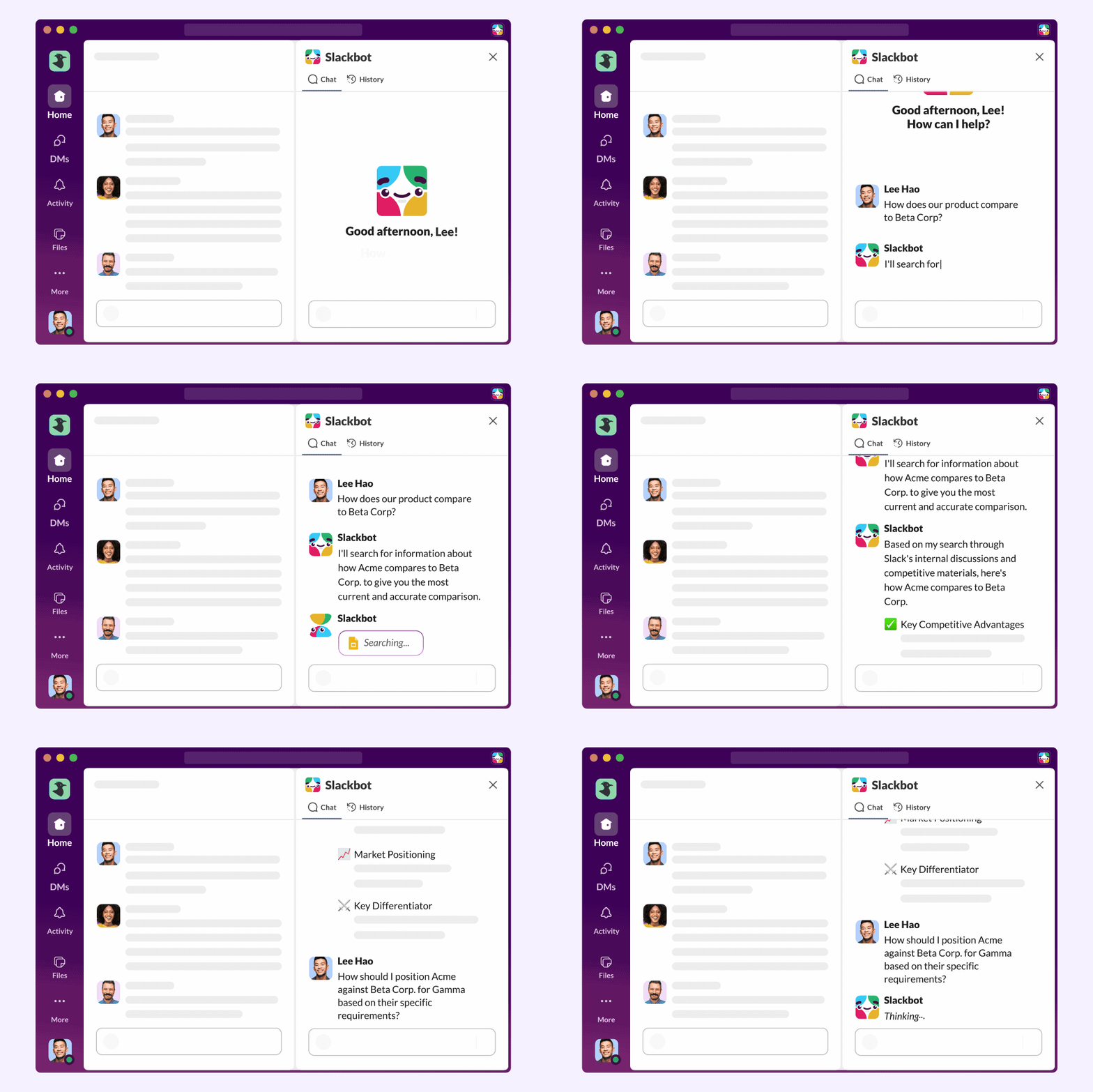
Unlike generic chatbots you might’ve encountered elsewhere, Slackbot understands the context of your entire workspace – all your permissioned conversations, files and projects. Slackbot uses that knowledge to help you stay organized, find everything you need super quickly and create content that sounds the way you do. Pretty cool, right?
Launch Overview
High-impact adoption doesn’t happen by accident — it is the result of an intentional approach. Set your organization up for success with Slackbot by following the recommended rollout plan below.
Phase 1: Align & Define
Successful rollouts start with the right people and a clear vision. This phase is about bringing your launch team together and setting a clear direction — so your team understands what Slackbot can help them do and how to start using it in meaningful ways.
✅ Assemble your team
✅ Craft your vision statement
Define your organization’s goals for Slackbot in one or two sentences. A clear vision statement keeps teams aligned, drives adoption, and provides a clear North Star to evaluate the success of your launch.
✨ Need inspiration? Check out 10 Ways Teams Move Faster and Work Smarter with Slackbot to see real-world use cases that might resonate with your organization’s priorities. Consider which scenarios align most closely with your team’s pain points and goals.
Phase 2: Configure
Now that you have your team, it’s time to get under the hood. This phase is about the essential setup — ensuring security alignment, enabling Slackbot, and making sure everything is ready for launch.
✅ Review security for AI features
Ensure Slack AI security meets your organization’s AI compliance guidelines. Read Security for AI features in Slack to understand exactly Slack’s data guardrails and access controls.
For your InfoSec & Legal teams: If your organization requires a comprehensive security review prior to launch, share these resources with your compliance teams:
- Slack AI Principles: Our commitment to secure, ethical AI implementation.
- Privacy Principles for Search, Learning, and AI: How customer data is handled, isolated, and protected across all AI features.
- Slack Data Security and Privacy Policies: Our main hub covering security practices, privacy policy, and how to request additional documentation.
✅ Turn on Slackbot
Enable Slackbot AI for your end users and run a quick test to verify that Slackbot is available and working.
✅ Connect to external sources*
Connect external apps to allow Slackbot to reference knowledge across platforms. External sources that are currently available include:
- Salesforce
- Google Drive
- Microsoft Sharepoint / OneDrive
- Jira Cloud
- Confluence Cloud
*Slack Enterprise search is available for customers on the Enterprise+ subscription, and the Enterprise Grid subscription with the legacy Slack AI add-on.
Phase 3: Launch & Enable
In this phase, you move from preparation to go live! Your focus is on executing your comms plan, making help resources easily accessible, and guiding users from their first prompt to more advanced workflows.
✅ Create your communication plan
Plan out the Where, What, and When of your rollout to ensure no one is caught off guard. While Slack is where Slackbot lives, think broader: use All Hands meetings, newsletters, and leadership stand-ups to build credibility.
- The Timeline: Start engaging one week before launch with a “teaser,” send a reminder the day before, and go big on Launch Day.
- The Follow-up: Don’t stop at launch; continue to share “wins” and adoption stories weekly for the first month to keep momentum high.
- Next Step: See the templates below for a recommended messaging; be sure to customize for your organization!
✅ Centralize support & enablement resources
Create a dedicated #help-slackbot channel to serve as the primary hub for questions. Pin or add the following resources to a Canvas tab in this channel so they are always easy to find:
- Guide: What Is Slackbot? The Ultimate Guide to Slack’s Personal AI Agent
- Guide: The Slackbot prompt playbook
- Help article: A simple “how-to” for basic navigation
- Help article: Browse, share and create Slackbot skills
- Slack School video tutorial: Meet Slackbot, your AI Agent for Work
✅ Drive adoption
During the first few months, your goal is to move users from basic Slackbot conversations to more advanced usage. To keep Slackbot top-of-mind, drip-feed one resource per week into the #help-slackbot channel. Suggested content:
- Month 1 (Foundational): Weekly starter prompts, tips, and tricks to build comfort.
- Month 2 (Advanced): Focus on Line of Business (LOB) enablement. Provide Sales, Engineering, or HR with custom prompts that solve their specific pain points and leverage team context.
Phase 4: Sustain & Scale
In this phase, you shift your focus from the initial rollout to long-term growth. Your primary objectives are to measure the real-world impact of Slackbot, prove its value to your organization through success stories, and embed it into your team’s culture.
✅ Measure impact & value
Adoption data tells you if people are using Slackbot; success stories tell you why Slackbot matters. Use both to show your team the value of Slackbot and refine your strategy.
Track Usage Data: Monitor adoption trends in the AI section of your Slack analytics dashboard.
✅ Embed Slackbot into new hire onboarding
To make adoption permanent, ensure Slackbot is part of the “Day 1” experience for new employees. Add a Slackbot training module to your standard new hire onboarding flow.
✅ Standardize a Slack feature update process
Slackbot will evolve rapidly! Establish a simple, recurring way to tell your team about new features or better ways to prompt. This prevents Slackbot from becoming stagnant and ensures users continue to find new value in it.
Need a hand? Submit your case online to connect directly with our Customer Experience team. Questions, feedback — we’re here for it all!
 Super!
Vielen Dank für dein Feedback!
Okay!
Vielen Dank für dein Feedback.
Hoppla! Wir haben gerade Schwierigkeiten. Bitte versuche es später noch einmal!