En el trabajo, todo gira en torno a la conexión. Ya sea que se trate de conectar un agente de IA con tus datos más importantes, conectar un nuevo compañero de equipo con su primer proyecto o simplemente conectarse con un colega en una junta, estas relaciones son lo que mantiene vivo el impulso.
Este febrero, estamos enfocados en hacer que estos lazos sean más fuertes e inteligentes. Te presentamos nuevas y potentes formas en que tus herramientas pueden comunicarse y tus equipos pueden mantenerse alineados. Así, se garantiza que, independientemente de la complejidad de la tarea, siempre sentirás que tienes conexión con la información y las personas que más necesitas.
La dupla destacada definitiva: MCP y la búsqueda en tiempo real
La conexión más importante en tu empresa es la que existe entre la IA y tus datos. Este mes, estamos oficializando esa relación con dos hitos técnicos importantísimos que cambian la forma en que la IA interactúa con Slack.
Desarrolla sin límites con el servidor de MCP
El servidor de protocolo de contexto modelo (MCP) ahora está disponible a nivel general. Este estándar abierto permite que los desarrolladores vinculen de manera segura herramientas de Slack, como la búsqueda, la mensajería y la creación de canvas, directamente con asistentes de IA, como Claude, ChatGPT, Vercel, Notion, Gemini y otros. Esto significa que tu IA no solo sabe cosas. Puede, de hecho, emprender tareas en Slack, como redactar mensajes, aplicarles formato y obtener una vista previa, directamente dentro de la conversación en Claude.
Información al instante con la API de búsqueda en tiempo real
La velocidad es importante cuando necesitas respuestas. La API de búsqueda en tiempo real ahora está disponible a nivel general, con lo que las aplicaciones de terceros pueden hacer búsquedas en los datos de tu espacio de trabajo a partir del momento de la creación de esos datos. Ya no es necesario esperar a que los índices se actualicen: con consultas instantáneas y flexibles, tus aplicaciones externas se mantienen perfectamente al día con las conversaciones más recientes.
Obtén una vista previa de los mensajes de Slack en Claude
El servidor de MCP de Slack ahora cuenta con un redactor de mensajes interactivo con el que puedes redactar mensajes de Slack, aplicarles formato y obtener una vista previa directamente en Claude. Haz búsquedas en conversaciones para obtener contexto, genera borradores de mensajes con la ayuda de la IA, edita con una vista previa en tiempo real y revisa el mensaje antes de enviarlo, todo sin salir de la conversación en Claude.
Una IA que profundiza tu comprensión
La IA no debería ser simplemente una herramienta. Debería ser el compañero de equipo que siempre está al tanto de todo. Estas actualizaciones agregan más “IQ” a tus interacciones diarias, lo que te ayuda a encontrar sentido en el ruido.
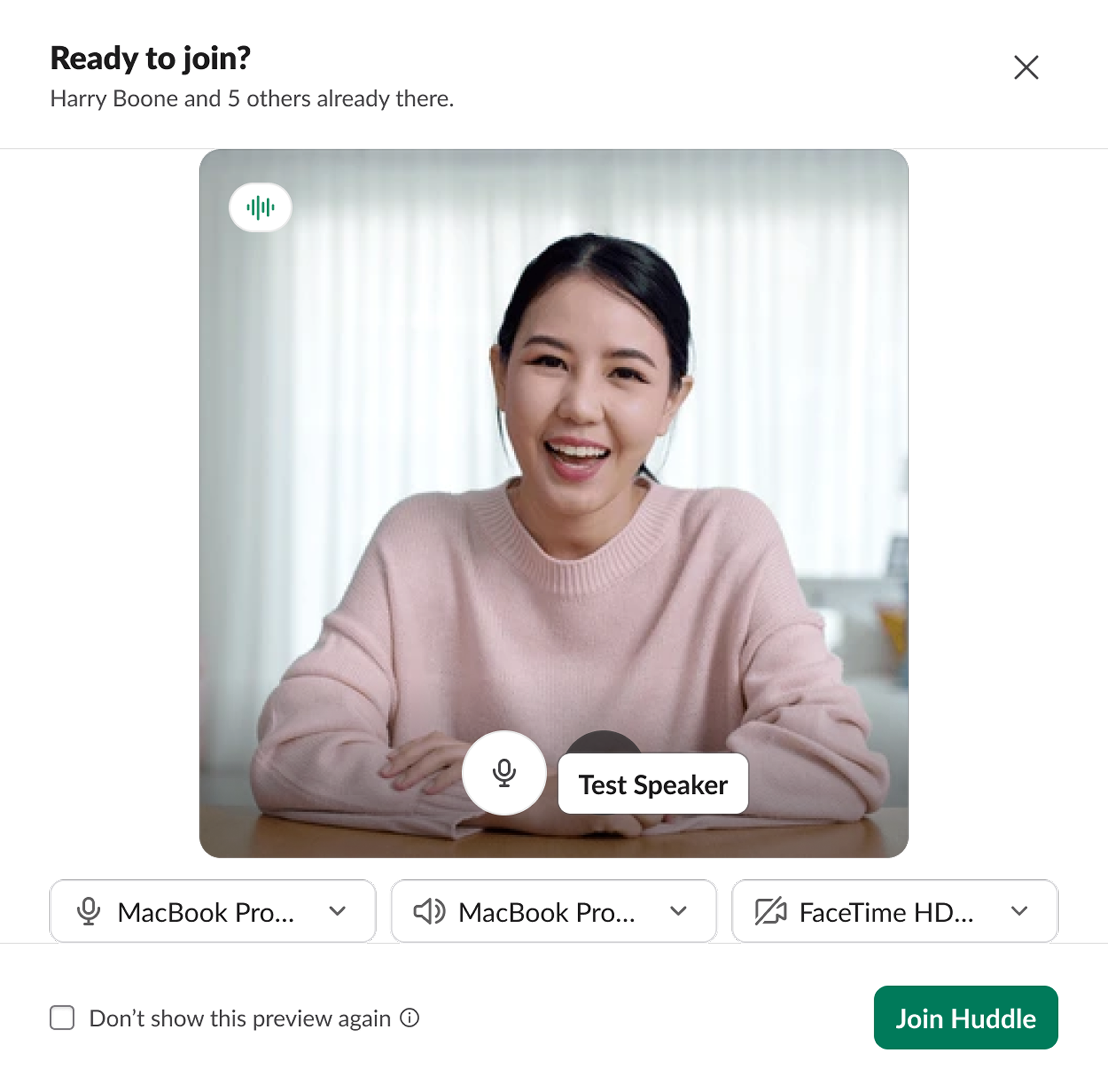
- Vista previa al unirse a las juntas: olvídate de los momentos “¿Pueden oírme?”. Ahora puedes obtener una vista previa de tu transmisión de video y comprobar los ajustes de audio antes de ingresar a una junta, de modo que puedas unirte a cada conversación con completa seguridad.
- Búsqueda semántica para planes Pro: ampliamos la Búsqueda semántica a los clientes de planes Pro. Ahora, Slack comprende la intención que subyace a una búsqueda, no solo las palabras clave. Ya sea que estés haciendo una búsqueda en otro idioma o con una consulta breve de dos palabras, encontrarás “Coincidencias relacionadas” que comprenden el contexto de lo que estás buscando.
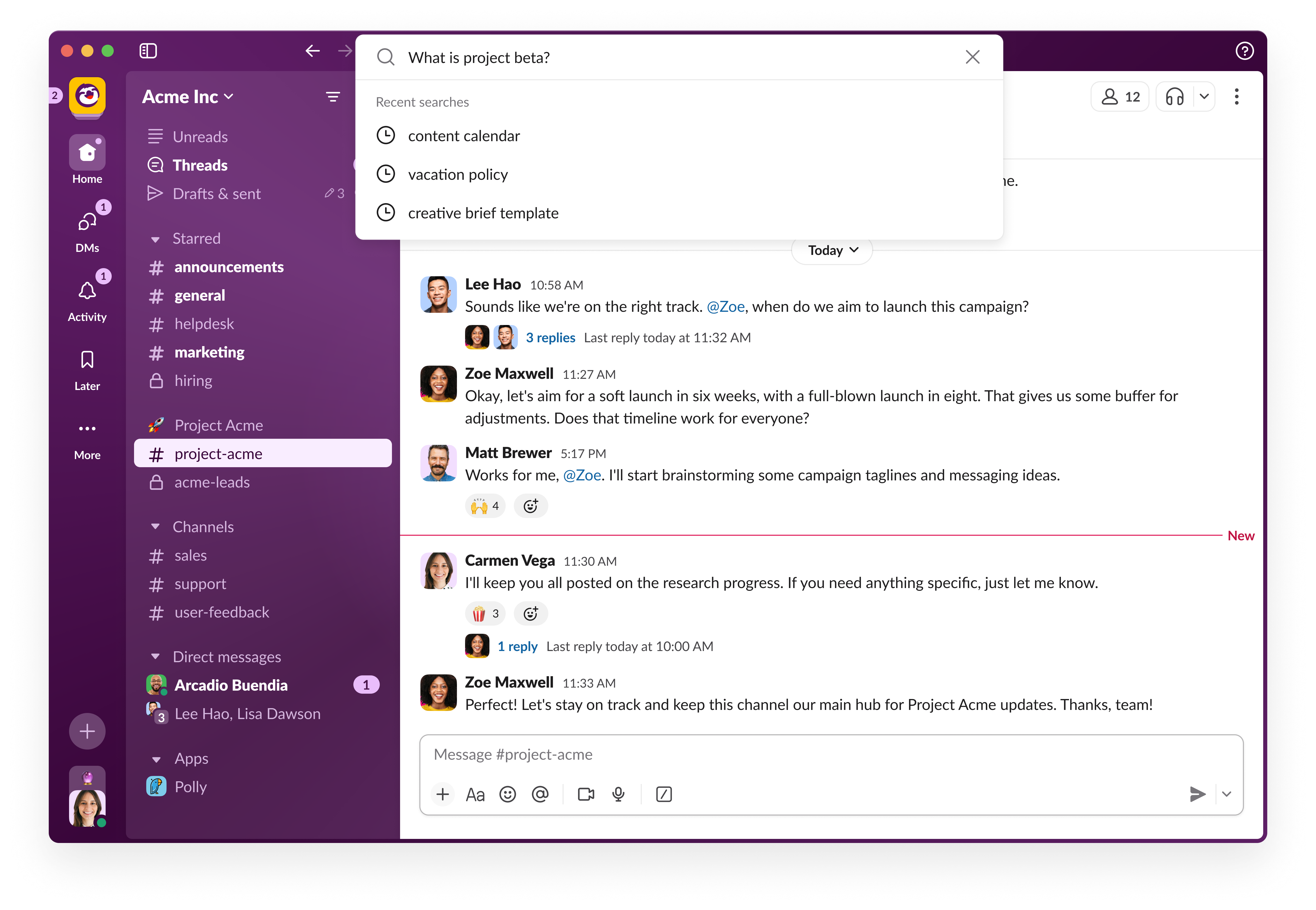
- Seguimiento de respuestas de búsqueda: no empieces de cero cuando tengas preguntas adicionales. Después de obtener una respuesta de búsqueda generada por IA, ahora puedes hacer clic en un nuevo botón de acción para seguir la conversación con Slackbot. Puedes ahondar en los detalles sin retroceder.
Flujos más ágiles, desde el primer día y por siempre
Para que una conexión sea estupenda, debe fluir sin esfuerzo. Perfeccionamos la interfaz y la experiencia del administrador de Slack para garantizar que el trabajo fluya sin complicaciones y se sienta más intuitivo.
Un espacio de trabajo más amigable
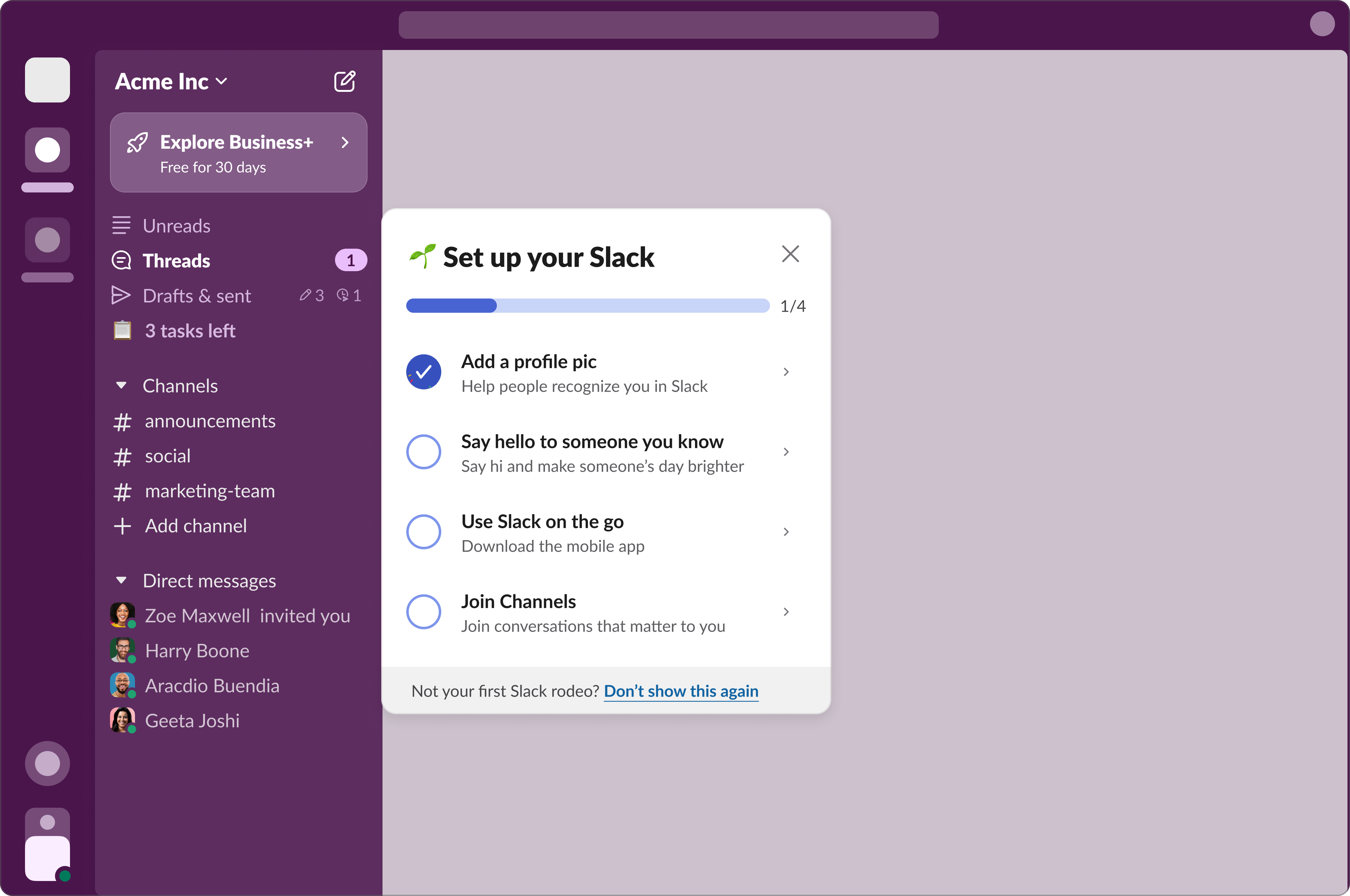
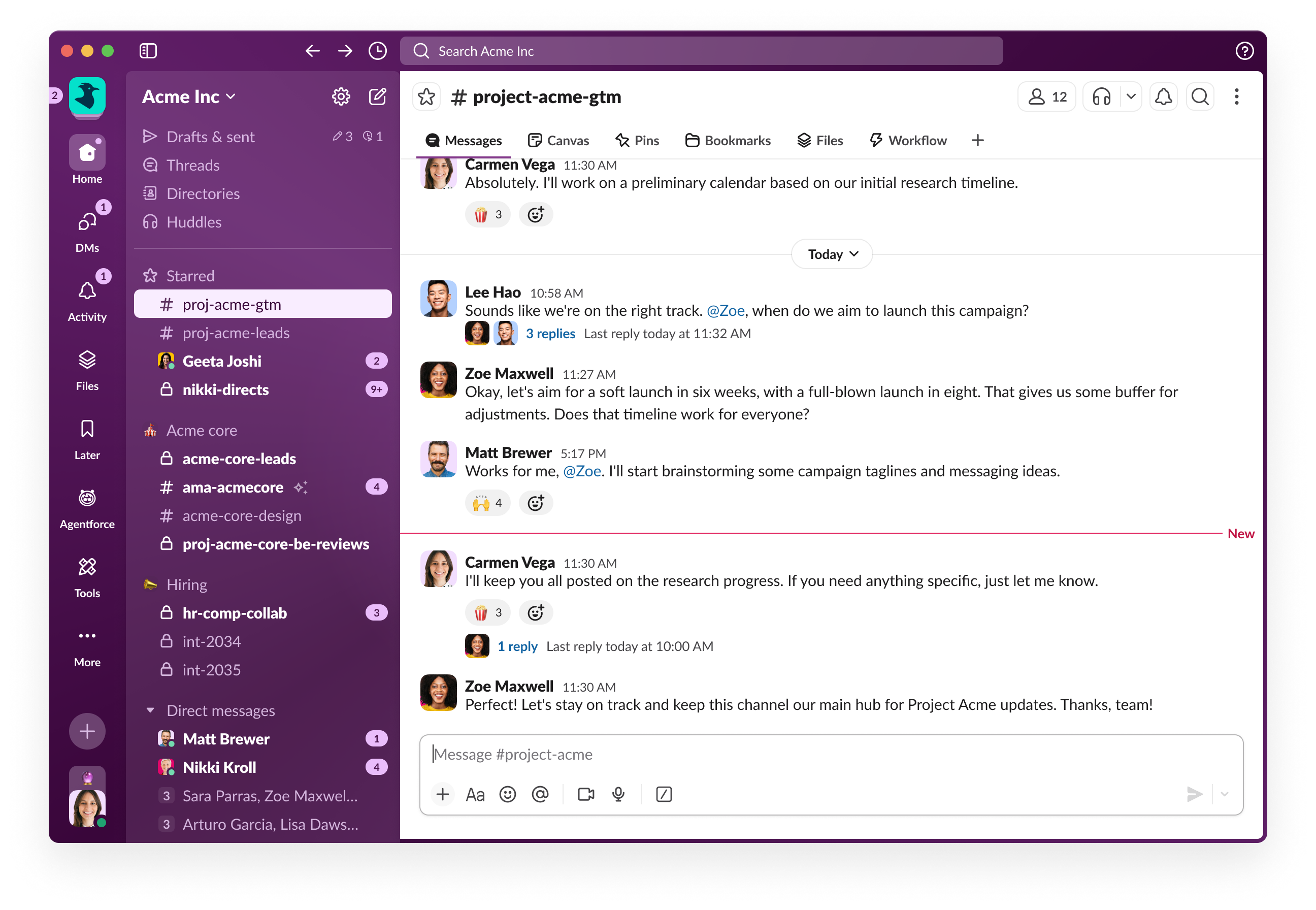
- Tareas de incorporación en la barra lateral: Da la bienvenida a los nuevos miembros con una lista guiada de “pasos” en la barra lateral. Desde cargar una imagen de perfil hasta enviar el primer mensaje directo, estas tareas y los útiles correos electrónicos de recordatorio ayudan a todos los miembros a ponerse al día rápidamente.
- Mejoras en la jerarquía visual: renovamos nuestra barra lateral para ofrecer mayor claridad. Con un uso más eficiente de las sangrías para los canales, puntos de interrupción más inteligentes para los diseños más estrechos y márgenes internos coherentes, los elementos más importantes siempre se destacan por sobre los menos relevantes.
Herramientas para administradores que simplemente encajan
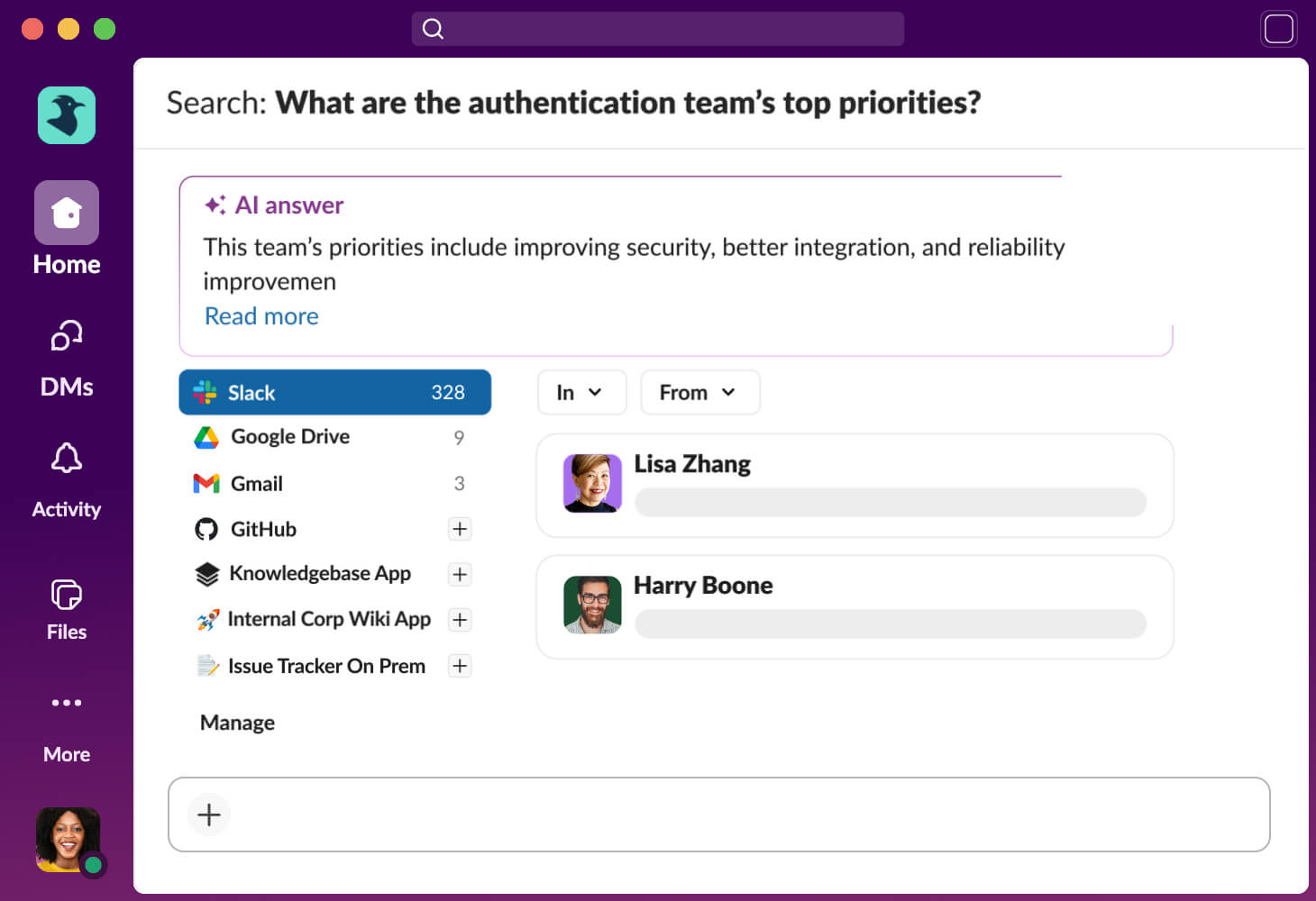
- Conectores personalizados para la búsqueda empresarial: desbloquea la base de conocimientos completa de tu organización desarrollando conectores personalizados que integren wikis internos y herramientas propias en la búsqueda empresarial.
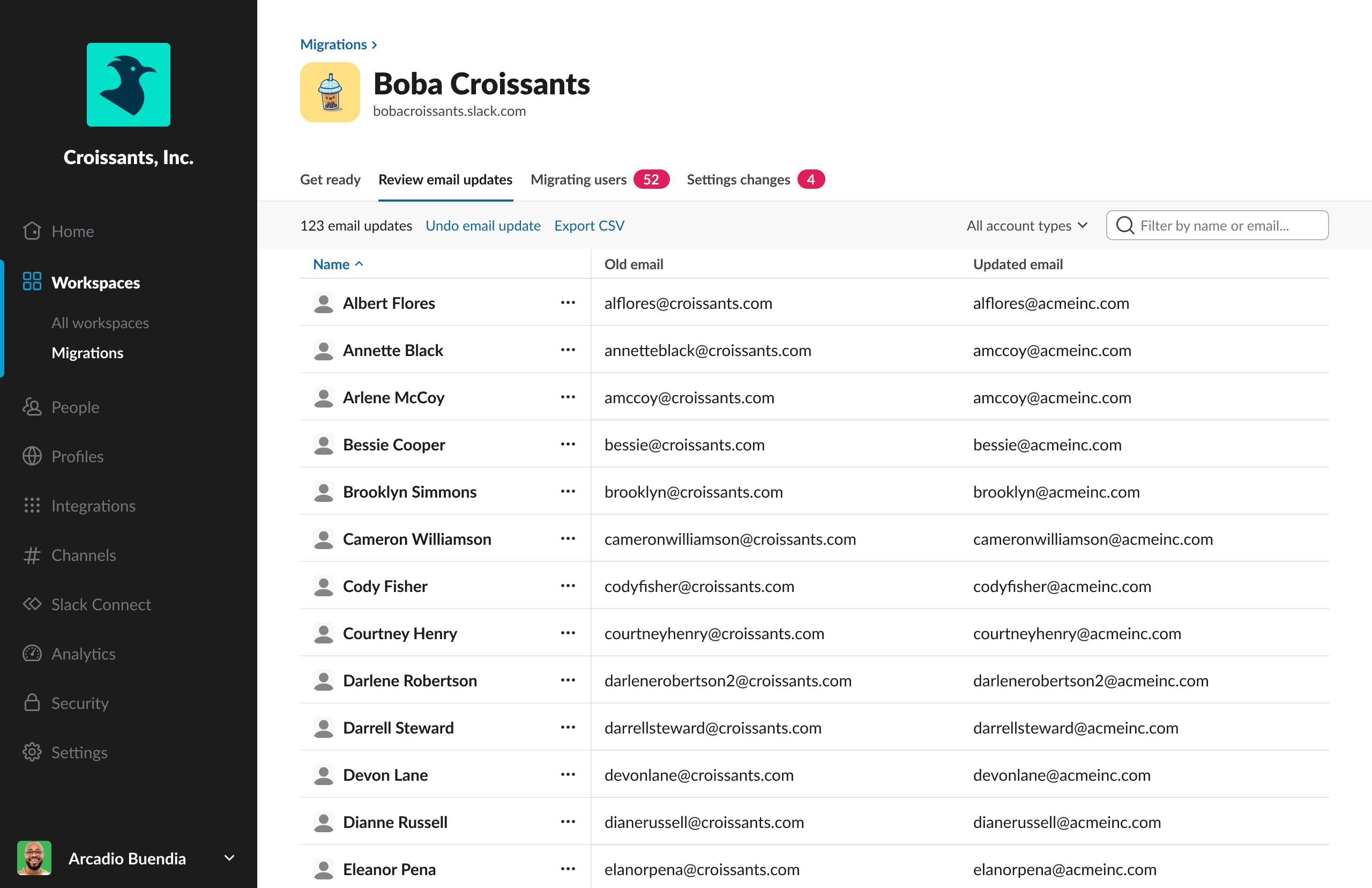
- Actualizaciones de correo electrónico de autoservicio: las actualizaciones masivas de correo electrónico previas a una migración ahora están disponibles directamente en el panel de administración. Los propietarios de organizaciones pueden revisar y configurar estas actualizaciones incluso antes de que se programe una migración, con lo que se logra que el proceso sea transparente y sin errores.
- Conectividad en juntas mejorada: los administradores ahora pueden configurar el puerto UPD 3478 y alinear a Slack con soluciones de videoconferencia estándares para mejorar la confiabilidad de la conexión a través de los firewall de la empresa.
Un detalle adicional: el paquete de emojis de Slackbot
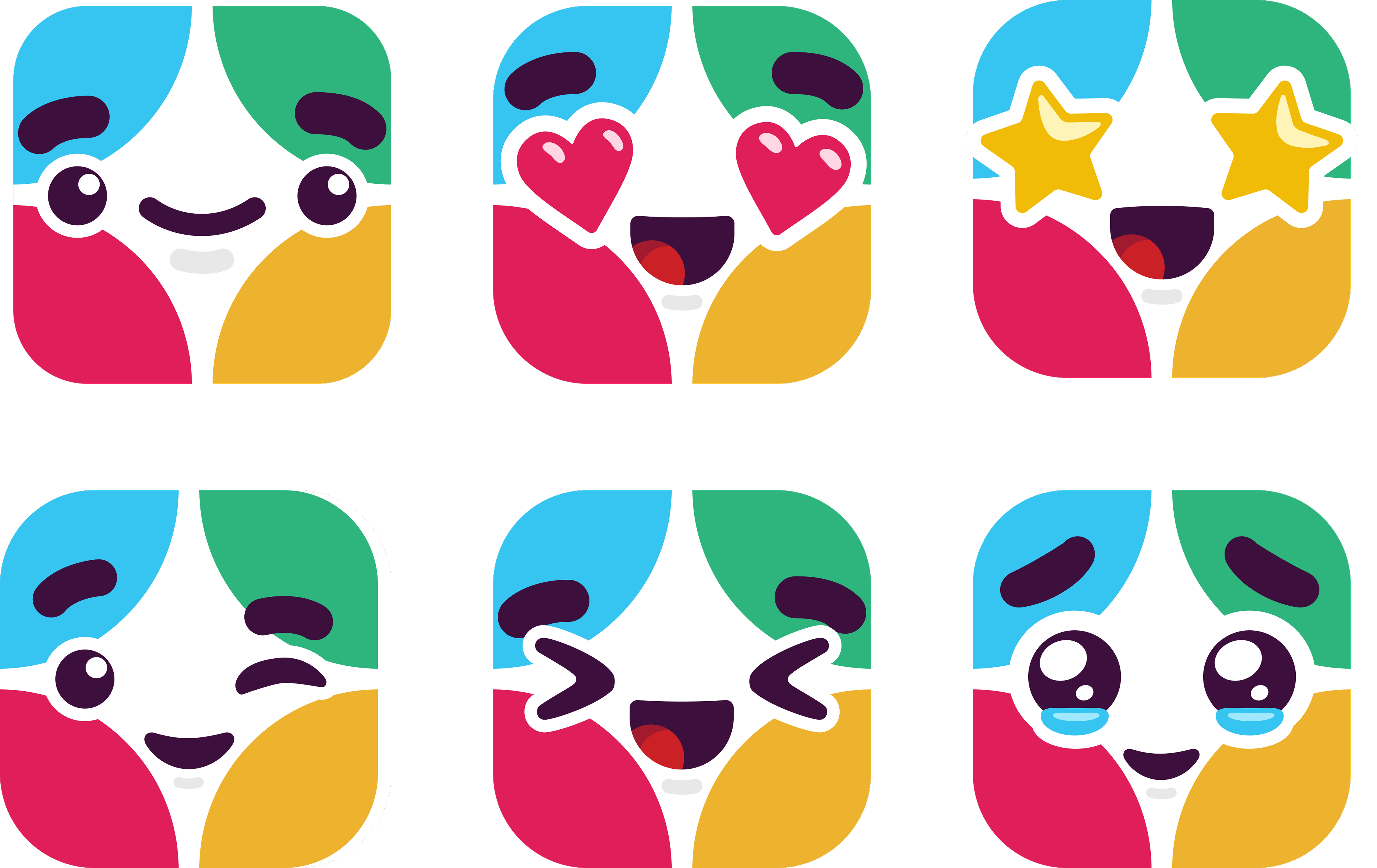
Dado que toda gran conexión merece un poco de personalidad, ahora puedes instalar el paquete de emojis de Slackbot oficial. Lleva el encanto de tus asistentes de IA favoritos a tus mensajes, desde ojos de corazón hasta sonrisas pícaras, y exprésate con un toque de estilo de Slackbot.
¿Tienes todo listo para fortalecer las conexiones de tu equipo?
Consulta nuestra página web de innovaciones para conocer los lanzamientos anteriores.
Observa que algunas funciones podrían no estar disponibles de inmediato en tu espacio de trabajo. Esto depende del calendario de implementación, de tu plan de asignación de licencias de Slack o de los requisitos de licencias adicionales. Para obtener más información sobre la disponibilidad de las funciones, consulta con tu administrador sobre los planes de asignación de licencias para tu espacio de trabajo.
¿Quieres obtener más información? Contáctanos.
 ¡Genial!
¡Muchísimas gracias por tus comentarios!
¡Entendido!
Gracias por tus comentarios.
¡Uy! Estamos teniendo dificultades. Por favor, inténtalo de nuevo más tarde.